About Password Protection
Password: design2025
Password-Protected Screen
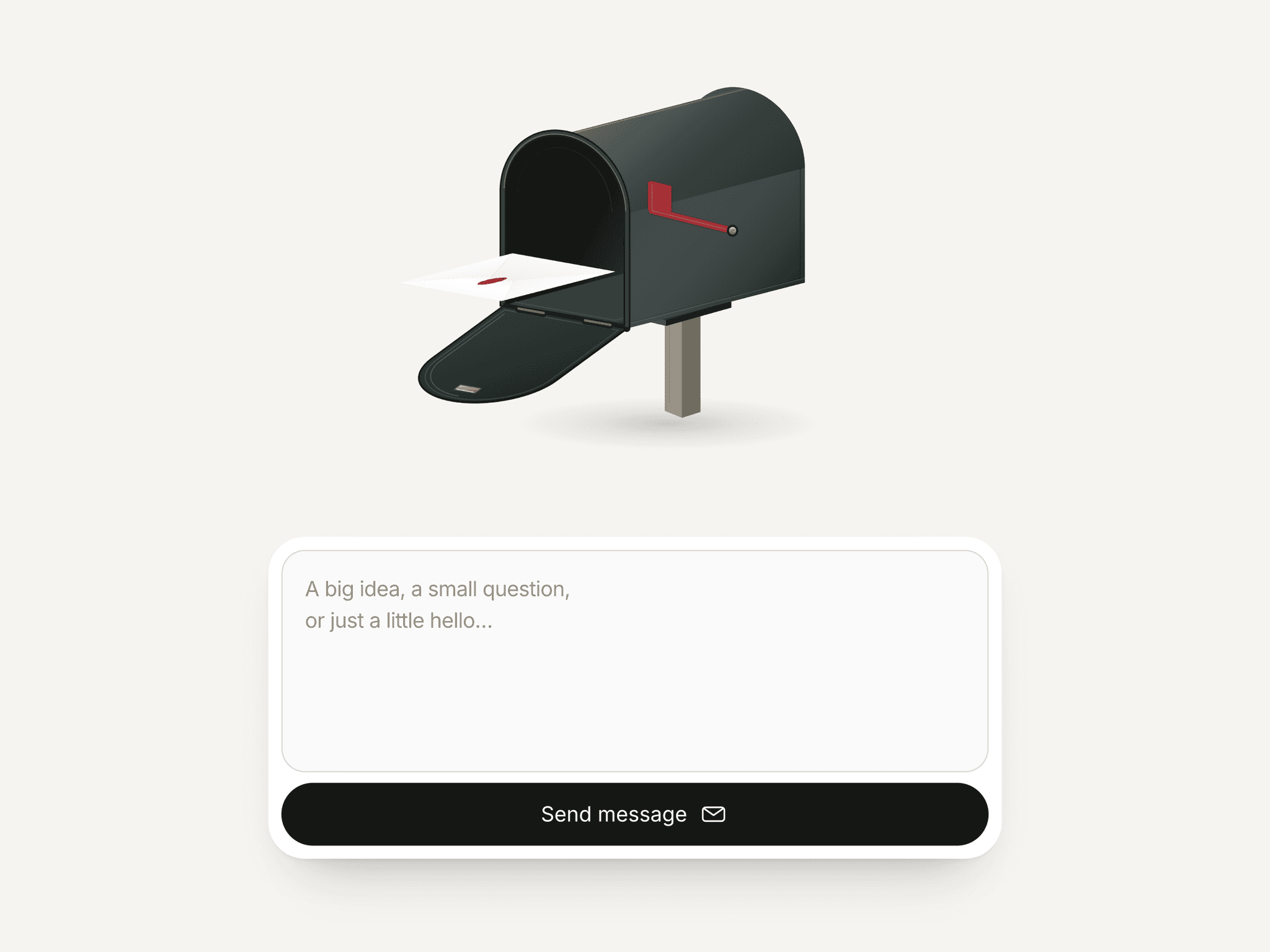
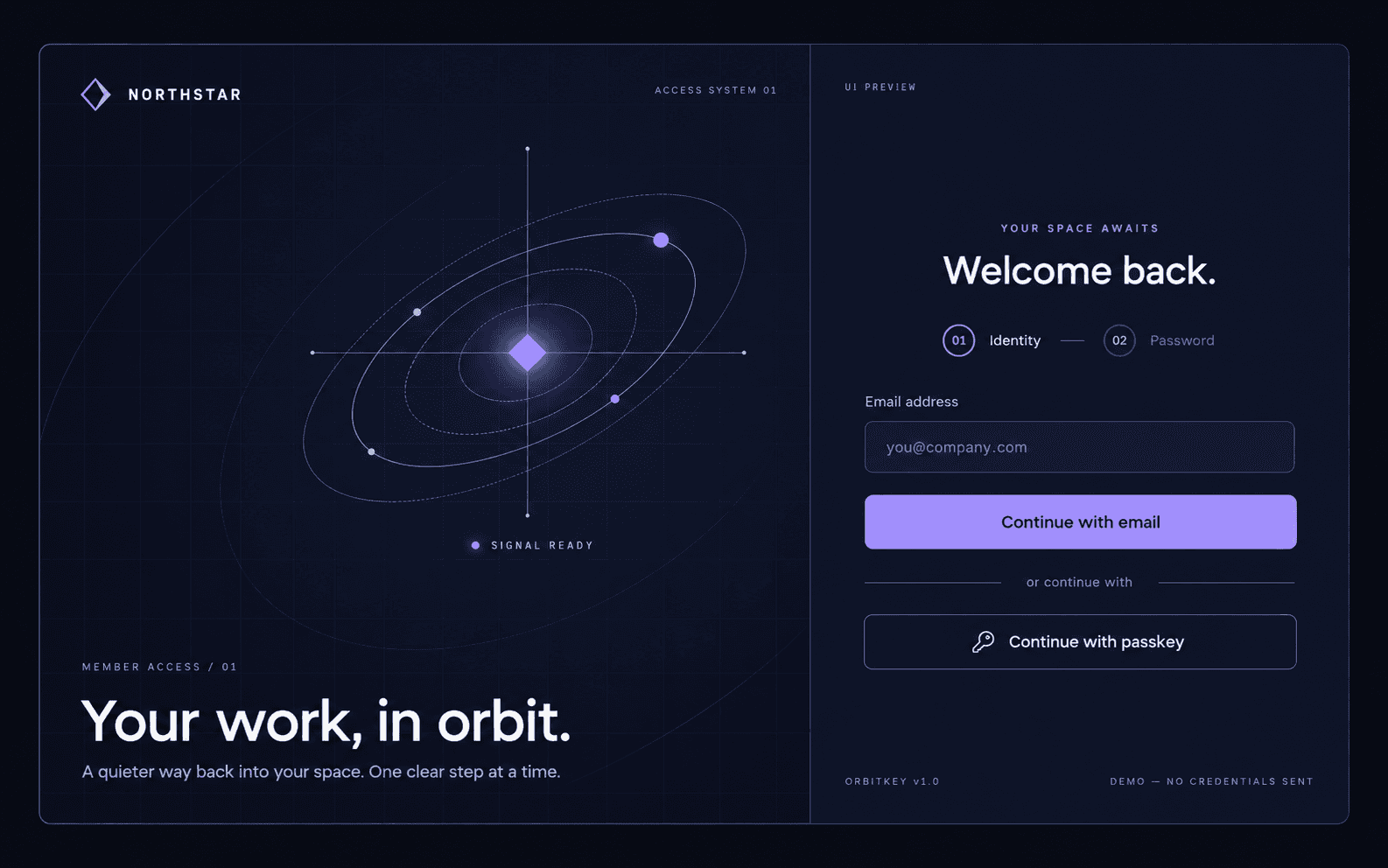
Password-Protected Screen is a lightweight, plug-and-play Framer component that lets you lock any page behind a password.
Perfect for designers, studios, and freelancers who want to share private case studies, client work, or early concepts securely — all without writing a single line of code.
🧰 Features
Fully customizable password, title, colors, and fonts
Choose between color or image background overlays
Editable button and link text with full styling controls
Responsive design — looks great on desktop and mobile
Works instantly, no backend or extra setup required
💡 Use Cases
Password-protect private case studies or client projects
Share beta or concept pages safely before launch
Give clients or collaborators secure preview access
⚙️ How to Use
Copy the component and paste it into the desktop of any page you want to protect.
Set its position to absolute with 0px top and 0px left — this ensures it covers the full page.
Customize properties in the right-hand Property Panel, including your password, colors, and text.
Publish your site — visitors will need the password to view the protected content.
🖌️ Built with love in Framer using Framer Motion.