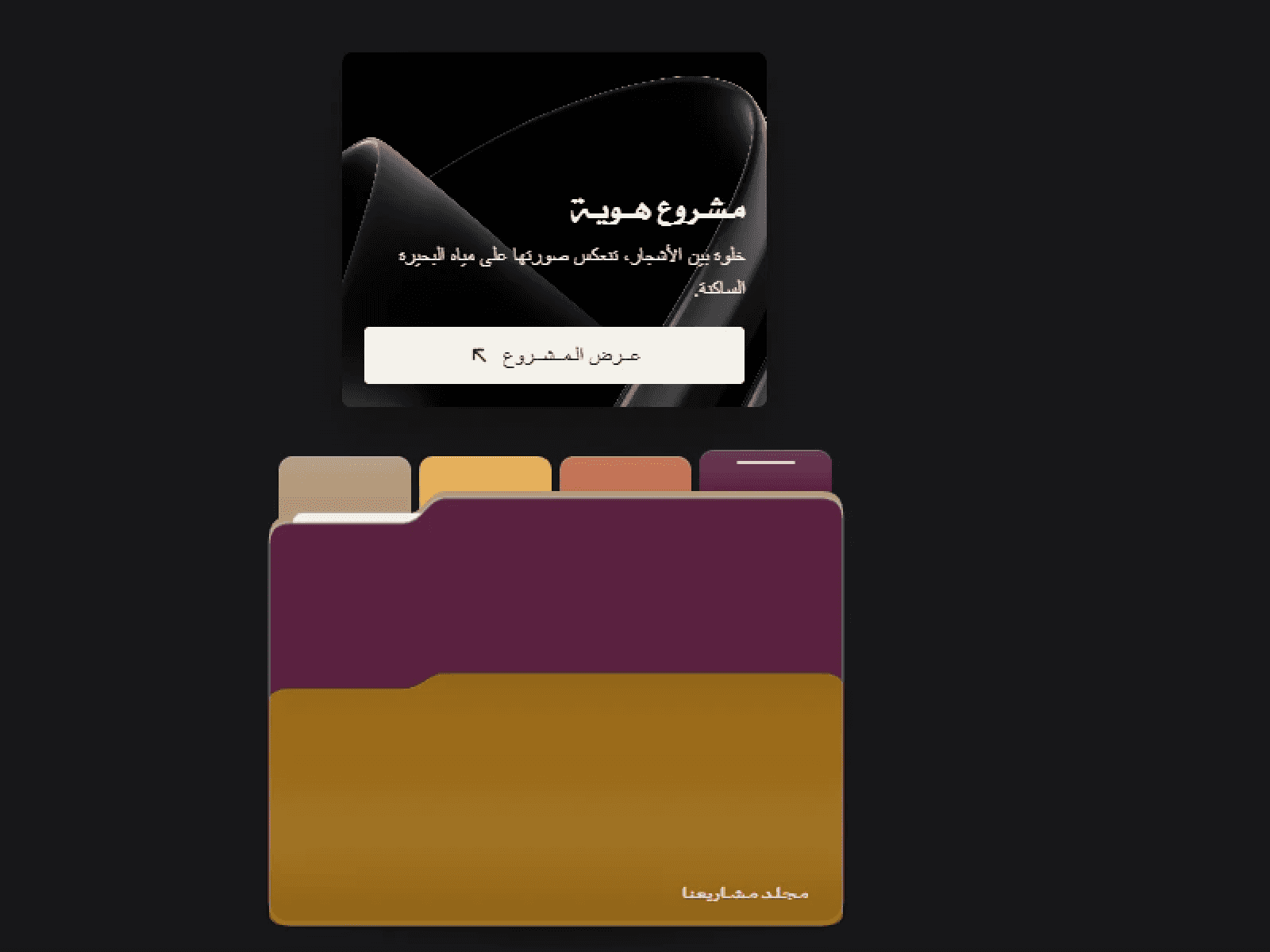
About Peek Drawer Pro
Peek Drawer Pro turns any layer into a polished, draggable panel — a floating peek that docks to any edge, or a classic slide-in drawer. You design the handle and the content; the component handles the motion, the gestures, and the responsive behavior.
Two patterns, one component
Floating — a peeking handle your users tap or drag to reveal a panel. It snaps to the nearest edge, repositions freely, and can stay fixed to the screen or live inside a section.
Drawer — a full slide-in panel from left, right, top, or bottom, with an optional backdrop and drag-to-close.
Bring your own design
Connect any frame or component as the handle and as the content — no restyling, no limits.
Or use the built-in pill handle for an instant, zero-setup start.
Built to feel right
Smooth spring animations, tap or drag to open, optional attention hint.
Mobile-first: safe-area aware, body-scroll lock, buttery on touch.
Accessible: keyboard-friendly and respects Reduce Motion.
Fit-to-content or custom sizing, shadow, radius, scrim, close button, and more.
Set up in seconds
Pick a mode, connect your handle and content — done.
A clean Simple view by default, with an Advanced panel when you want full control.
CMS-bindable settings for dynamic, data-driven panels.
Perfect for side navigation, filters, carts, chat widgets, cookie banners, info panels, and floating CTAs.