About Phantom_ImageGallery
About
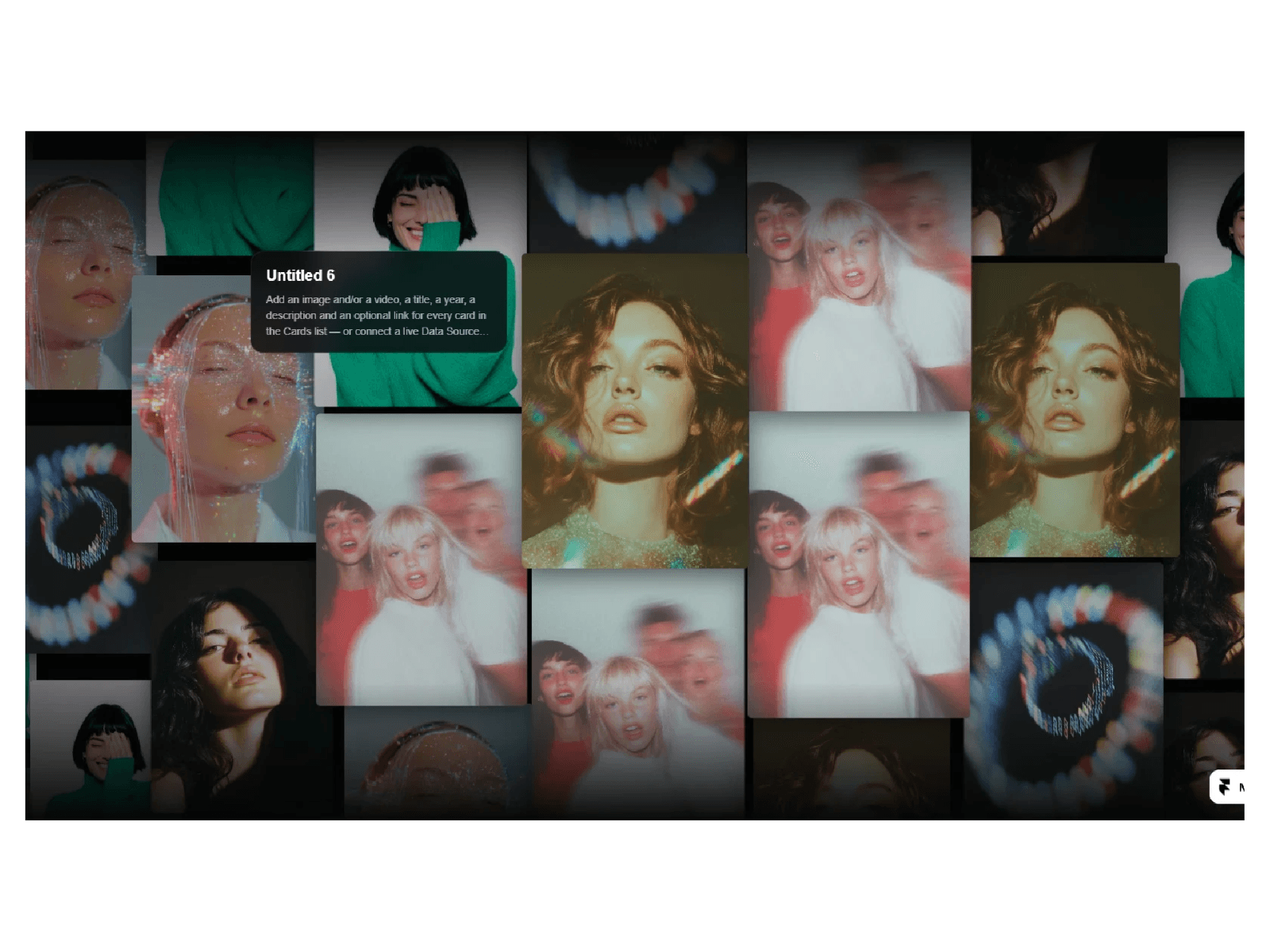
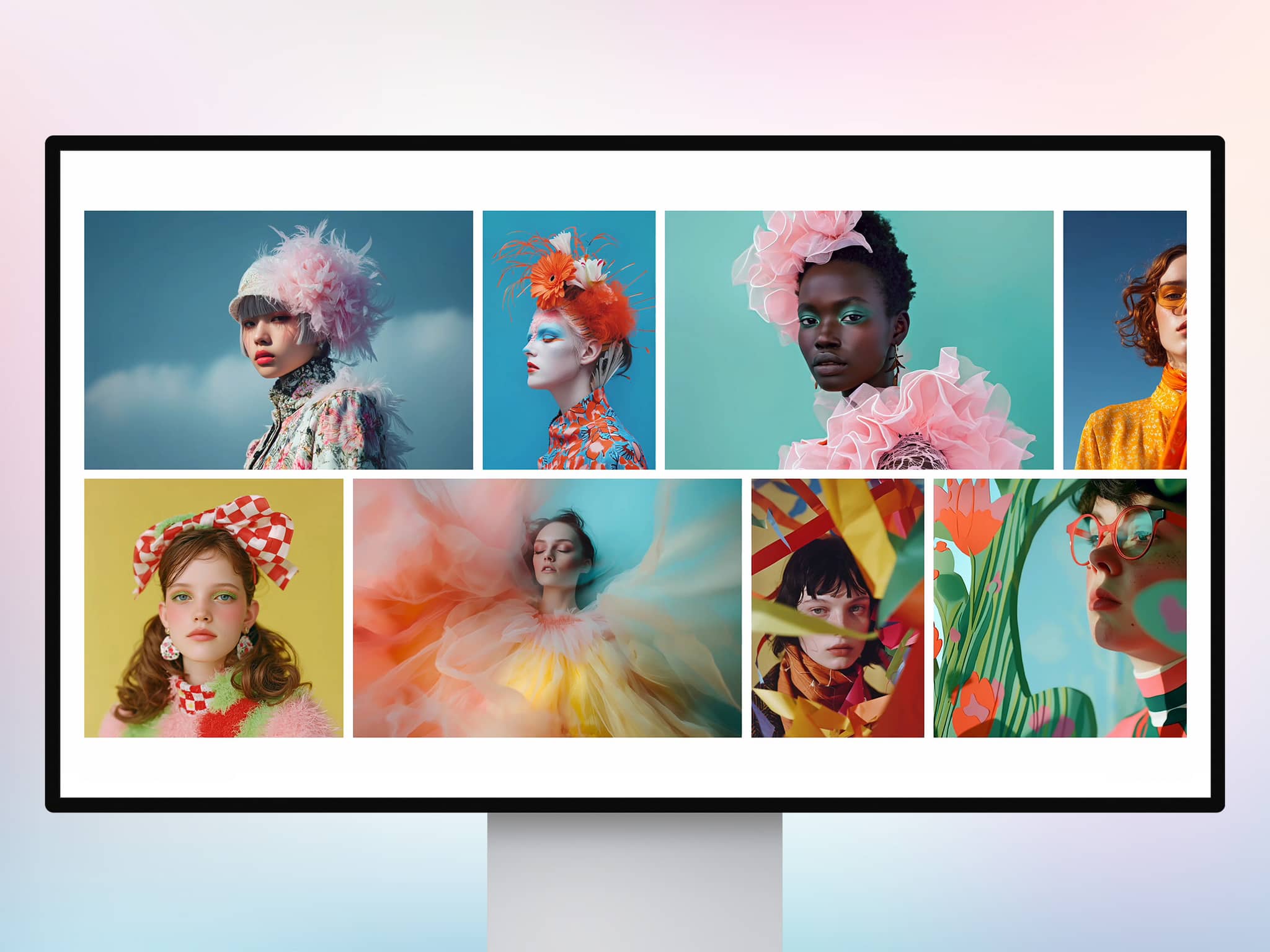
Cursor Trailing Image Gallery adds a dynamic and playful visual effect to your Framer projects. By spawning a sequence of images that follow the visitor's mouse movement, it creates a fluid, interactive experience that breathes life into any layout. Whether it is for a creative portfolio or a bold landing page, this component helps you turn simple navigation into a memorable moment.
What it does
This component tracks the user's cursor and generates images from your chosen gallery at specific intervals. It utilizes smooth "lerping" to ensure the trail feels organic rather than robotic. With built in controls for entry, fade, and exit animations, the images appear and vanish naturally. It also features accessibility support through ARIA labels and a debug mode to help you perfectly align the image boundaries during the design process.
What you can customize
Interaction Settings: Control how fast images appear with Spawn timing and how smoothly they follow the mouse using the Lerp slider.
Image Appearance: Set the exact Width and Height, add a Corner Radius for rounded looks, and apply borders or shadows to make images pop.
Animation & Timing: Fine tune the Enter, Fade, and Leave durations, along with the total Lifetime of each image to create either a short burst or a long, lingering trail.
Visual Style: Choose from various Blend Modes (like Multiply or Screen) to make the images interact beautifully with your site background.
Great for
Creative portfolios and agency homepages
Hero sections for product launches
Interactive "Play" or "Experiment" pages
Adding a premium feel to minimal designs
Engaging visitors on 404 or landing pages
Share your build
If you ship something cool with it, post it on X and tag me @Dulajweb , or send it over. I’d love to see what you create.
Need help?
Questions or feedback? Reach me anytime: dulajdilshan766@gmail.com or on X @Dulajweb