About Piano Pearl Button
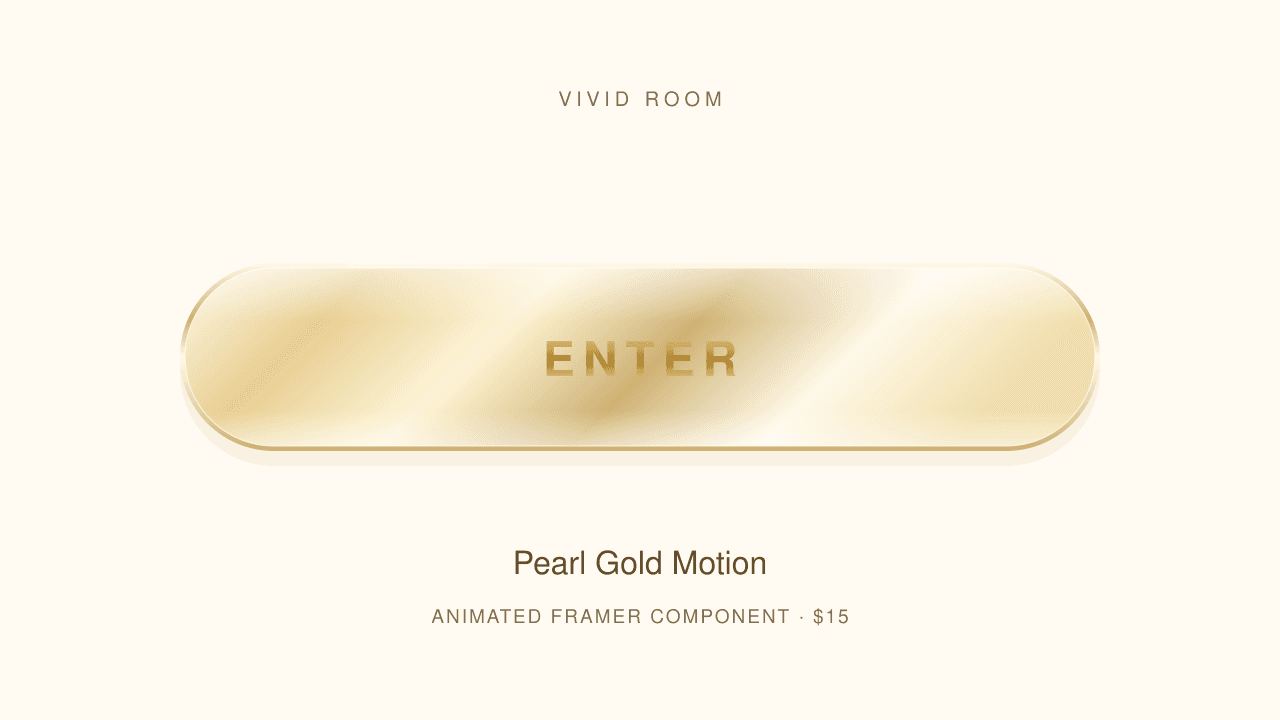
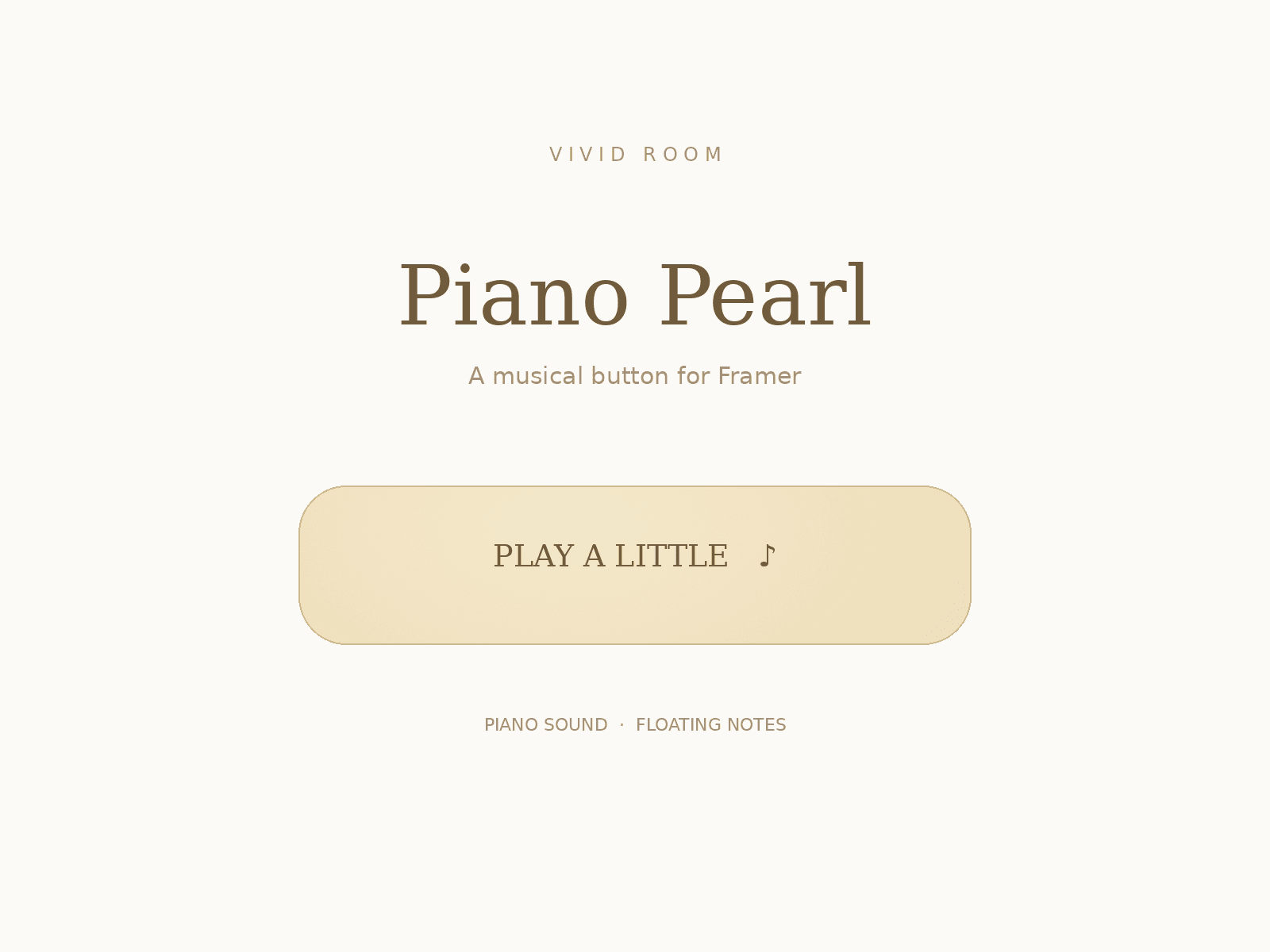
Piano Pearl Button by VIVID ROOM is an interactive piano sound button for Framer. This animated button combines a smooth champagne-gold pearl finish, subtle shimmer and floating musical notes. Hover for silent note animations; click or tap to hear a piano-like tone. Each activation plays the next note: C4, E4, G4, C5, G4, E4, then repeats.
Add this musical button component to creative portfolios, artist websites and playful interactive pages. Customize the button label, pearl color, text color, corner radius, text size, icons, shimmer, sound and volume in the Framer properties panel. Keyboard activation, static canvas/export rendering and reduced-motion support are included. No external audio files or fonts are required.
The $5 purchase includes the Framer button installation link, editable TSX source and installation guide. The title, instructions and note guide shown in the demo are preview-only; your installed component is just the button. Recommended starting size: 320 × 76 px.
Sound requires a user gesture and audible device/browser volume. Device mute and browser restrictions apply; a second tap may be needed to enable audio. This is a musical interaction button, not a navigation/link button.