About Pixel Mask Pro
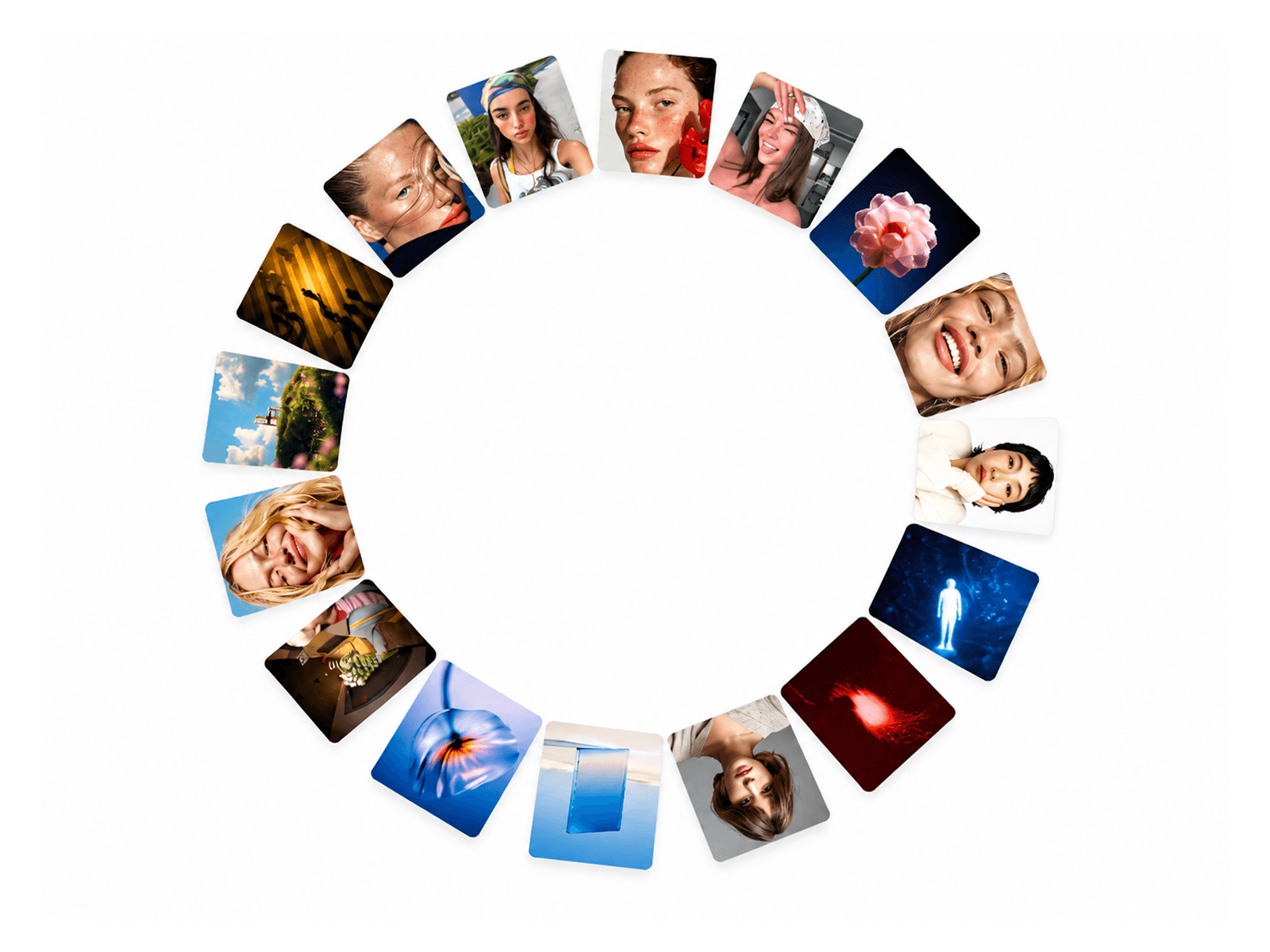
Pixel Mask Pro transforms images and videos into engaging interactive experiences using animated pixel patterns. Reveal hidden media, paint over visuals, invert pixel layers, and create dynamic transitions that respond to cursor movement and clicks.
Designed for creative websites, portfolios, and immersive landing pages, it combines pixel-based visuals with customizable patterns, smooth animations, and interactive media switching.
Key Features
Interactive Pixel Mask – Reveal or cover media as visitors move their cursor across the component.
Three Hover Effects – Choose Erase, Paint, or Invert to control how pixels react.
Custom Pixel Patterns – Select Diagonal Band, Frame, Corners, Curtain, Island, or Scatter layouts.
Adjustable Pixel Grid – Customize pixel size, spacing, coverage, roughness, and stray pixels.
Tinted Pixels – Add a secondary color layer with adjustable tint and opacity.
Click Ripple Effect – Trigger expanding pixel ripples when visitors click or tap.
Image and Video Support – Switch between images and videos using an animated toggle.
Parallax Movement – Add subtle media movement that follows cursor position.
Animated Entrance – Build the pixel pattern from the edges, center, top, or random positions.
Perfect For
Creative portfolios, agency websites, product showcases, photography websites, interactive hero sections, and experimental landing pages.
Make Every Pixel Interactive
Bring static visuals to life with a customizable pixel mask that combines playful interactions, atmospheric animation, and distinctive media transitions—all inside Framer. SEO Keywords: Pixel Mask Pro, Framer Pixel Effect, Pixel Reveal, Pixel Transition, Interactive Image Mask, Animated Pixel Grid, Image Reveal Effect, Video Mask, Framer Effects, Interactive Website Components.