About Pixel Roll Button
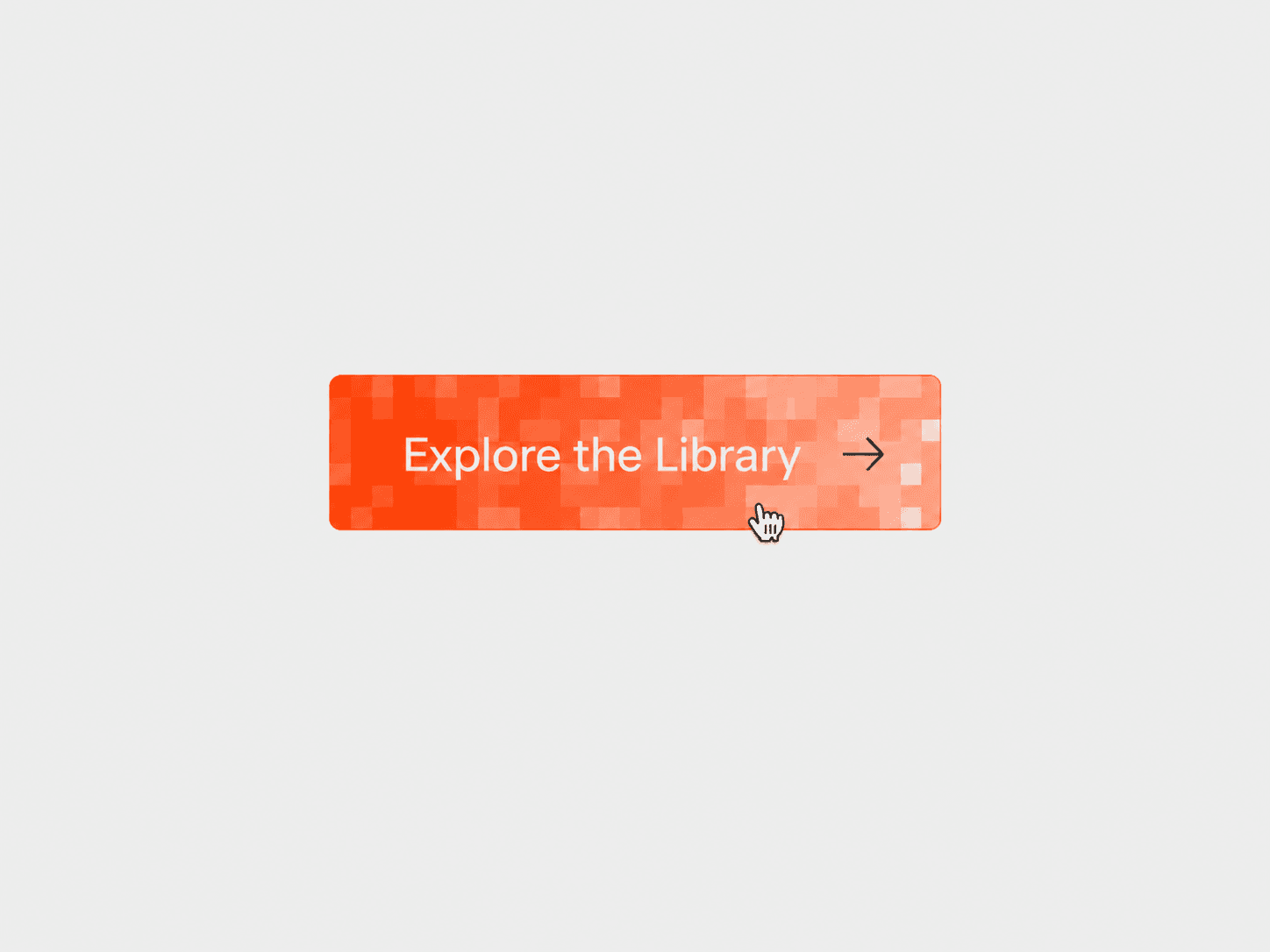
Pixel Dissolve Button – Animated Pixel Hover Button
An interactive button that reveals its hover colors through a grid of dissolving square pixels. As the colors transition, the label rolls vertically and the arrow slides horizontally, creating a coordinated hover animation for CTAs, navigation links, and interactive web elements.
What you get
Full source code (.tsx), ready to paste
Framer component with editable property controls
Pixel-dissolve hover effect with synchronized text and arrow animations
Customizable label, colors, border, and button layout
Optional arrow icon and clickable link support
Free lifetime updates
Support within 24 hours
Customizable
Label: change the button text, font, padding, and destination link
Colors: customize the default background, text, and border colors, plus hover background, text, and border colors
Layout: adjust arrow visibility, arrow size, arrow stroke, gap, border width, and corner radius
Animation: control the transition duration and choose the dissolve direction — left to right, right to left, top to bottom, bottom to top, diagonal, or random
Link: set a destination URL and choose whether it opens in a new tab
How it works
Paste the component code into Framer
Add it to your canvas and adjust its size
Set the button label, font, colors, and optional link in the properties panel
Customize the arrow, border, spacing, and dissolve animation
Preview your page and hover over the button to see the pixel dissolve and synchronized text and arrow transitions
Good to know
Code component for Framer, not a standalone download
Uses a grid of square cells to reveal the hover state
Text and arrow animations run in sync with the pixel transition
License: Unlimited personal and client projects. No resale or redistribution.
Refunds: Not working? Email us first and we’ll fix it within 24 hours. If we can’t, you get a full refund.
Questions? support@russetsupply.com