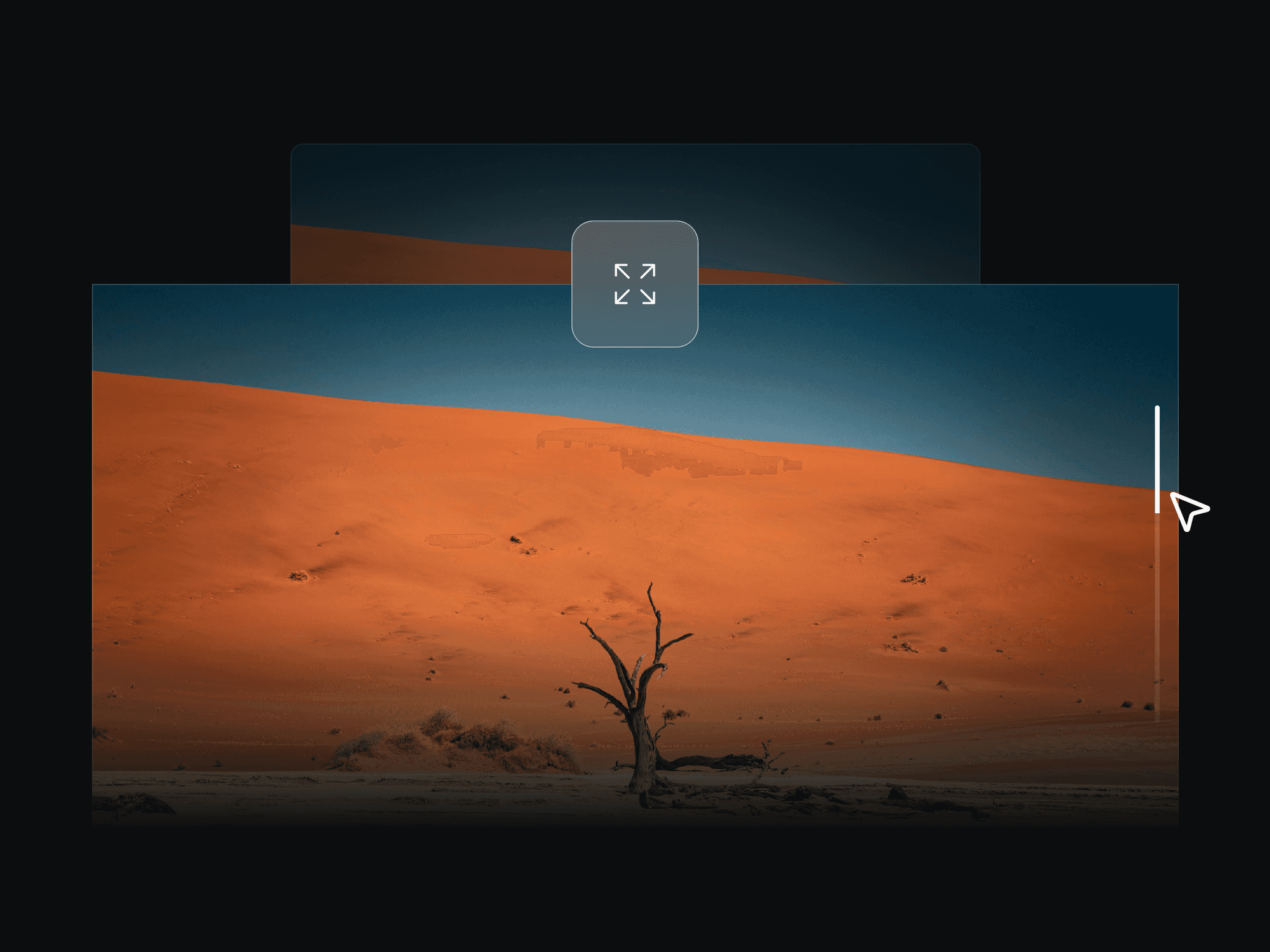
About Pixel Scroll
The component supports two reveal approaches:
Colors mode: transitions from one color state to another, with optional accent pixels.
Two-layer mode: transitions from Layer A to Layer B (image-to-image style transition).
Main controls and functionality:
Pixel Size and Gap: define the block size and spacing.
End At: sets when the transition finishes within the scroll range.
Direction: controls flow (top-bottom, bottom-top, left-right, right-left, center-out, center-in).
Pattern: changes threshold distribution (random, checker, diagonal, wave, spiral, radial).
Pattern Intensity: controls how strongly the selected pattern affects transition timing.
Easing: shapes transition timing (linear, ease-in, ease-out, ease-in-out, expo-out).
Accent Share + 4 Accent Colors: adds controlled variation inside the transition band.