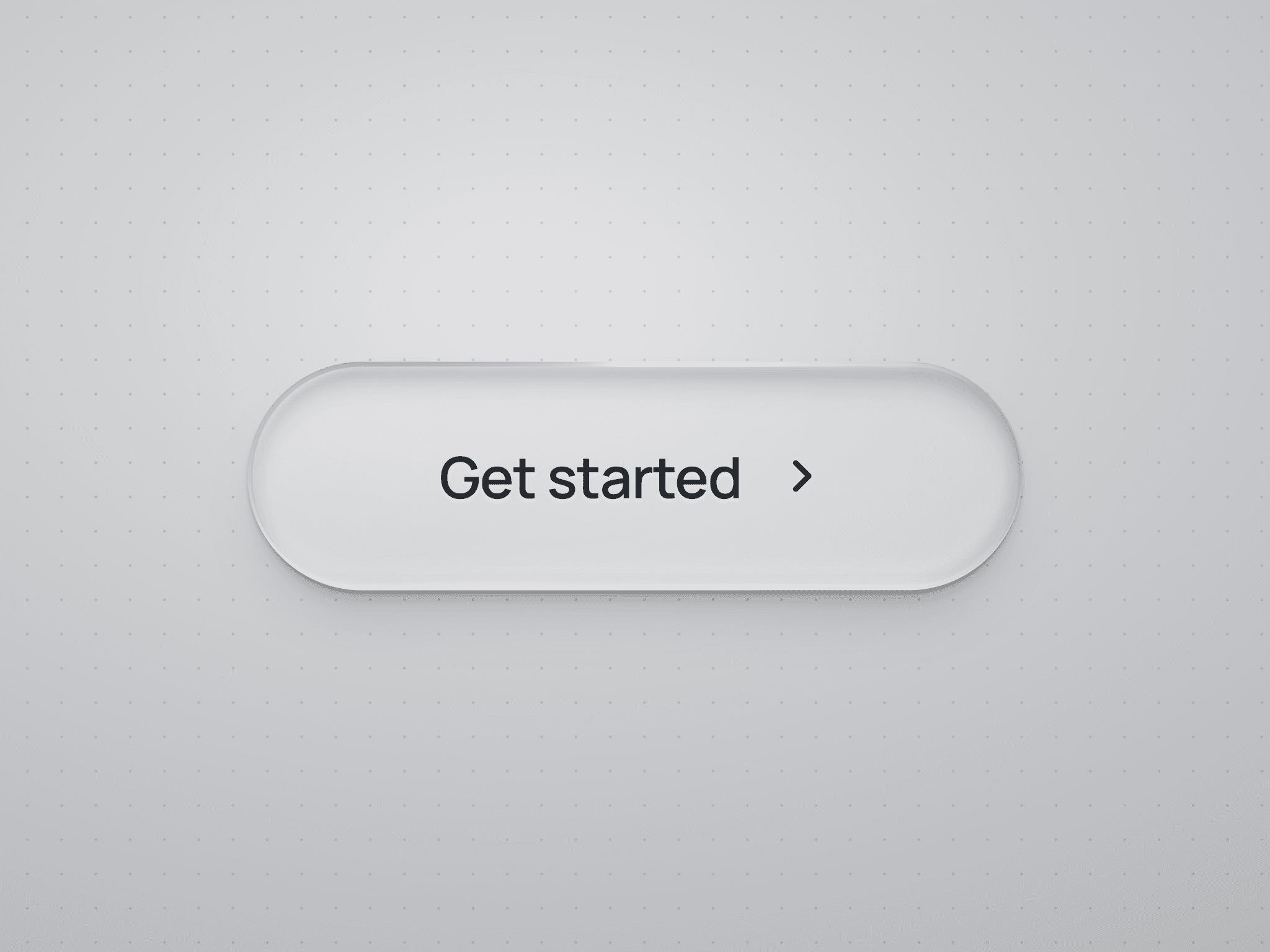
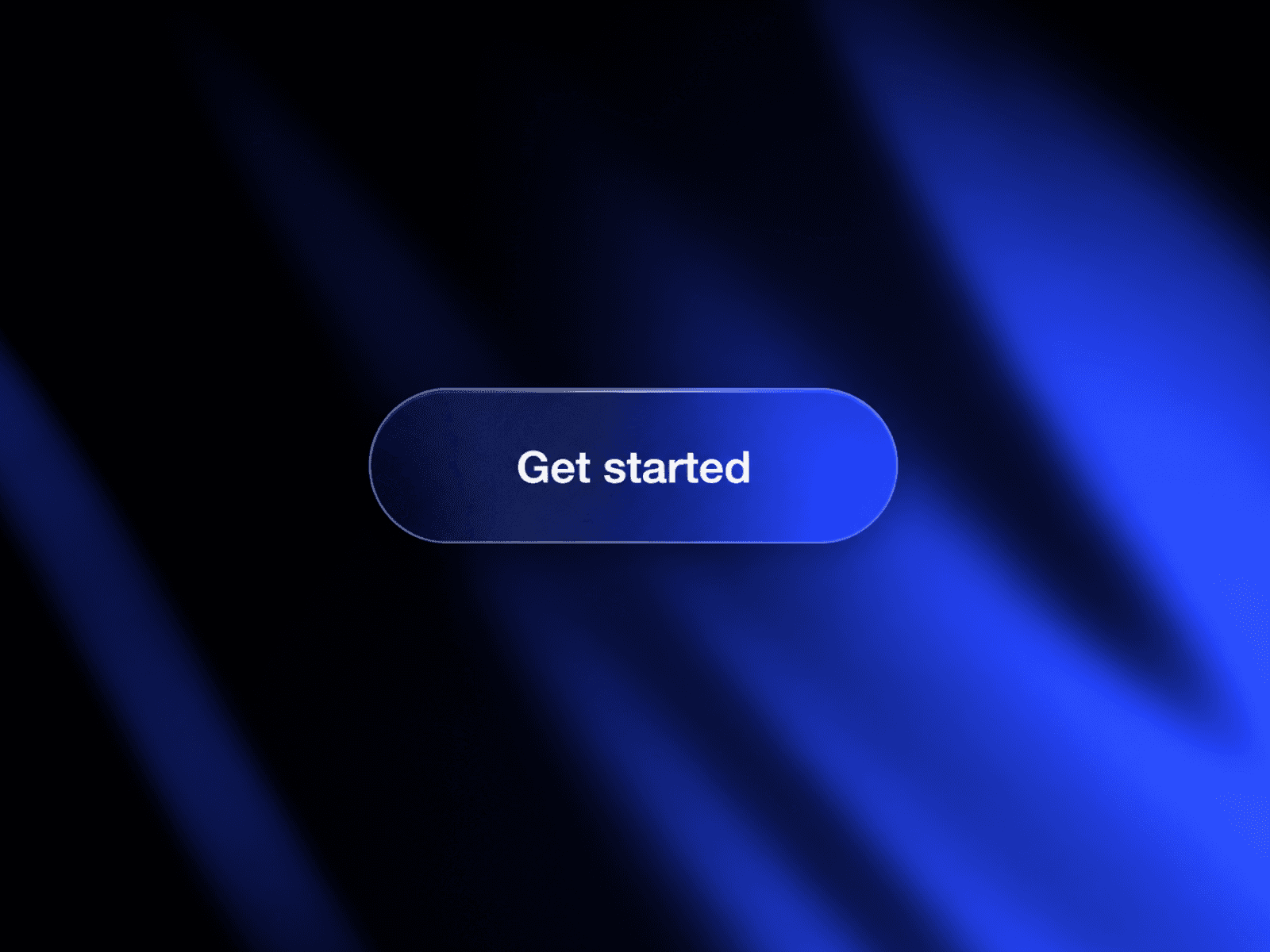
About Playful Toggle
About
Playful Toggle is a gamified switch designed to add personality and interaction to your Framer projects. Built for flexibility, it is fully customizable, allowing you to quickly adjust colors and styling to match any brand or interface. Smooth and easy to drop into your workflow, this toggle turns a simple action into a delightful micro-interaction.
Instructions
Add to Project: Copy and paste the Playful Toggle component into your Framer project
Customization: Click the component and access all the properties in the right panel (colors, radius, squircleness, transition...)
Preview & Iterate: Tweak and customize it freely to match your style and make it uniquely yours
Overview
Playful Toggle Customization Panel
Features
Micro-Interaction Focused: Turns a simple toggle into a playful, tactile UI moment
Squircle Control: Easily adjust between sharp and soft geometry
Inner Depth: Optional inner shadow for a subtle dimensional feel
Design System Friendly: Cleanly integrates into modern UI systems
Accessibility Ready: Minimum press area of 44px by 44px for comfortable interaction
Framer Panel Driven: All key adjustments exposed directly in the properties panel for fast iteration
Native Framer Build: No code required, built entirely with Framer’s native tools
Why Pick This?
Playful Toggle is built to bring a bit more life into everyday interactions without adding complexity to your workflow. It is lightweight, fully native to Framer, and designed to be easy to tweak so you can quickly make it your own.
Made with love&hate by Shady
For anything, here's where you can reach me: shady.khalaile@gmail.com