About Pocket Console
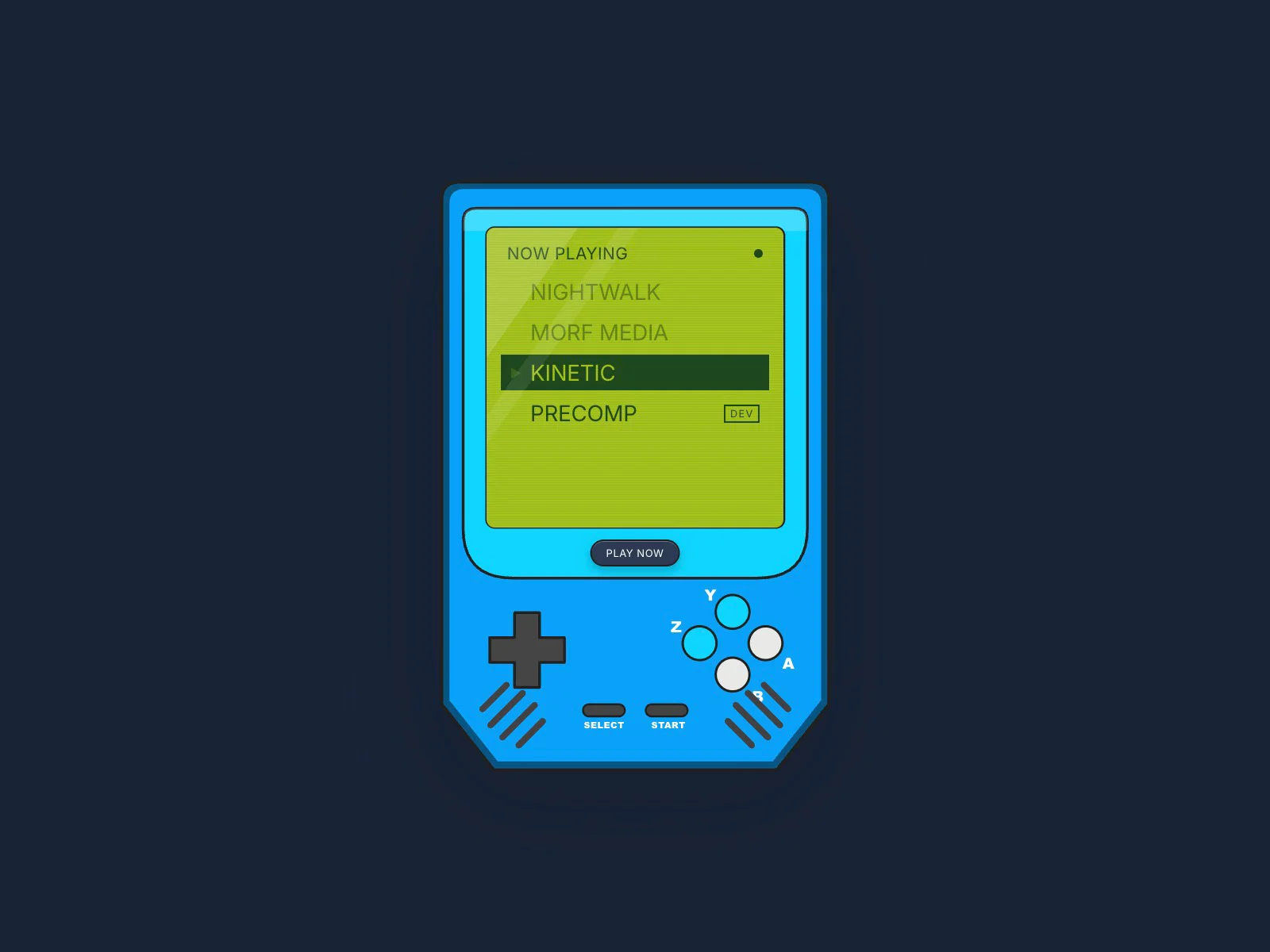
Pocket Console turns a project list into a game. In Scroll mode it pins to the screen and the page scroll runs the show: a NOW PLAYING menu, a loading bar, each project's gallery on the LCD, then back to the menu and on to the next.
In Buttons mode it's a toy the visitor plays: the d-pad picks, A plays, B goes back. The console's own buttons work in both modes, and so do the arrow keys.
Mark a project as In development and the screen plays an editing timeline, with a playhead and keyframes lighting up, instead of a gallery.
What's inside
Scroll mode (pinned, scroll-driven) or Buttons mode (playable)
Up to 10 cartridges, each with 6 images, a link and a custom link label
In-development cartridge: animated editing timeline with the skills you set
Working d-pad, A, B, Start and Select, plus arrow keys
Shell, bezel, LCD and button colours; a Preview slider to scrub it on the canvas
Progressive image loading and optional synthesised 8-bit sound
Fully customisable in the properties panel, respects Reduce Motion, no external libraries. After checkout you get the install link, and it always points at the latest version.