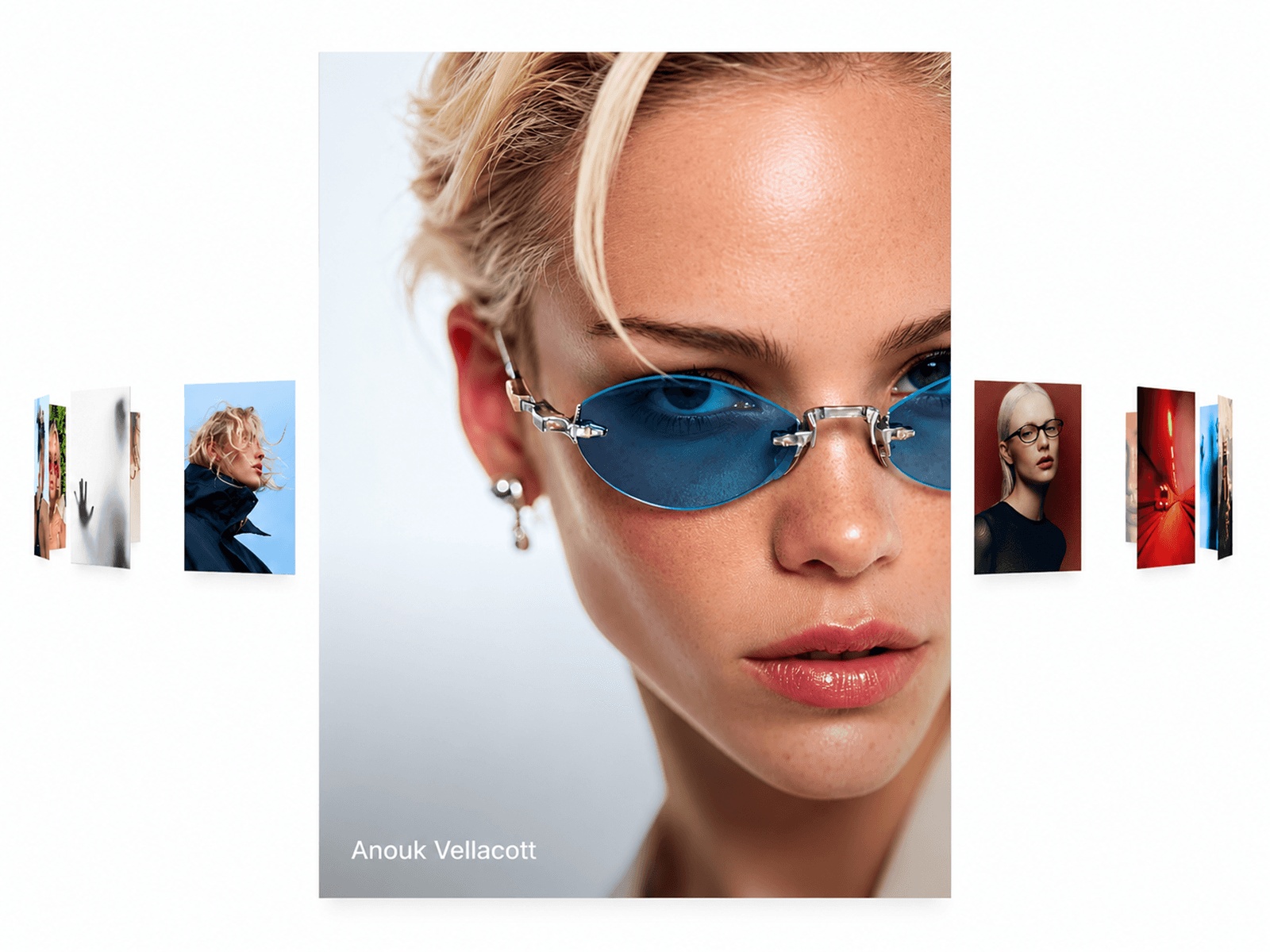
About Portfolio Carousel
About Portfolio Carousel
Portfolio Carousel is an interactive project gallery for Framer. Hover or press a card to reveal its details, bring its image into color, and display a matching blurred background.
Use it for portfolios, case studies, photography, or product showcases. Edit content and styling in Framer’s property panel.
HOW TO USE
Add Portfolio Carousel to your page.
Add images, project details, tags, and links.
Adjust the cards, typography, colors, and theme.
Enable Loop and Autoplay as needed.
Test interactions in Preview.
FEATURES
Interactive Carousel: Mouse drag, touch swipe, and trackpad scrolling.
Infinite Loop: Continuous browsing with optional autoplay.
Hover Effects: Grayscale-to-color images and project details.
Touch-Press Panels: Hold to view details; release to restore the card.
Dynamic Backgrounds: Blurred imagery from the active card.
Autoplay: Pause during interaction with an adjustable resume delay.
Project Links: Open project pages from the entire card.
Responsive Layout: Cards and text adapt to the available space.
Light & Dark: Customizable themes, panel colors, and text colors.
Navigation: Dot indicators and keyboard controls.
Custom Styling: Fonts, card proportions, spacing, and corner radius.
Reduced Motion: Respects visitors’ motion preferences.
WHY PORTFOLIO CAROUSEL?
Keep images, details, and project links together. Let visitors explore your work at their own pace.