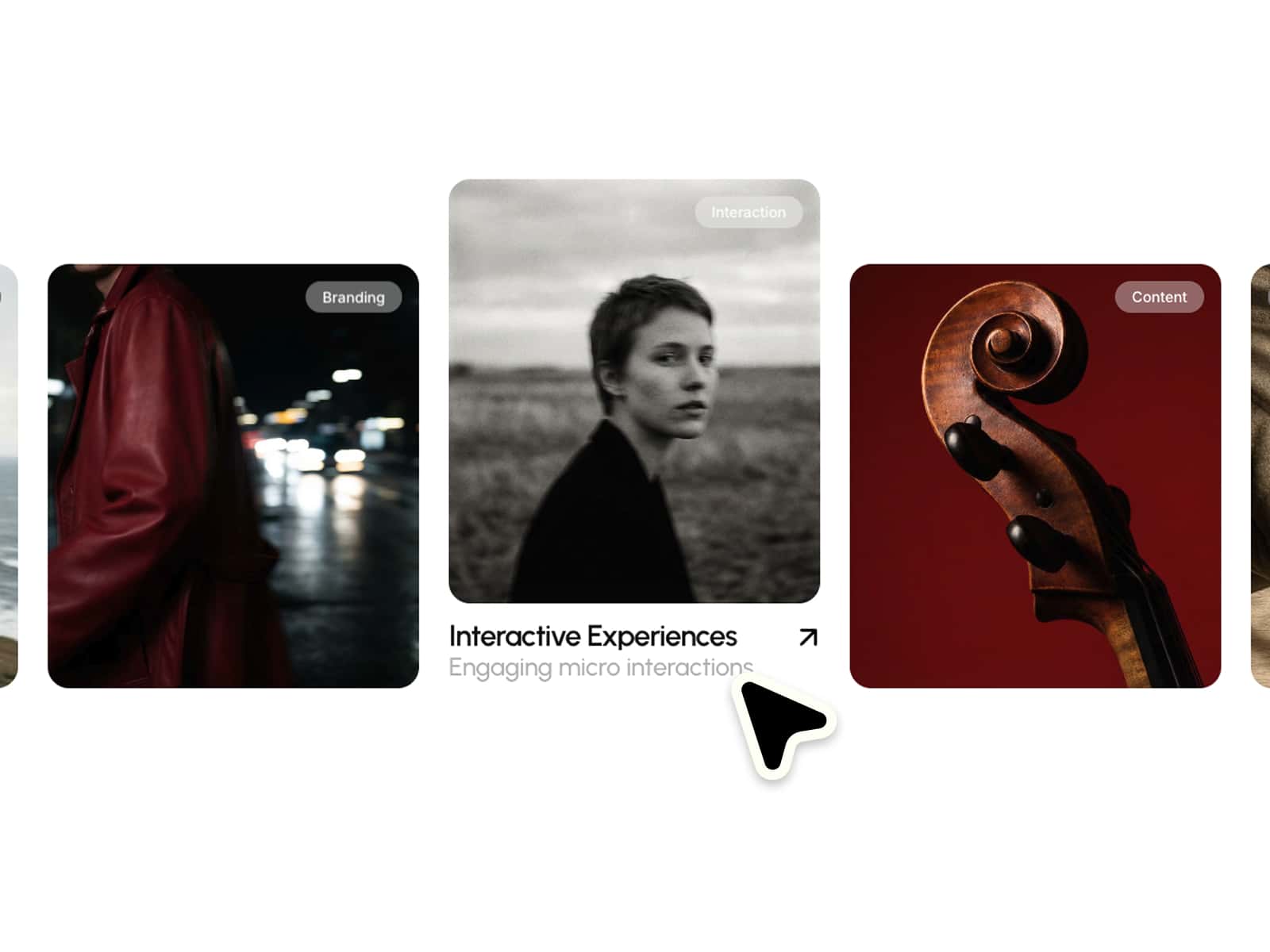
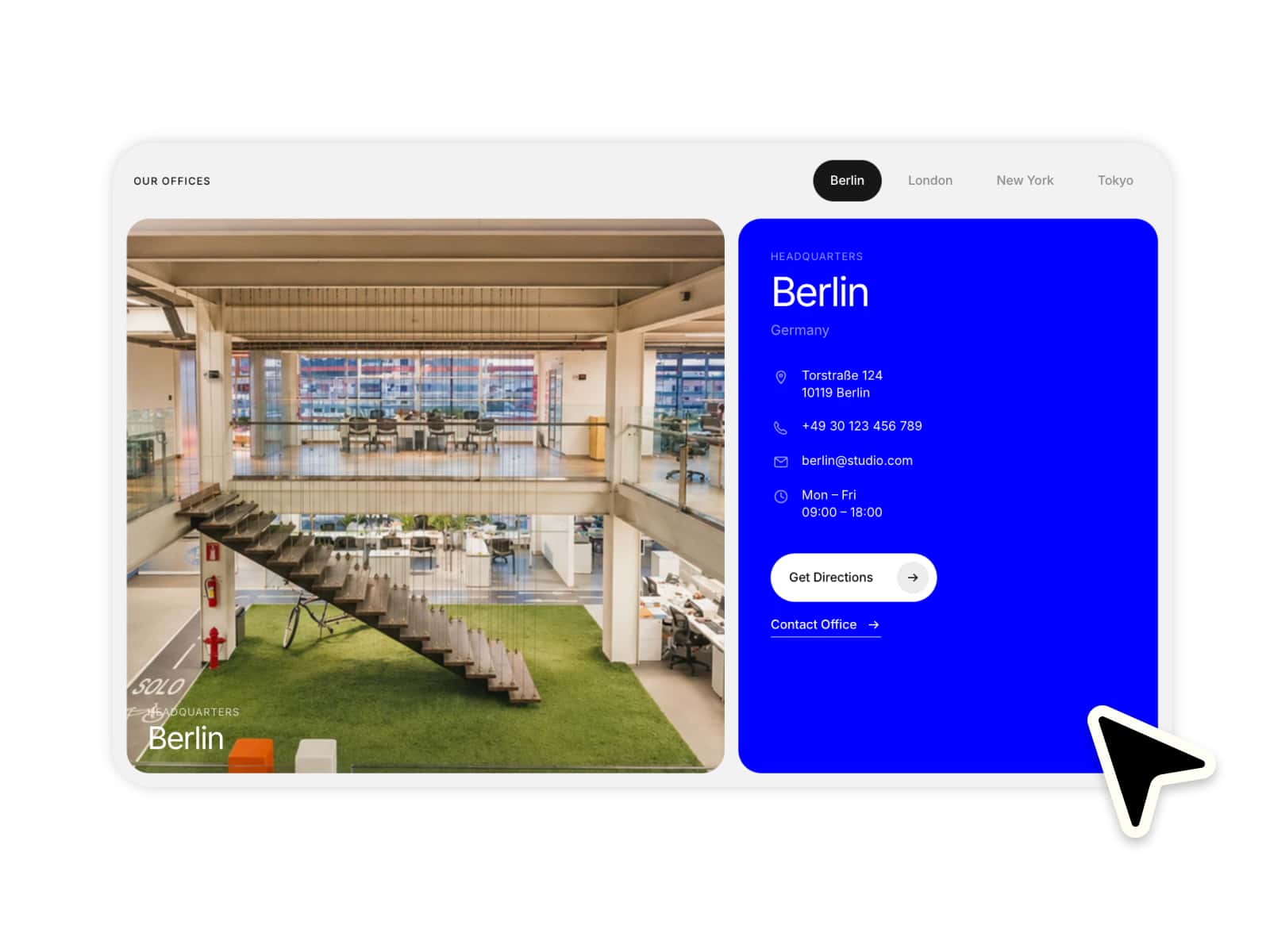
Pixel Hero is a responsive Framer component for creating editorial hero sections with a full background image, jagged pixel overlay, interactive cursor reveal, editable headline, link row, image positioning, and customizable pixel controls.
This component works especially well for:
landing page hero sections
portfolio intros
creative studio websites
fashion campaigns
editorial pages
brand launches
photography showcases
art direction pages
product storytelling
immersive visual headers
Perfect when you want a hero section that feels bold, digital, editorial, and more interactive than a standard image background.
–––––––––––––––––––––––––––
Fully customizable via the properties panel:
headline
subheadline / link text
subheadline link
background image
image position
pixel color
pixel size
pixel density
reveal radius
animation speed
interaction on / off
text color
padding
headline font
subheadline font
Built to look strong and distinctive by default, while still giving enough control to adapt the visual system to different brands and image styles.
–––––––––––––––––––––––––––
Desktop: Large editorial headline, wide image area, strong pixel opening, and full interactive reveal behavior.
Tablet: The layout keeps the same visual structure while adapting to the available component width.
Mobile: Pixel size, padding, opening shape, and reveal behavior are adjusted for smaller screens and touch interaction.
The component is designed with a fixed default size of 1200 × 800, while still adapting internally for narrow layouts.
–––––––––––––––––––––––––––
Full background image: The image fills the complete hero section and sits behind the pixel overlay.
Pixel-break overlay: White or off-white pixel blocks cover parts of the image and create irregular cut-out openings.
Jagged window effect: The pixel mask forms a broken opening where the background image shows through.
Text-safe composition: The left text area stays mostly solid so the headline remains readable.
Editorial headline layout: A large headline and small link row create a clean premium hero structure.
Link row with arrow and line: The subheadline includes an arrow icon and thin horizontal line for an editorial interaction cue.
–––––––––––––––––––––––––––
Cursor reveal: Pixels fade out around the pointer to reveal more of the background image.
Tap reveal: On touch devices, users can reveal the image by tapping or dragging.
Smooth return: The overlay fades back after the pointer leaves the component.
Adjustable reveal radius: The reveal area can be controlled directly in the properties panel.
Optional interaction: The reveal effect can be switched on or off.
Canvas editing handles: In Framer Canvas, the main pixel opening and smaller cut-out areas can be adjusted visually.
–––––––––––––––––––––––––––