About Push Grid
Make room for a little moment.
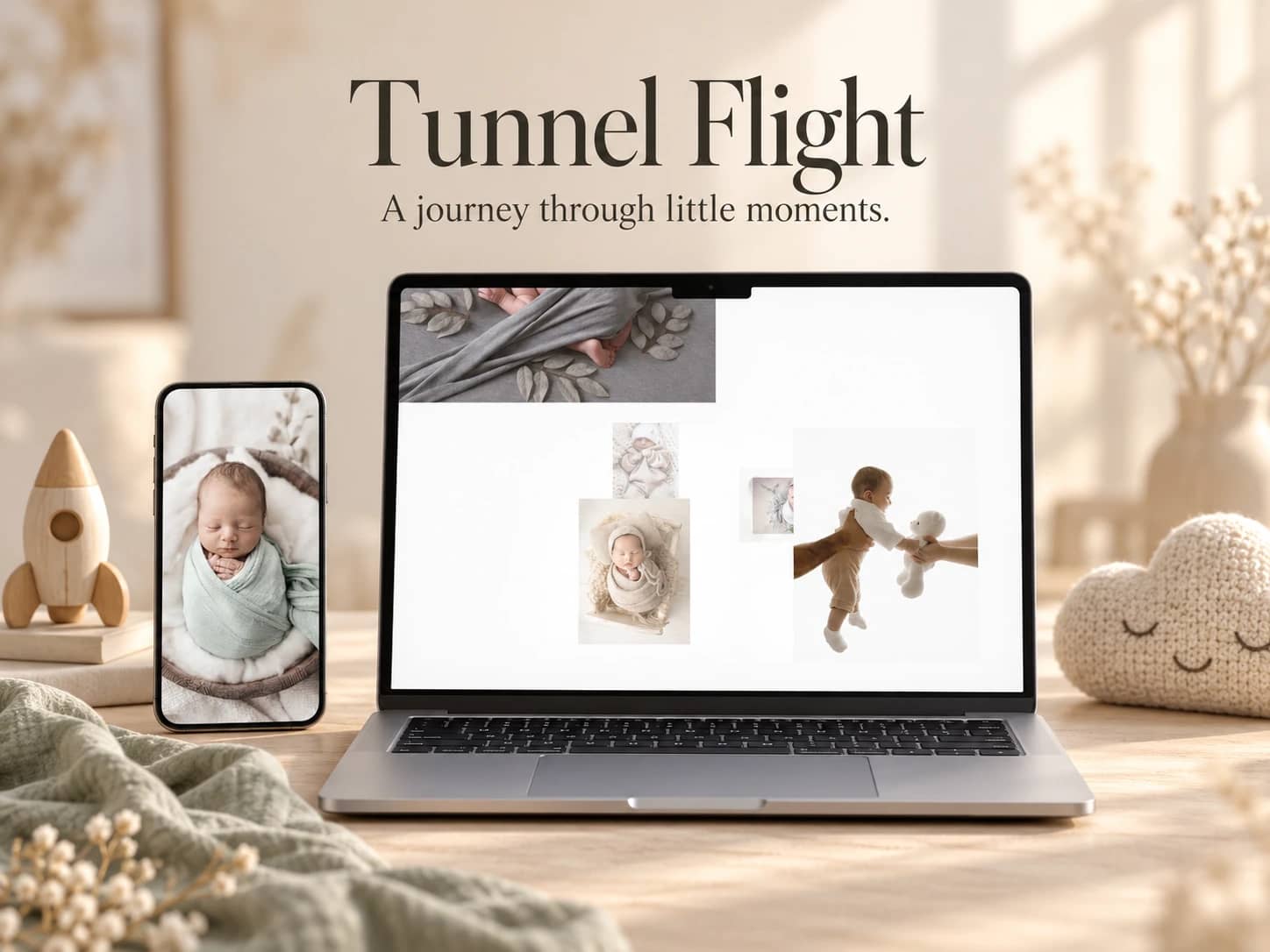
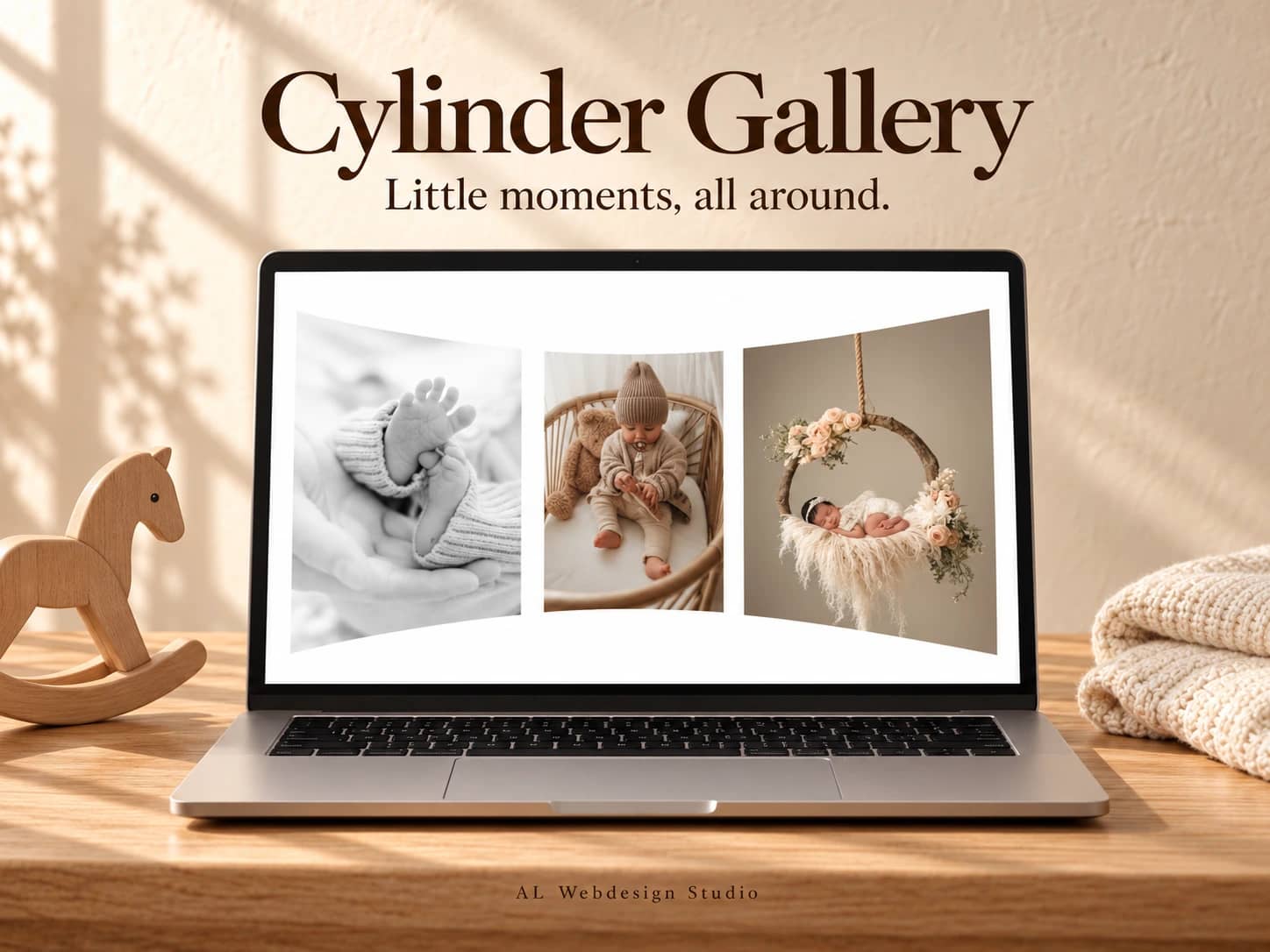
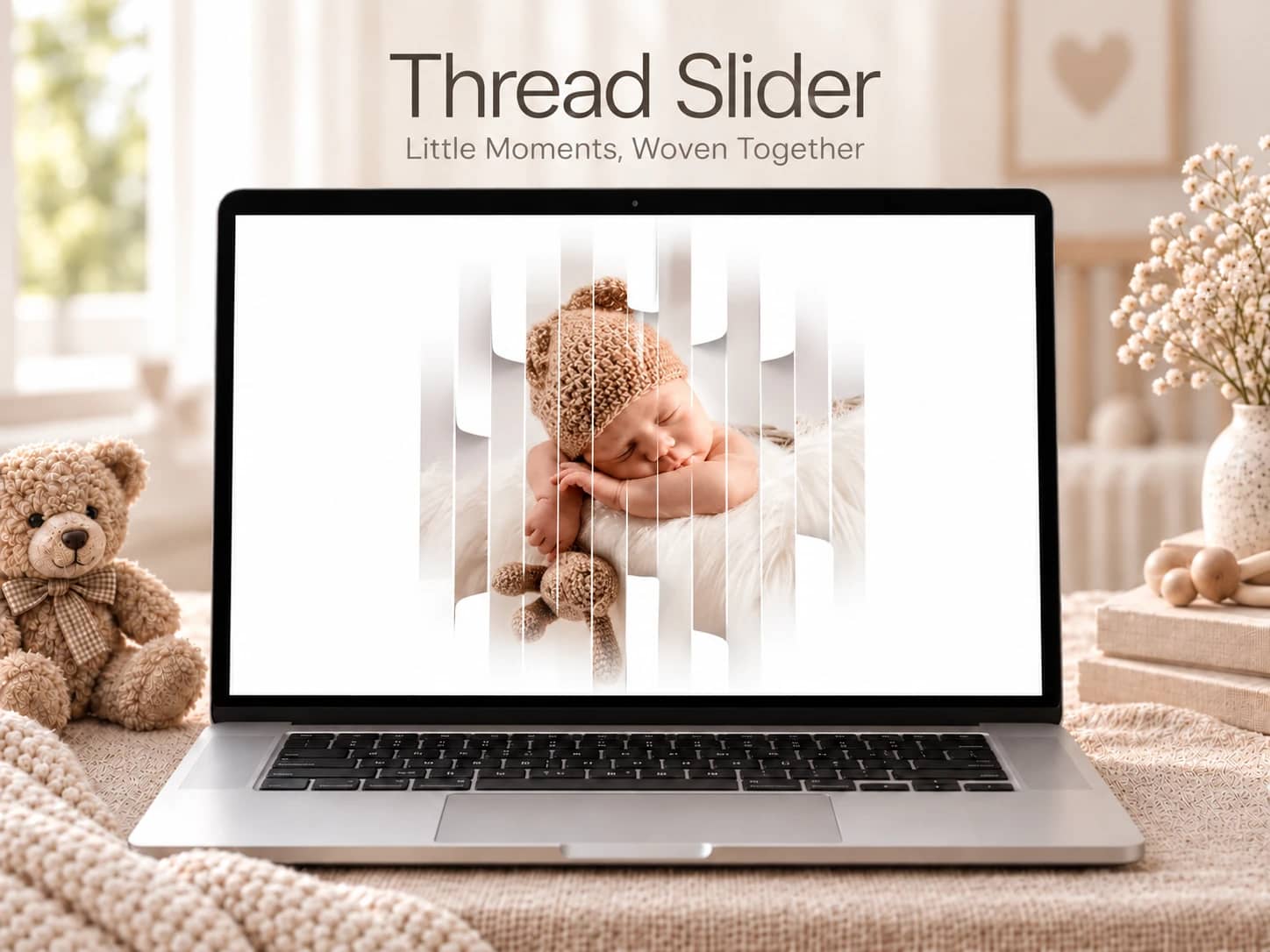
A sleepy smile, a favourite toy, those tiny hands. Some photographs deserve a closer look. Push Grid starts with a scattered field of pictures; choose one and it fills the frame as the others gently move aside.
Click the open photograph or press Escape to return to the same grid. On desktop, a small pointer movement gives the collection a little depth. On narrow screens, separate portrait photographs keep the subject in view.
Add up to thirteen photographs with native Framer image controls. Set each landscape and portrait variant, alt text and focal point. Adjust the background, spacing, corners, transition time and pointer movement. Use the gallery as a full-screen introduction or within a page section.
Native keyboard controls, reduced motion, image-decoding checks and a static canvas view are included. The gallery keeps your selected photograph open when its size changes.
Includes one Framer component, its versioned installation link, matching source, setup guide, two customisation prompts and a commercial licence for one project. No full-project Remix or access to other components.
Demo photographs are visual examples only. Replace them with your own properly licensed images before publication or marketing.
By AL Webdesign Studio.