About Puzzle Game
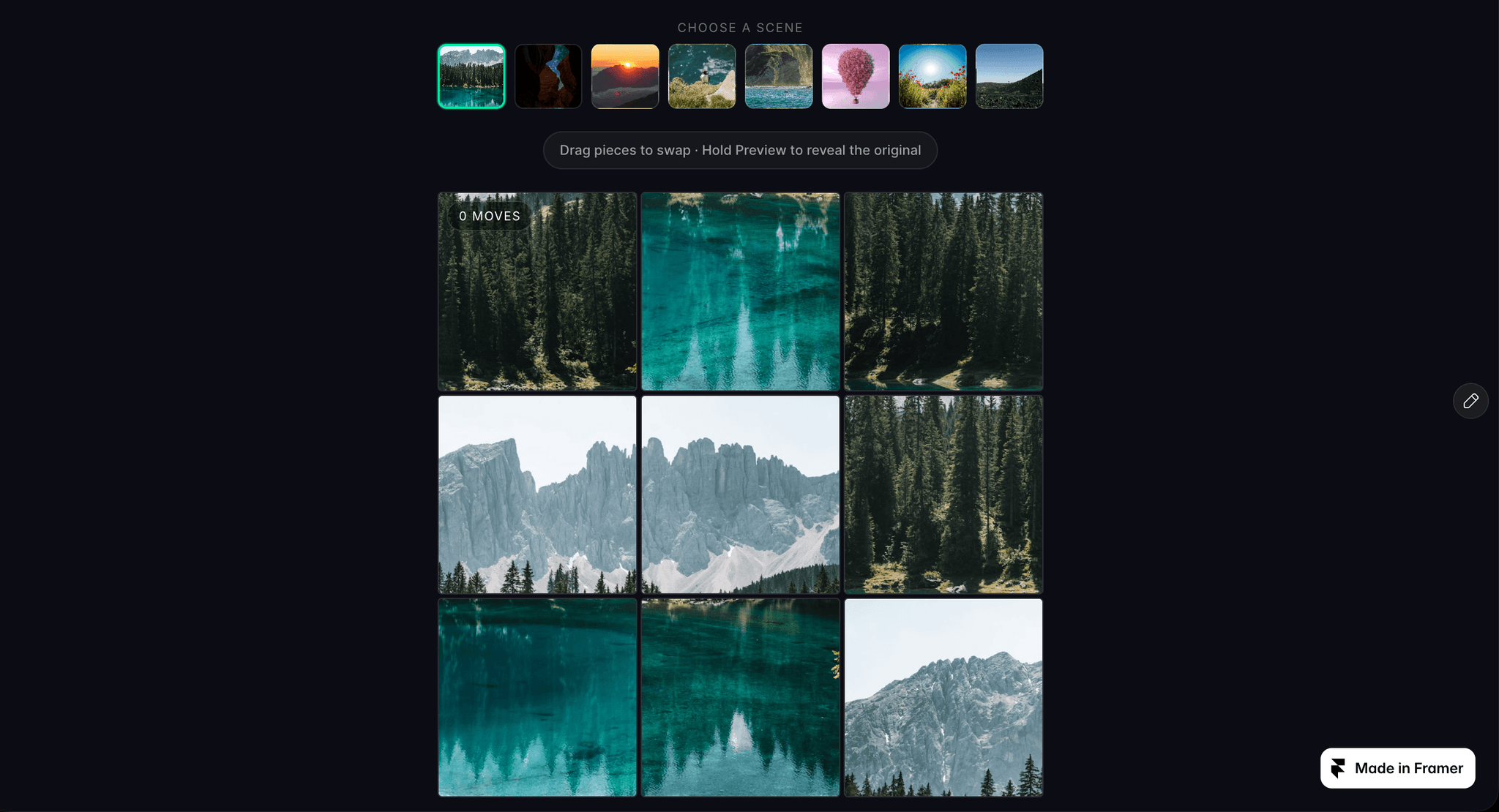
Turn any image into a playable puzzle. Puzzle Game is a single, self-contained code component: drag pieces to swap them, hold Preview to peek at the original, and celebrate with confetti when it’s solved.
Features
Three difficulty levels: Easy 3×3, Medium 4×4, Hard 5×5
Built-in scene picker with 8 photos, or add up to 12 of your own
Random scene, Shuffle and hold-to-Preview buttons
Move counter and a “Solved!” screen with confetti
Works with mouse, touch and keyboard: drag, or tap two pieces to swap
Fully responsive, from phone to desktop
Customize everything
Accent, background and text colors
Title and body fonts
Board width, piece gap and corner radius
Show or hide every part of the interface
Edit every label, so you can translate it into any language
On Solved event: trigger any Framer interaction when the puzzle is completed
How to use Drag Puzzle Game onto your canvas, set the width to Fill or a fixed size, and add your images under Scenes. That’s it.