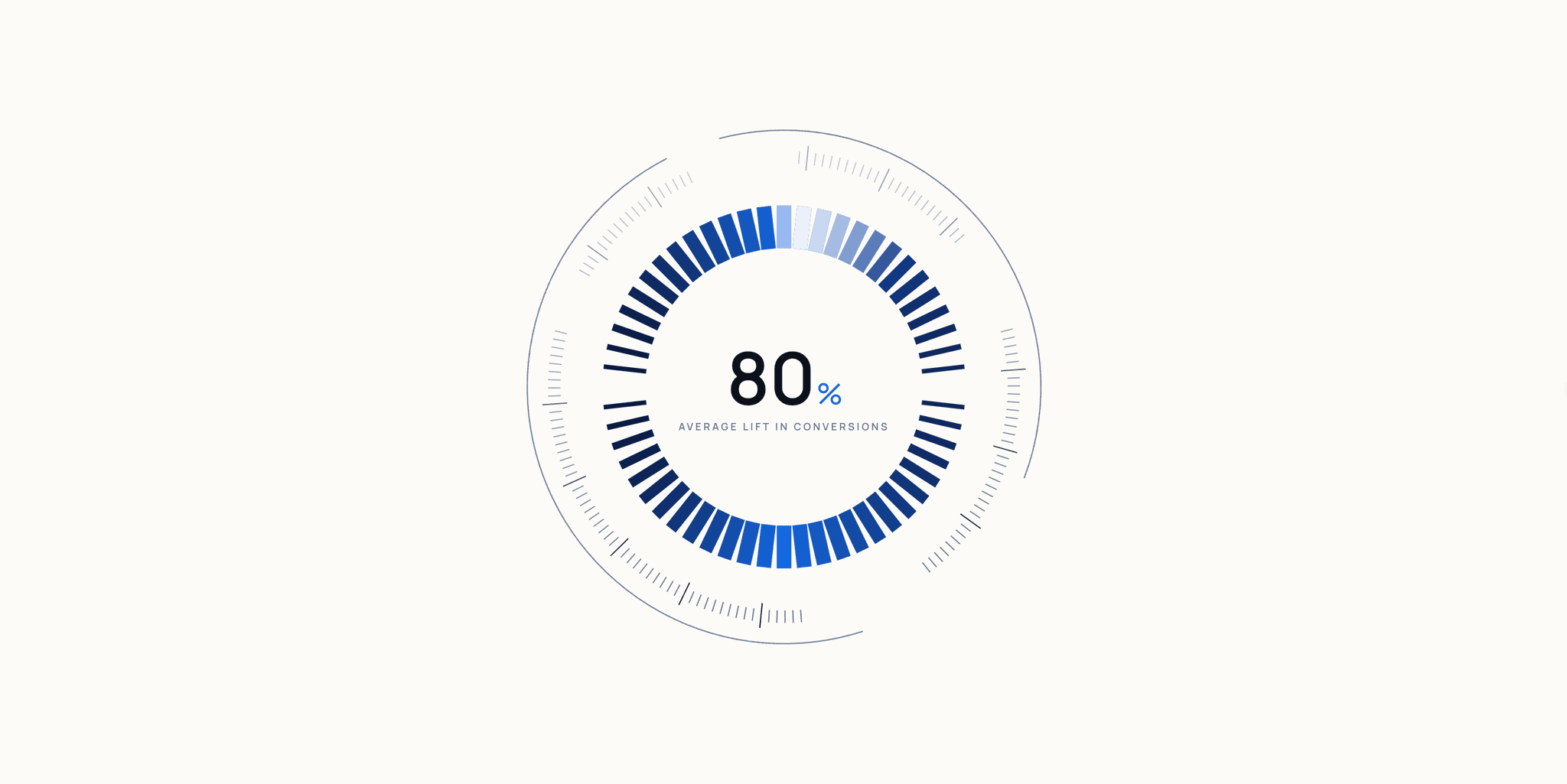
About Radial Dial
### Radial Dial
Turns a single number into an animated focal point — built for dashboards, launch pages, and proof moments that deserve more than a progress bar.
---
### Three moves to make it yours
1. Place the dial
Drop it where you want the metric to sit. It works anywhere on the canvas — inside a stack, a card, or as a standalone hero element.
2. Set the signal
In the property panel, edit the value, suffix, and label. Keep the label short enough to read at a glance.
3. Shape the character
Motion — animate-in, loop, and speed. Run it once for a focused highlight, or loop it for a calmer repeat.
Visual — ticks, rings, shell, and gradient. Low tick density reads as a quiet progress marker; high density reads as a technical centerpiece.
---
### Documentation
Full control reference, live examples, and responsive notes:
https://radialdial.framer.website/documentation
### Good to know
- Responsive across desktop, tablet, and phone.
- No data connection needed — you set the value directly.
- Everything is editable from the property panel; no code changes required.
### After purchase
You'll get the access link in your order confirmation and customer portal.
### Questions
anukrishna@olistudio.org — I usually reply within a day.