About Reelfall
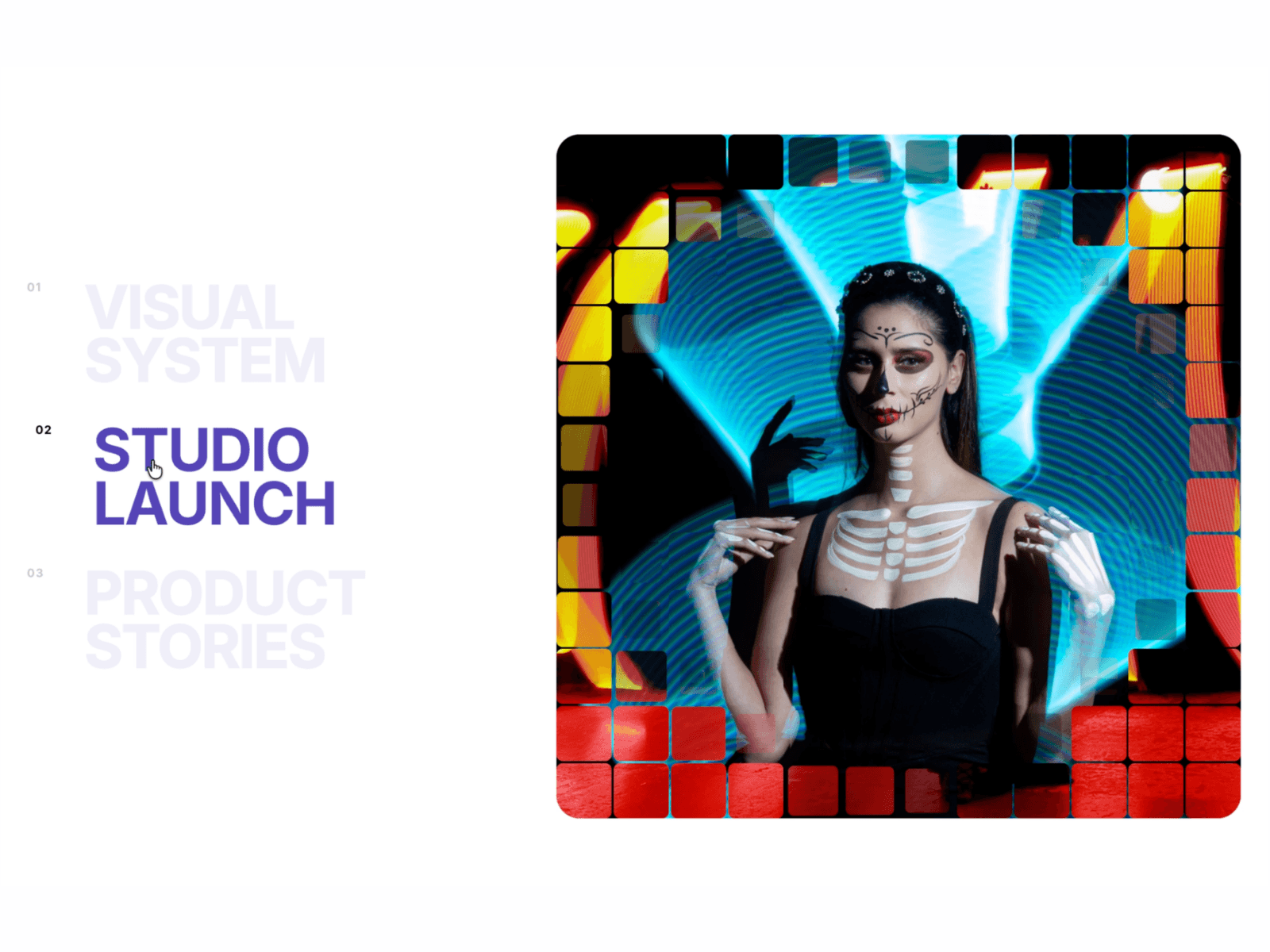
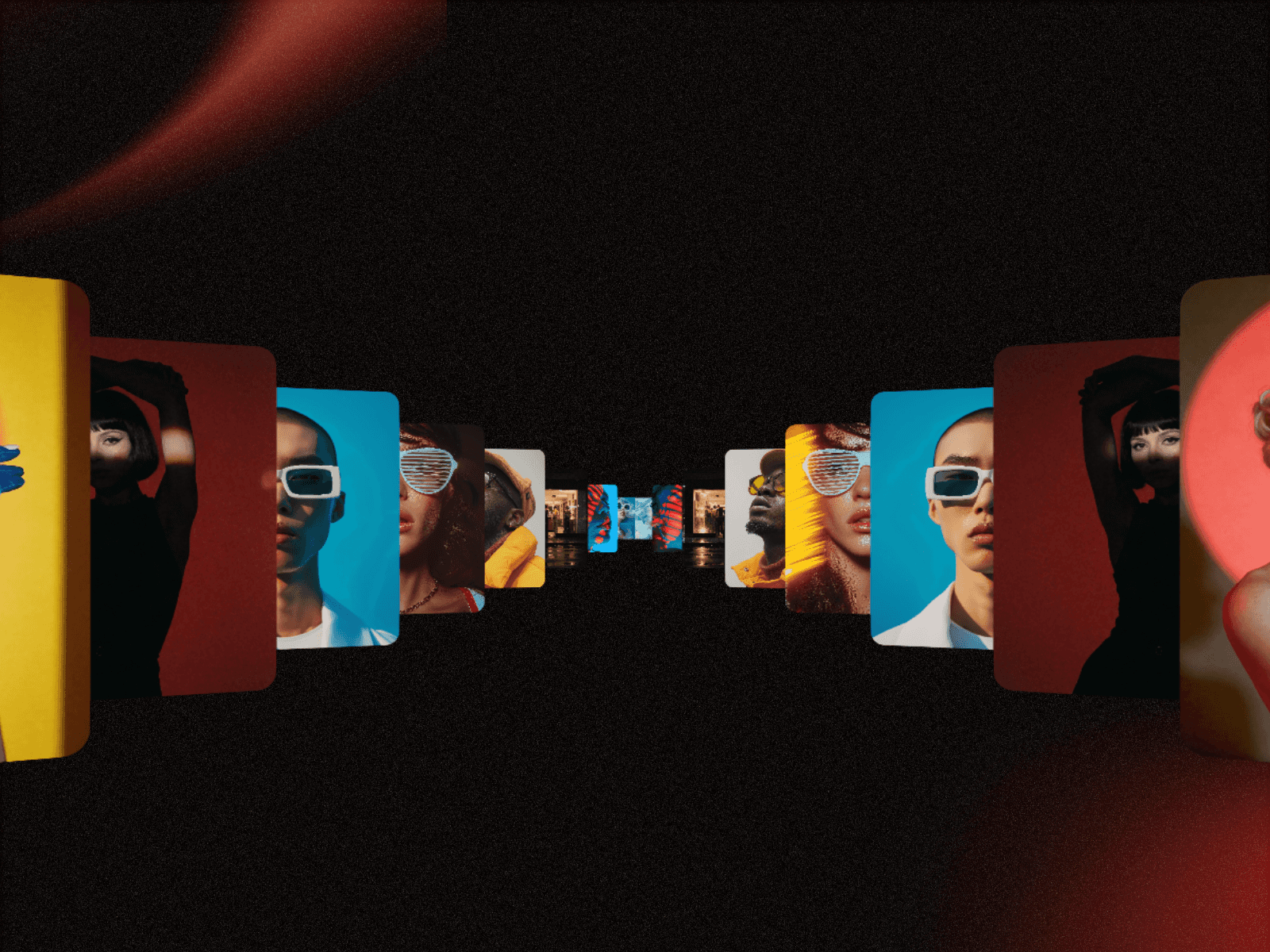
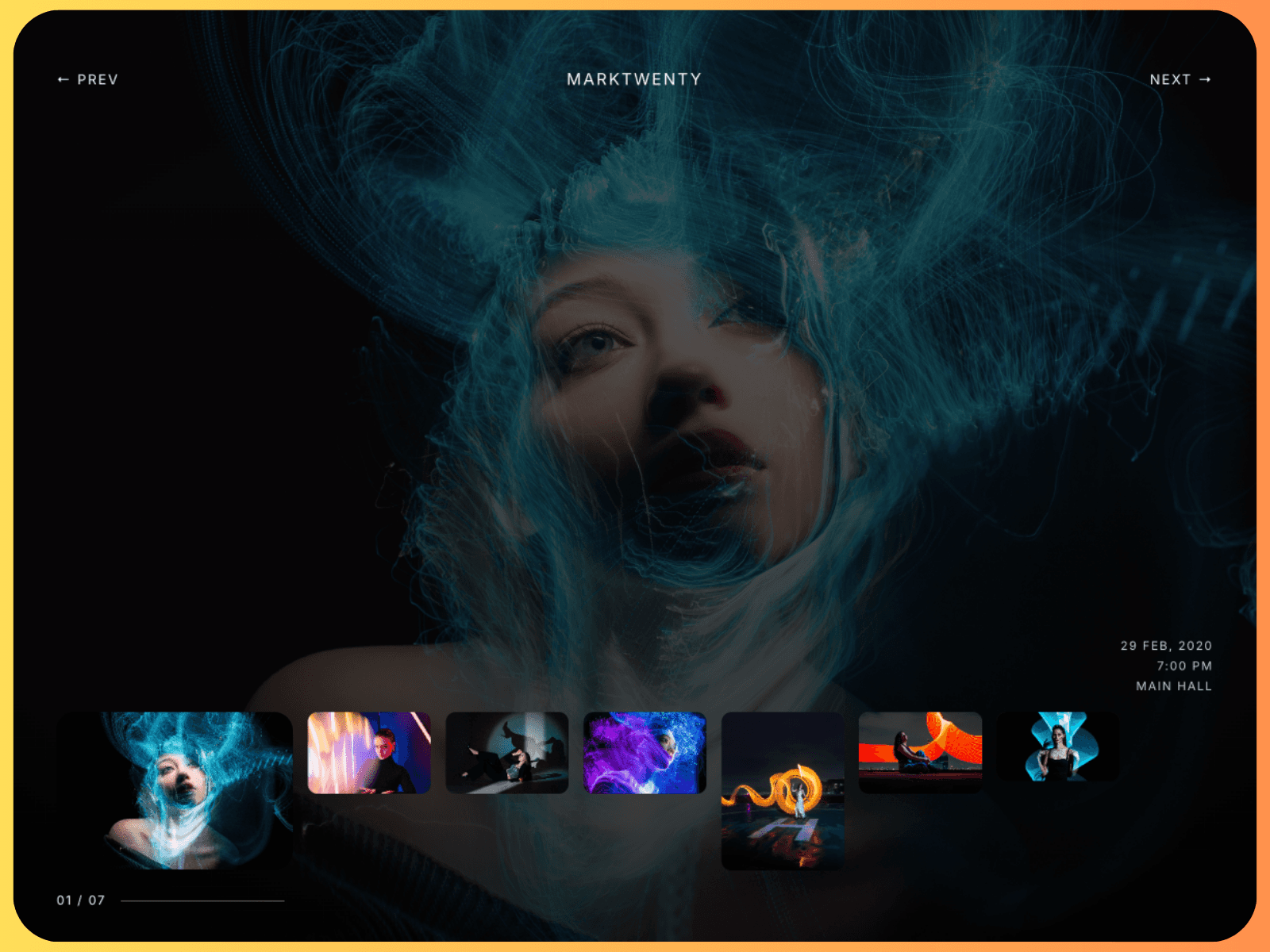
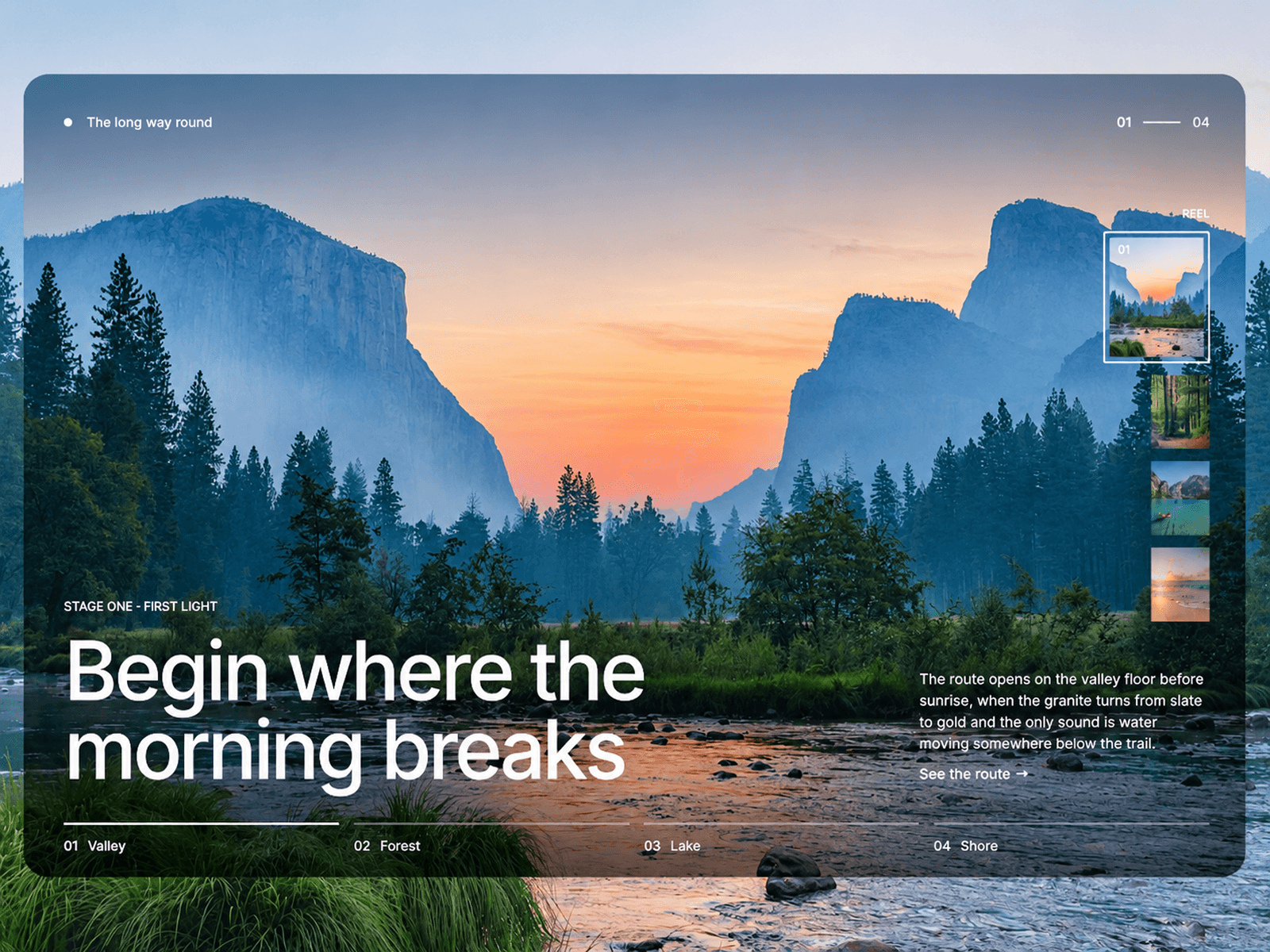
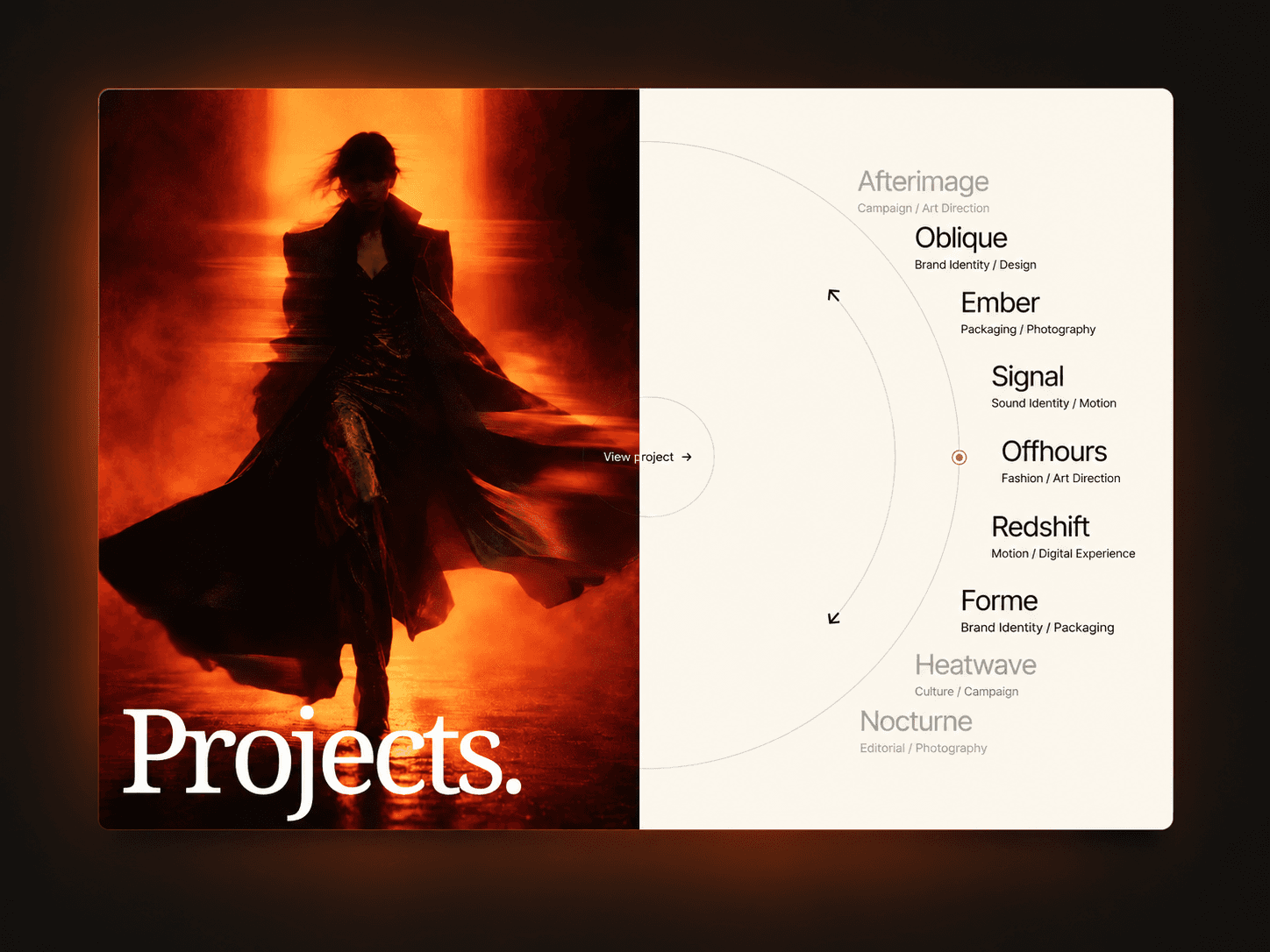
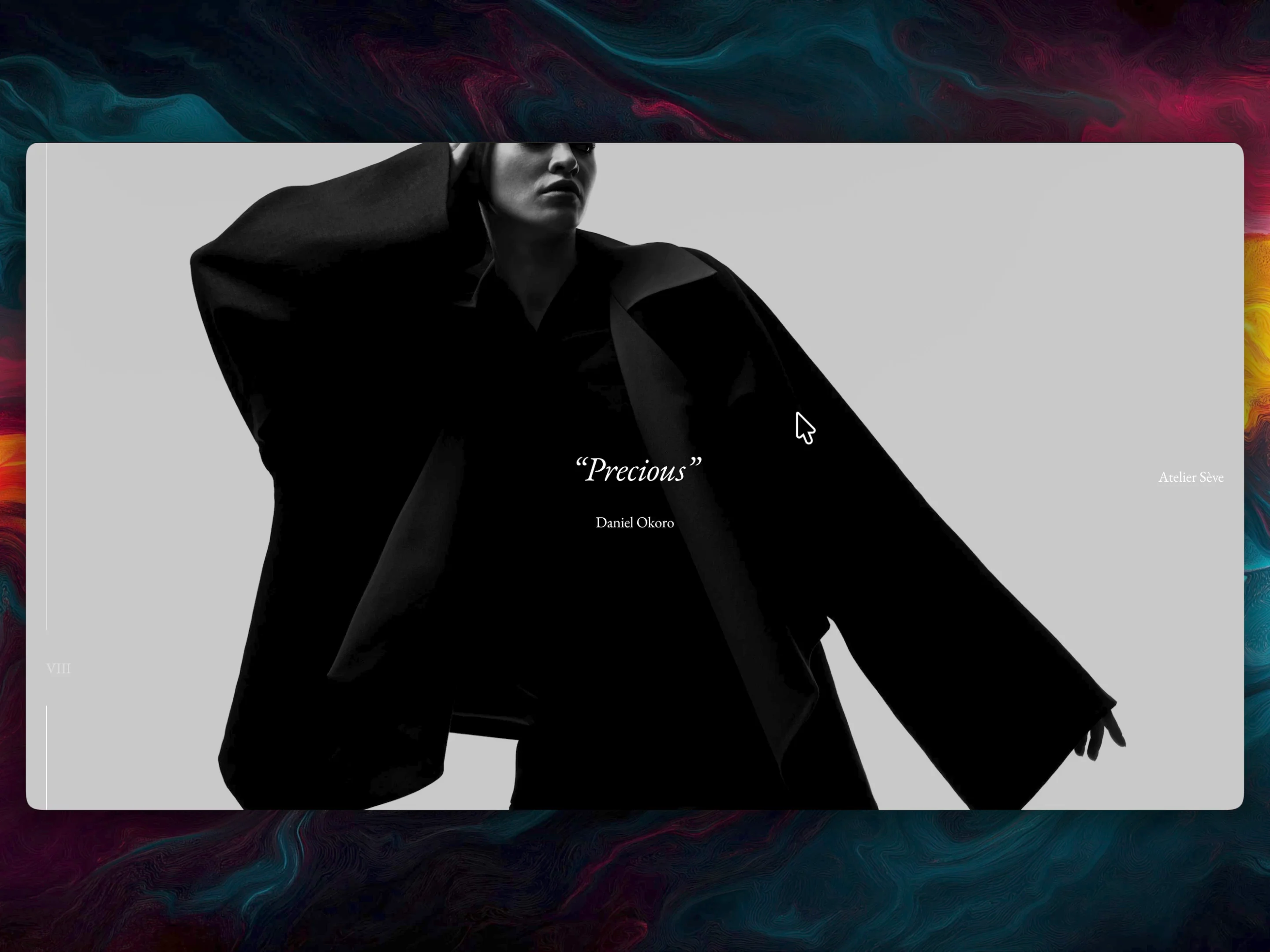
Reelfall is a cinematic, full-screen project hero for Framer. Your work moves past in an endless vertical reel. The moment a visitor scrolls or hovers the edge, the frame breaks into a cascade of squares and pulls the project into focus.
Made for studios, directors, photographers, agencies and fashion portfolios that want the first screen to feel like a title sequence.
Features
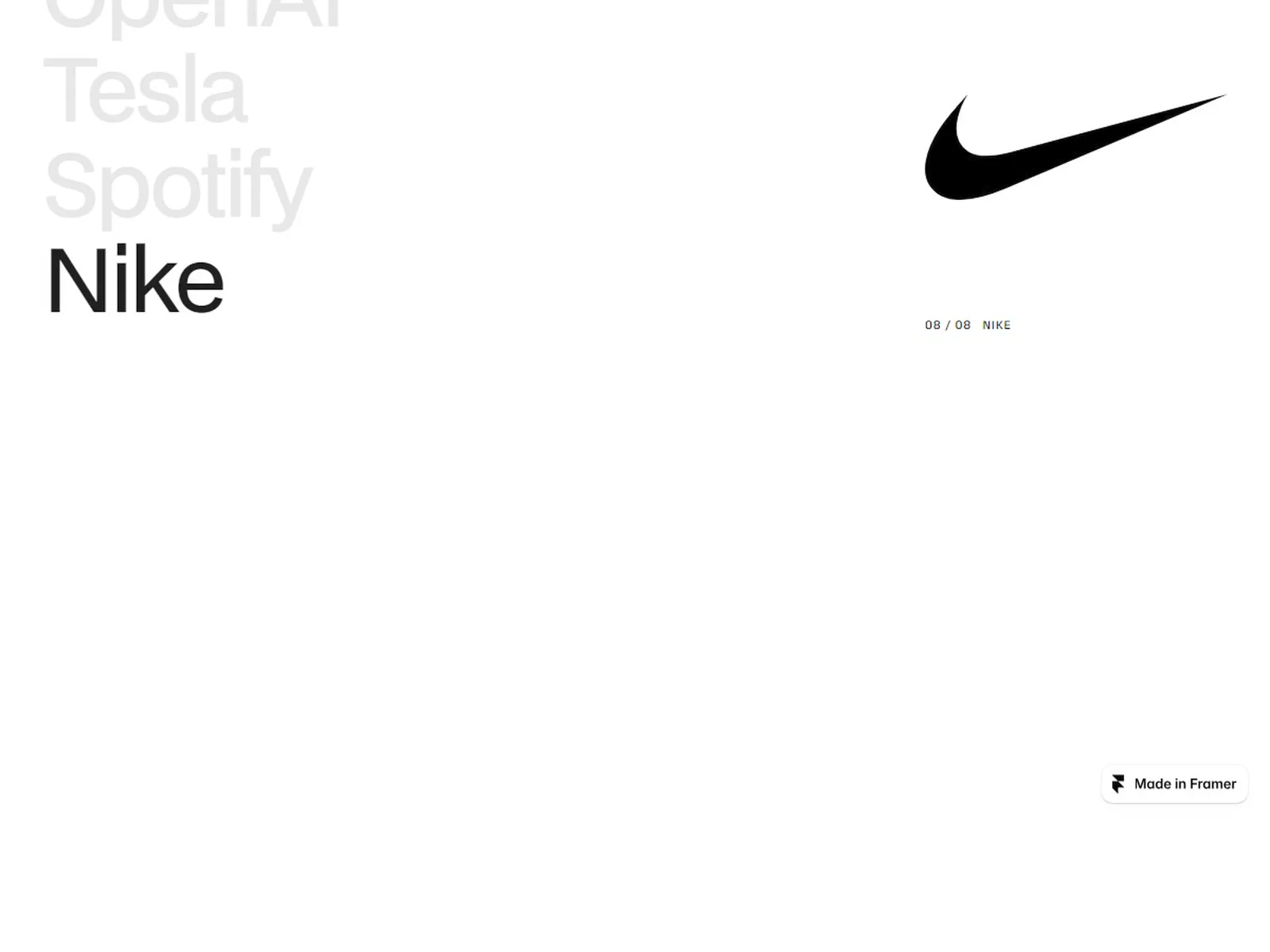
• Fully CMS-driven: put Reelfall Item in a Collection List and bind title, subtitle, client, image, video and link. No code needed.
• Manual mode: add projects in the properties panel if you don’t use CMS.
• Infinite loop: the reel auto-scrolls and wraps forever, with any number of projects.
• Pixel cascade focus: scroll or hover to blur the background and reveal the project in an animated square grid.
• Hover preview: move over a square to switch projects.
• Optional video: add an MP4 or WebM and it plays in the reel and inside the squares.
• Wheel control: let the wheel drive the reel or the page, in natural or reversed direction.
• Optional sound: add your own audio file. Off by default.
• Full styling: fonts, colours, padding, Roman or numeric counter, speed, dim, blur and scale.
• Clickable: each project links to its own page.
• Responsive on desktop, tablet and phone.
• Lightweight: Canvas 2D and no external libraries.
How to use
Paste Reelfall into a full-height section.
Add a Collection List with Reelfall Item and bind your fields.
Set Source to CMS and style it from the properties panel.
Questions or need help setting it up? Send me a message any time.