About Resource DownloadHub
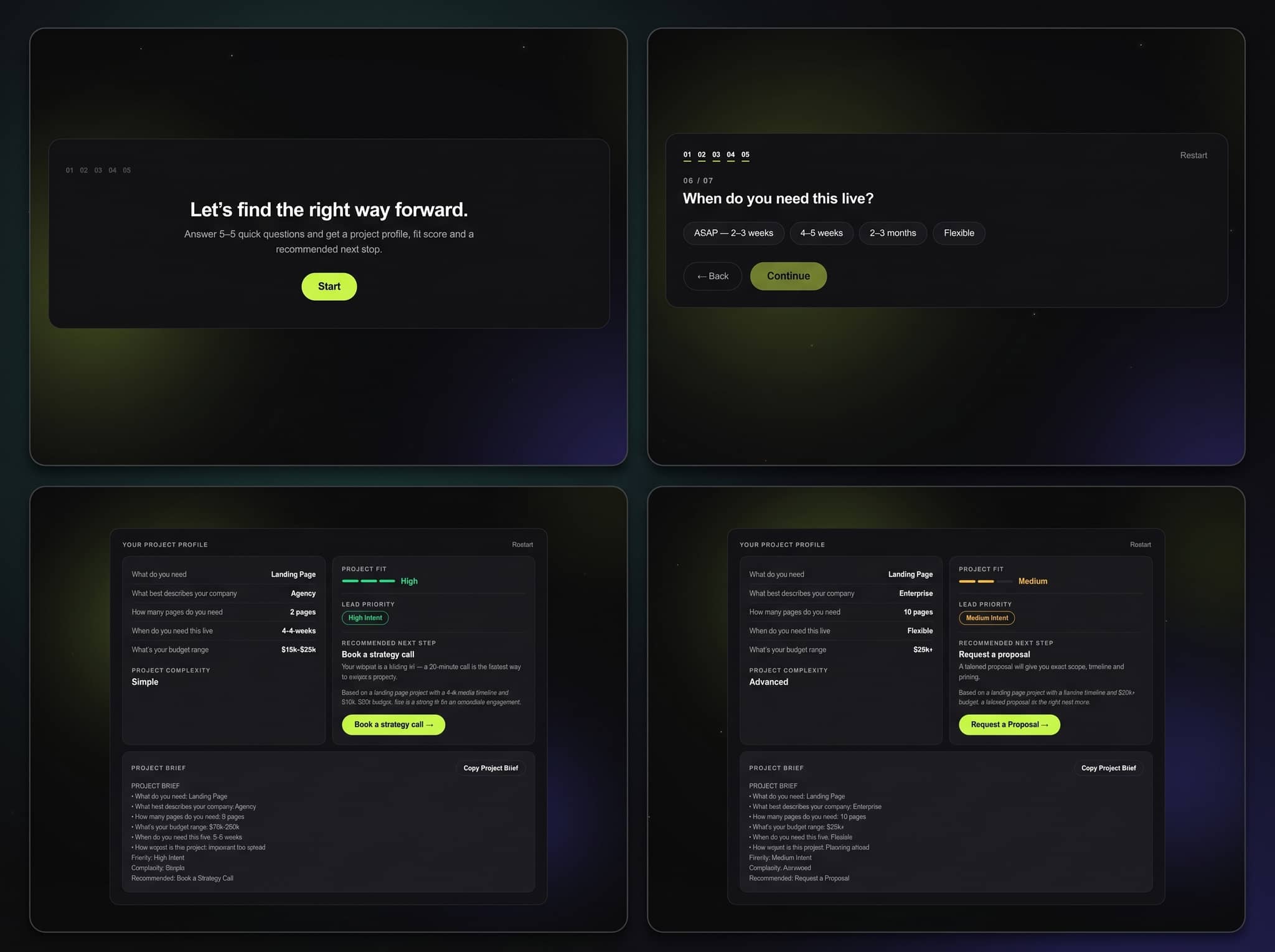
Turn guides, reports, templates, and downloadable files into a searchable resource library on your Framer site.
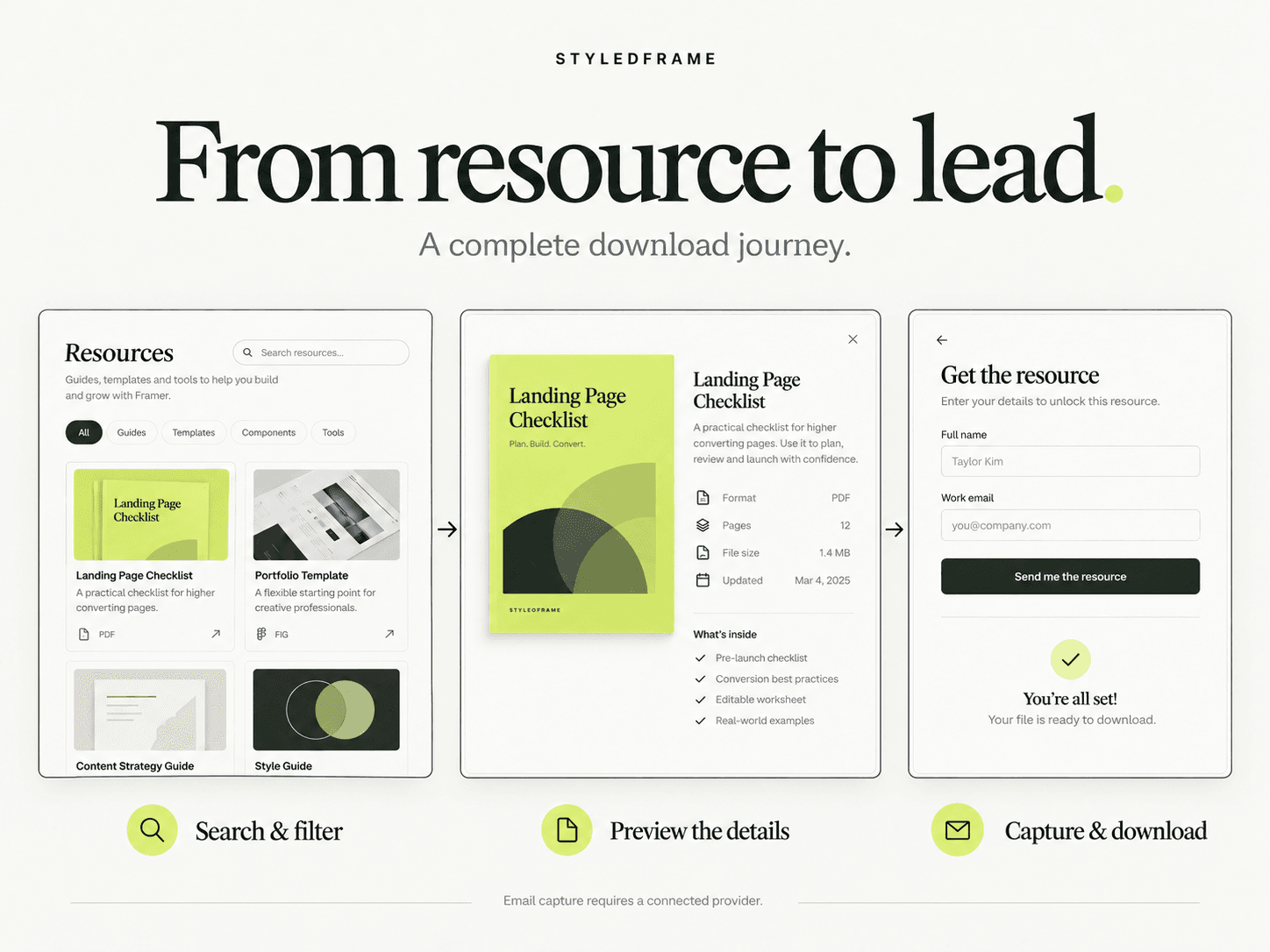
Resource Download Hub gives visitors a clear path from browsing to downloading. Search the library, filter by category, and open a preview drawer with a cover image, description, and file details. Offer each resource as a free download or require an email submission before unlocking it.
Manage resources directly in Framer's property panel. No CMS setup is required.
Included features
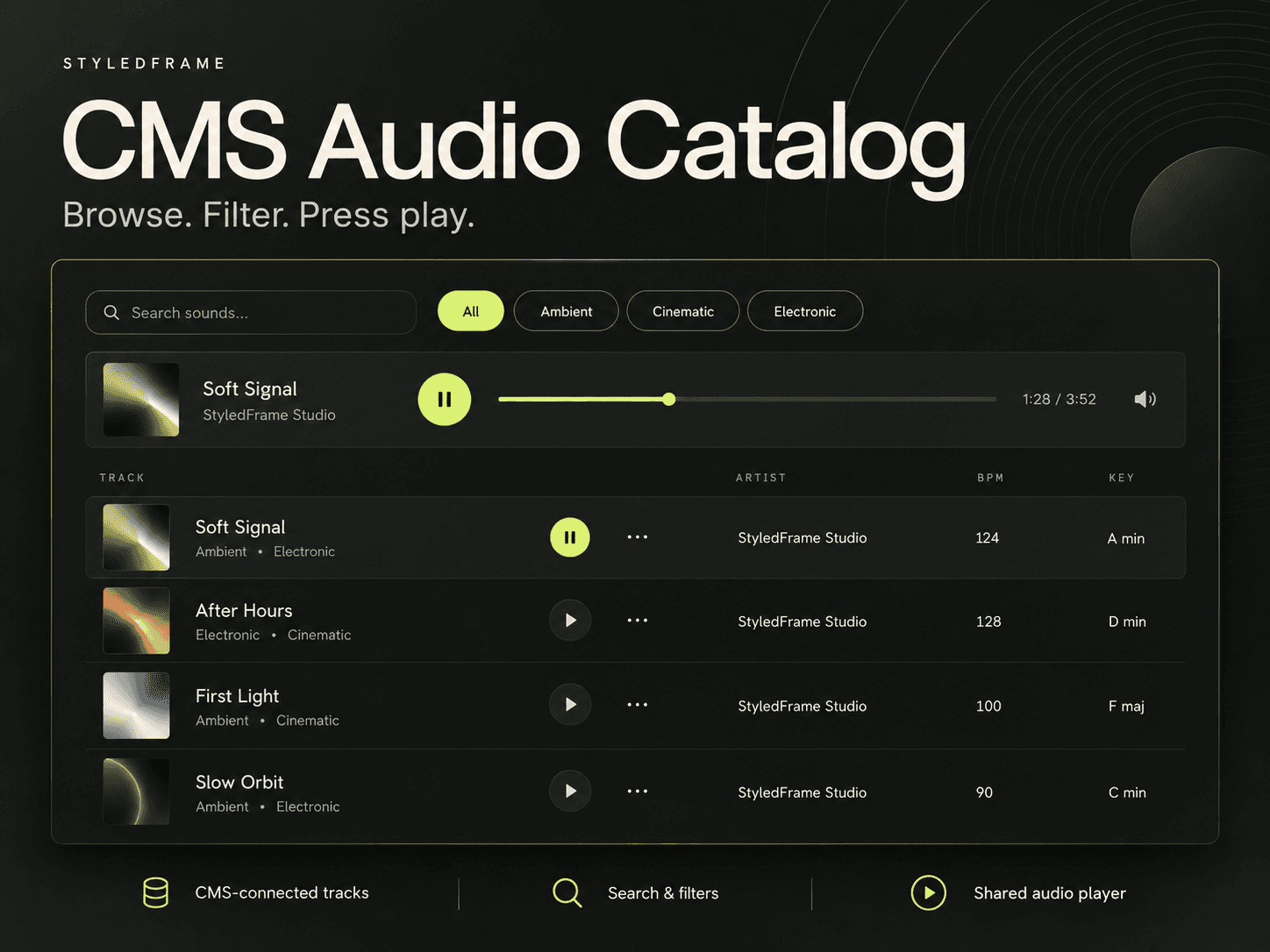
Search across resource titles, descriptions, categories, tags, and file types.
Category filters with result counts and an empty state.
Preview drawer with a cover image and editable resource details.
Free or email-gated access for each resource.
Unlock after the configured service confirms acceptance, with retry and download-again states.
Resource ID, title, category, file details, and page URL included in lead submissions.
Desktop, tablet, and phone layouts, keyboard navigation, and reduced-motion support.
Editable content, colors, typography, spacing, columns, drawer width, and interface labels.
Editor-only warnings for missing files, duplicate IDs, and incomplete email setup.
Setup guide and six replaceable sample text resources.
Made for
SaaS resource centers, agency downloads, consultancy reports, creator toolkits, case study libraries, and lead magnets.
Before you use email capture
Connect your own Formspree account, Web3Forms public access key, or compatible HTTPS JSON endpoint. Provider limits, fees, and configuration are separate. Demo mode sends nothing. This component posts directly to the selected provider; it does not use Framer's native Forms destinations.
The email gate is a lead-capture workflow, not secure file protection. Success confirms that the service accepted the request, not that an email reached an inbox. The resource downloads in the browser; sending files to visitors by email requires your own automation.