About Roaming Cursor
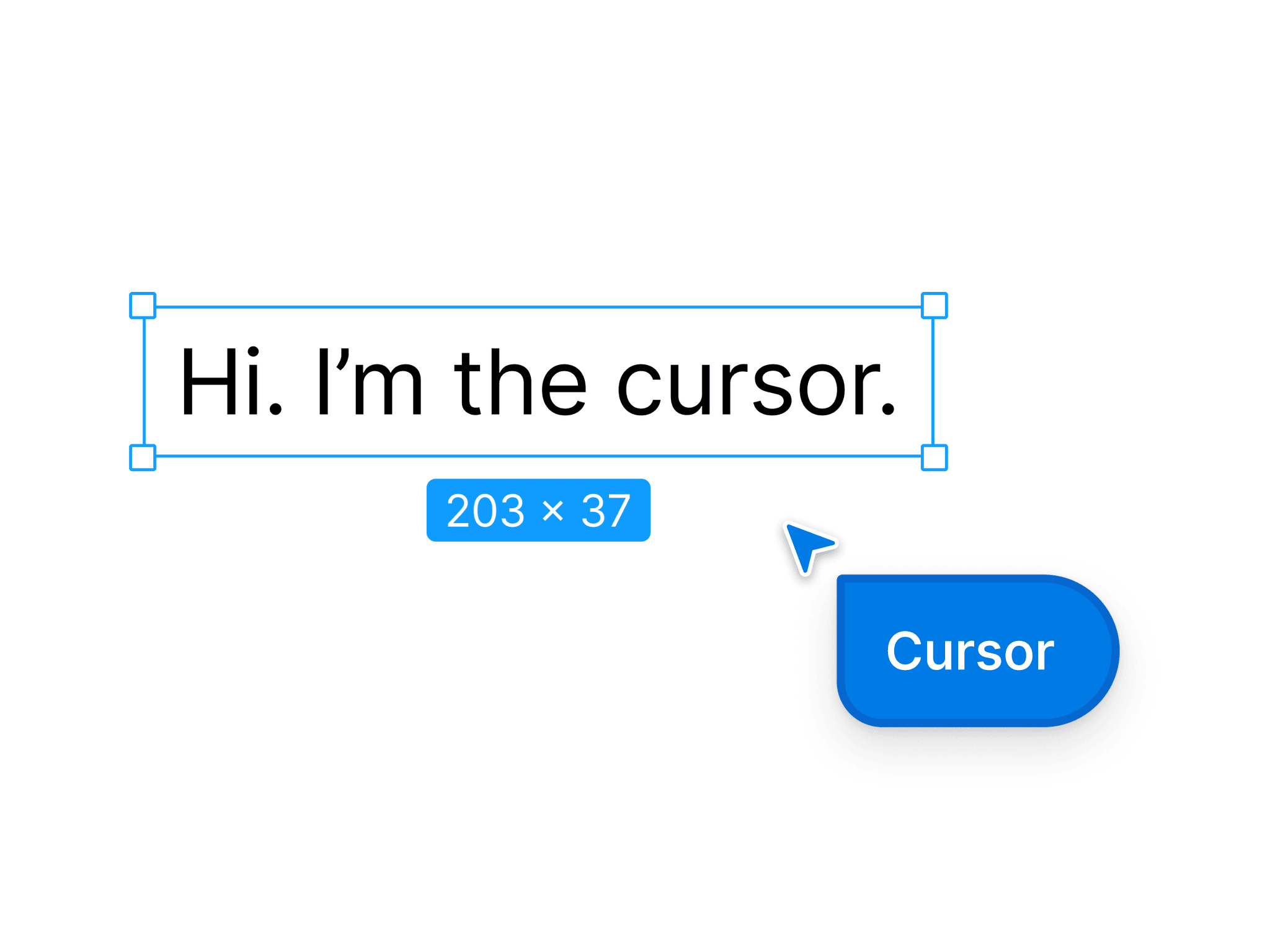
Roaming Cursor is a cursor with a name tag that wanders around your page on its own, stops in a free spot and types your messages, like a collaborator typing in a design tool. Then it erases the text and walks on.
What you can set
- Messages: any number, typed in order or at random
- Typings: how many messages it types before it fades out (0 = keeps going)
- Typing style: Text tool (a frame with corner handles and a size label) or Chat bubble
- Name tag, accent color, text color, box fill, cursor size, your project font and font size
- Walk speed, typing speed, start delay, pause before typing, how long the text stays
- Roam in: its section, its parent frame, or the whole window
Built to be easy to live with
- Keeps out of the way of text, images and buttons, so it never types on top of your content
- Stays on while its area is on screen and scrolls with the content
- Backs off when a visitor presses a key or a mouse button
- Not shown to visitors who prefer reduced motion
- No external requests, no cookies, no storage
How to use: after purchase you receive a component link. Paste it onto your Framer canvas (Ctrl/Cmd+V), place the cursor inside a Section, set it to 1 x 1 and Absolute, edit the messages and publish. To switch it off on phones, hide the layer on the Phone breakpoint.
Support: email mruhulj@gmail.com within 14 days if it doesn't work as described.


