About Rotating Siren Light
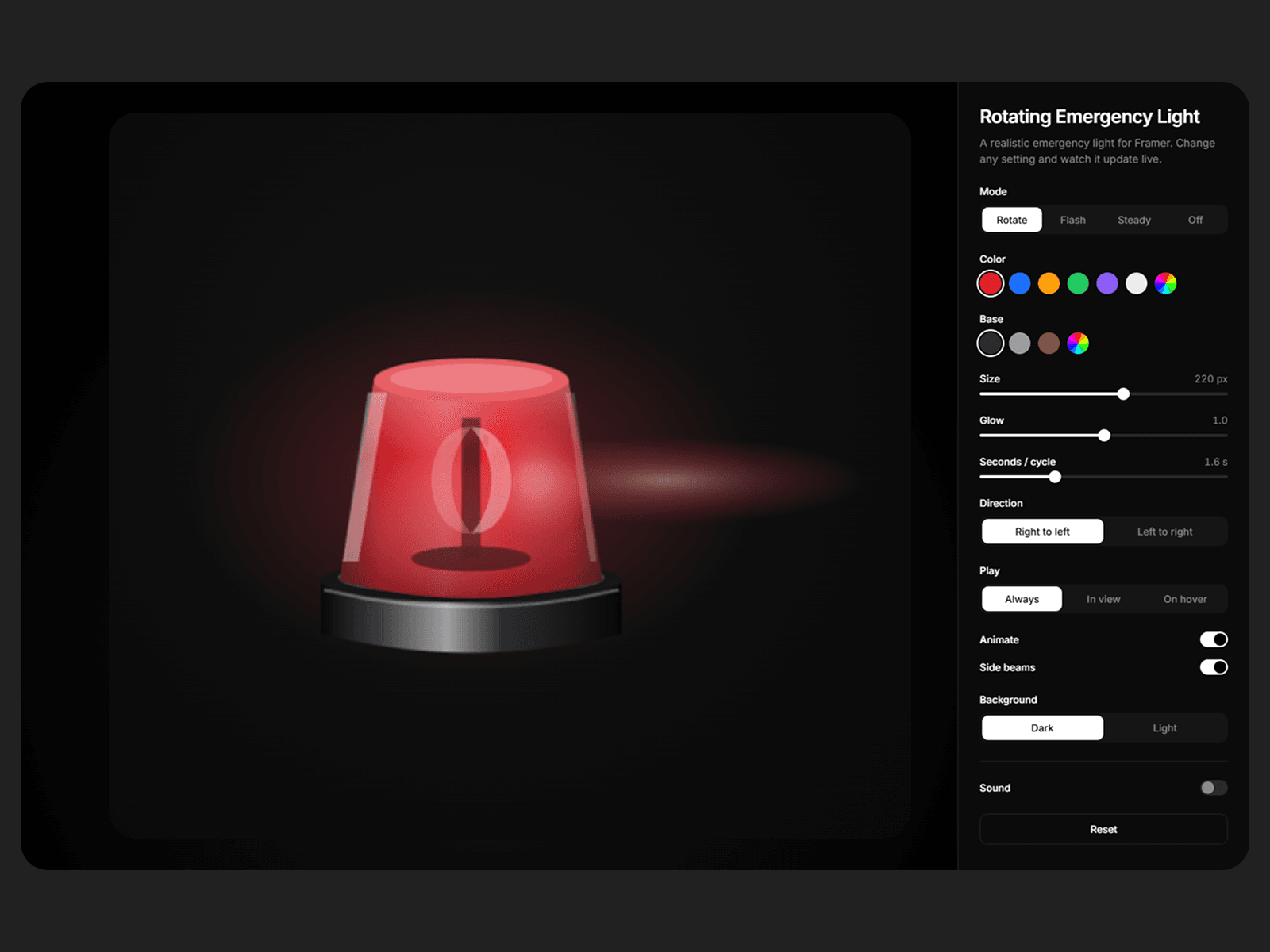
Rotating Siren Light is a realistic emergency light for your Framer site. It has a glass dome, a metal base and a bright light that turns, flashes or glows inside. You can also turn on a siren sound.
It’s made with vector graphics and code, with no images or videos, so it stays sharp at any size and loads fast.
Where to use it
Emergency and 24/7 service buttons
Alerts and warning banners
“Live”, “On air” or “Open now” badges
On/off status lights
Hero sections and fun page details
Sites for electricians, security, towing, repair and safety services
Features
4 modes: Rotate, Flash, Steady and Off
Any color: pick any color for the light and the base
Size control: set the size in pixels, and the layer fits the light
Glow: make the glow soft or strong
Speed: set how fast it turns or flashes
Direction: spin right to left or left to right
Side beams: show or hide the light beams
Play: always, only while on screen, or only on hover
Siren sound: Wail, Yelp, Hi-Lo or Beep, with volume control and no audio files
Mute button: visitors can turn the sound on or off, and it starts muted by default
Smart panel: options that don’t apply to the current mode hide automatically
Accessible: the light stays still for visitors who turn on reduced motion
How to use it
Drag Rotating Siren Light onto your page.
Set the size and mode in the properties panel.
Pick a color and adjust the glow and speed.
Turn on sound if you want a siren.
Note: browsers only play sound after a visitor clicks, taps or presses a key, so the siren starts after that.
Have questions? Reach out at bilaluxdesigner4@gmail.com and happy to help you get started.