About Scanner effect
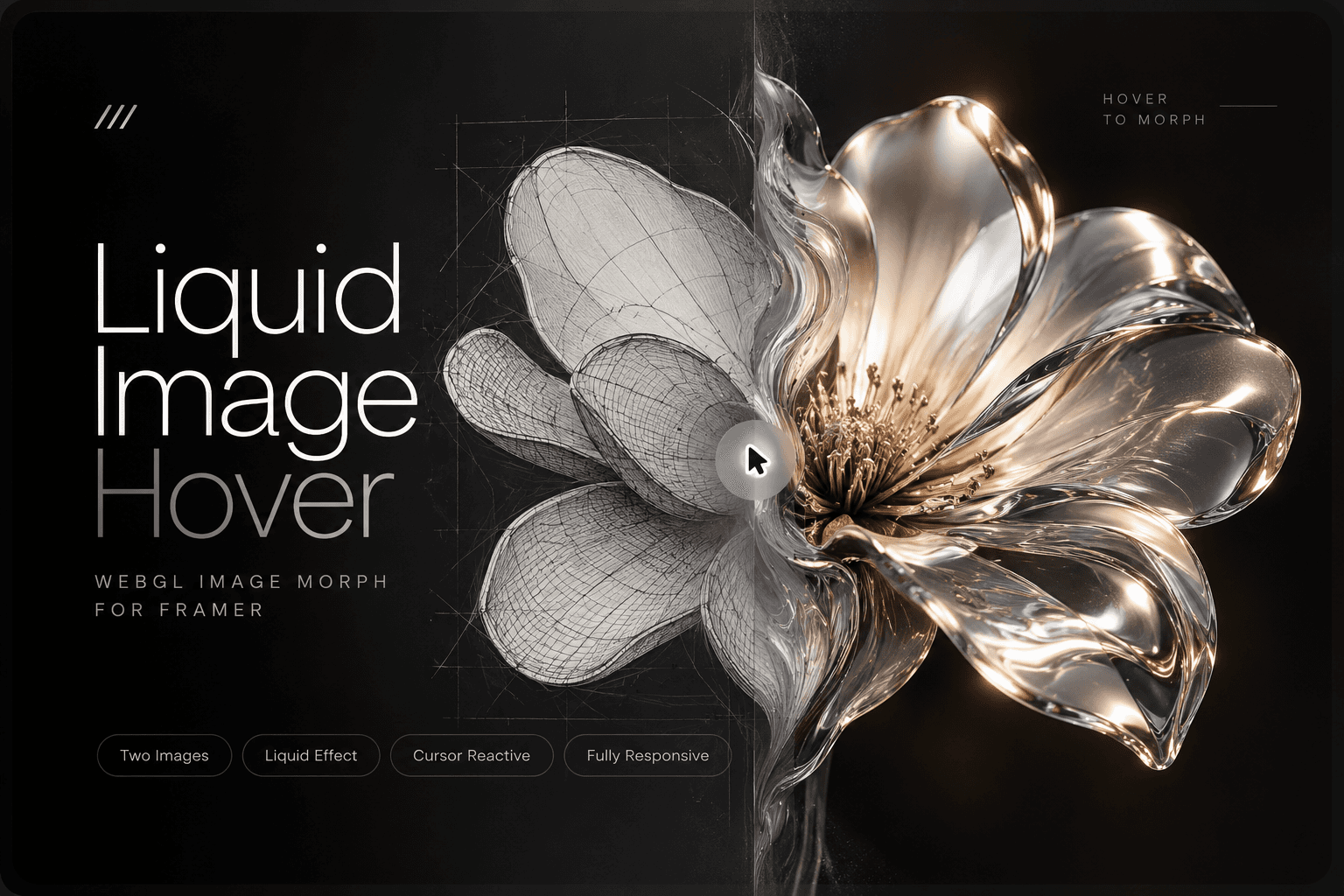
Bring your visuals to life with Image Scanner, a dynamic Framer component that smoothly reveals before-and-after images through a scanning line animation.
Ideal for product showcases, photo retouching, design comparisons, and case studies, Image Scanner lets you visually demonstrate transformations in a clean, tech-inspired style.
The component includes complete customization controls for scan direction, speed, color, glow, and mouse interactivity—giving you full creative control without writing a single line of code.
Effortless, modern, and visually striking — elevate your visuals with an animated scanning experience that feels alive.
Key Features
Before & After Display – Seamlessly compare two images with animation.
Auto & Manual Scan – Choose between automated motion or mouse-follow scanning.
Fully Customizable – Control brightness, contrast, scan direction, speed, and glow.
Scanner Effects – Adjust color, width, opacity, and glow intensity.
Smooth Interaction – Mouse tracking for engaging, responsive behavior.
No Code Setup – Simple drag-and-drop configuration for Framer creators.
Customization Options
Upload before & after images
Adjust brightness and contrast
Choose scan direction (horizontal / vertical)
Enable auto scan or mouse follow
Control scan line speed and smoothness
Customize scanner color, glow, and opacity
Set background color and line width