About Screen StickyMedia
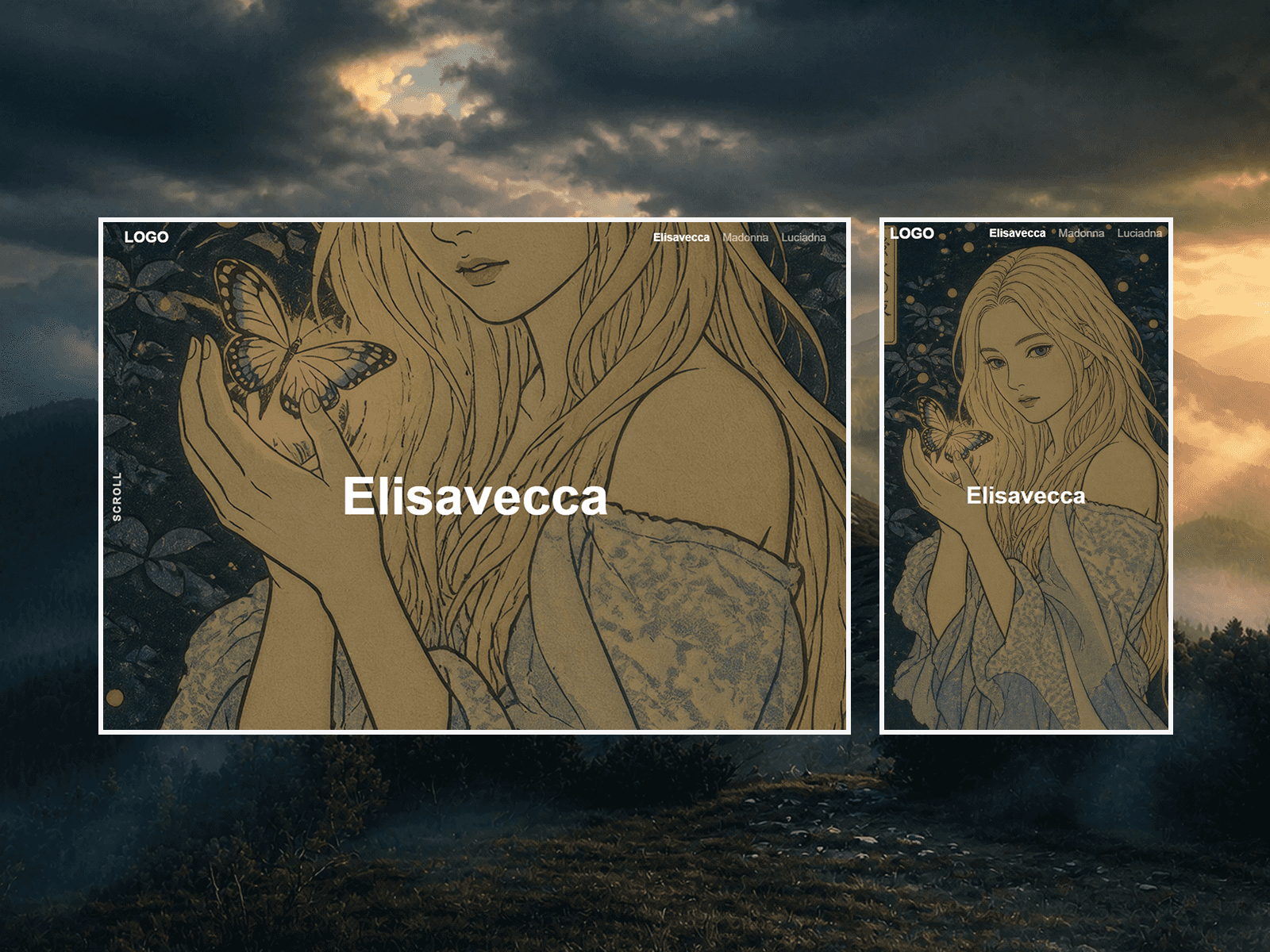
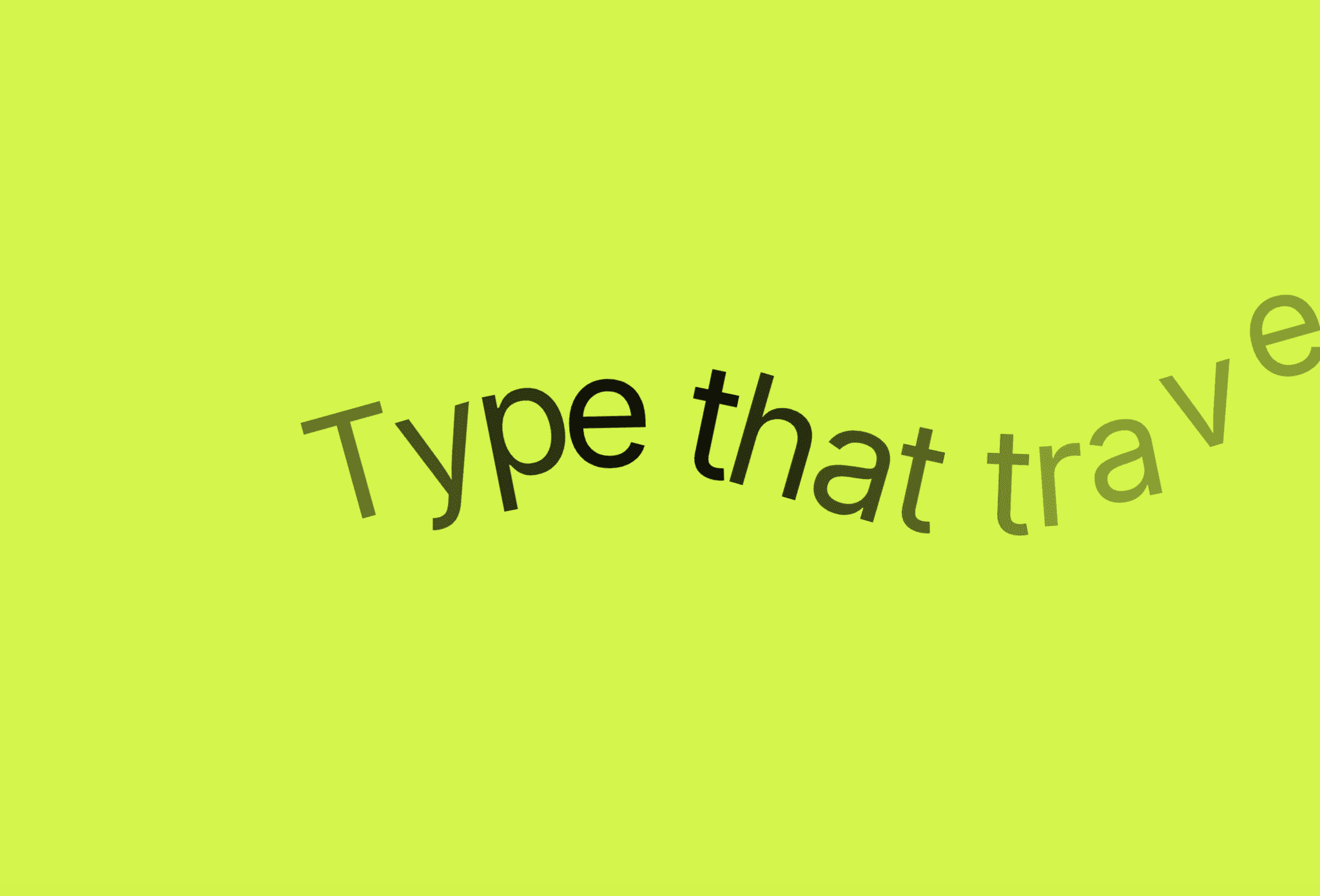
Screen Sticky Media is an interactive section component for Framer that delivers a multi-stage sticky zoom effect on scroll, layered with a smooth marquee ticker.
Property Controls
Section Background
Section BG (Enum): Choose between Color or Image for the section background.
BG Color (Color): Pick a solid background color for the section. Visible when Section BG is set to Color.
BG Image (Image): Upload a custom background image for the entire section. Visible when Section BG is set to Image.
Media Settings
Media Type (Enum): Select central element content type — Video, Image, or Solid Color.
Video File (File): Upload video files directly from your computer (.mp4, .webm, .mov). Visible when Media Type is set to Video.
Media Image (Image): Upload a background image asset for the central card. Visible when Media Type is set to Image.
Media Color (Color): Pick a solid fill color for the central card. Visible when Media Type is set to Solid Color.
Ticker Settings
Ticker Text (String): Customize the animated headline message.
Speed (s) (Number): Set marquee animation cycle duration in seconds (range: 5s – 60s).
Gap (px) (Number): Adjust distance between repeating text entries and dot dividers (range: 10px – 100px).
Layout & Scroll Settings
Start Width % (Number): Initial width percentage of the media element before scrolling starts (range: 10% – 80%).
Start Height % (Number): Initial height percentage of the media element before scrolling starts (range: 10% – 80%).
Border Radius (Number): Starting corner radius in pixels (range: 0px – 60px), animating down to 0px upon full scale.
Section Height (Number): Total scroll track height in vh units (range: 140vh – 400vh). Recommended: 180vh – 220vh.