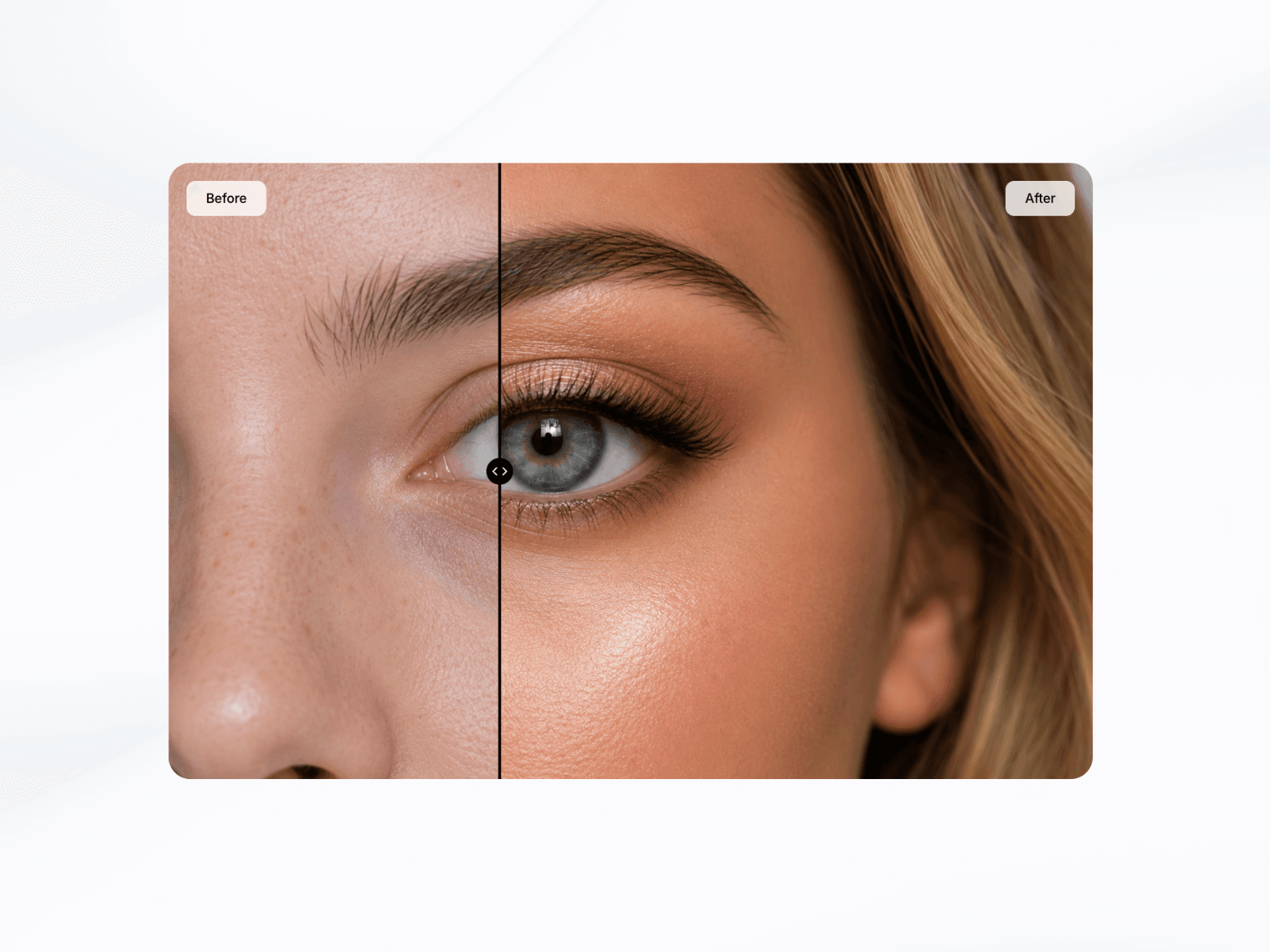
About Scroll-Based Slider
Interactive before and after slider with drag and optional scroll-based reveal animations. Showcase transformations, redesigns, edits, and comparisons with smooth motion, responsive layouts, and easy customization directly inside Framer. Scroll-Based Before & After Slider
Create immersive before-and-after comparisons directly inside Framer with smooth drag interactions and optional scroll-driven animations.
This component allows users to compare two images by dragging a divider or automatically revealing changes as they scroll through the page. Perfect for showcasing transformations, redesigns, photo edits, case studies, product comparisons, and more.
Features
Drag-to-compare image slider
Scroll-based reveal animation
Auto-scroll functionality
Fully responsive layout
Smooth motion and transitions
Custom labels and typography
Adjustable divider styling
Custom handle icon support
Border radius control
Easy image replacement inside Framer
Clean, minimal setup
Customisable Properties
Scroll & Animation
Images
Divider
Handle
Labels
Styling
How To Use
Add the component to your Framer project.
Upload your before and after images.
Customise the slider appearance and behaviour.
Enable optional scroll-based animation.
Publish and showcase your transformation.
Refund Policy
Due to the digital nature of this product, all sales are final, and refunds will not be issued. Please review all product details carefully before purchasing. If you have any questions or need clarification, feel free to reach out before completing your order.