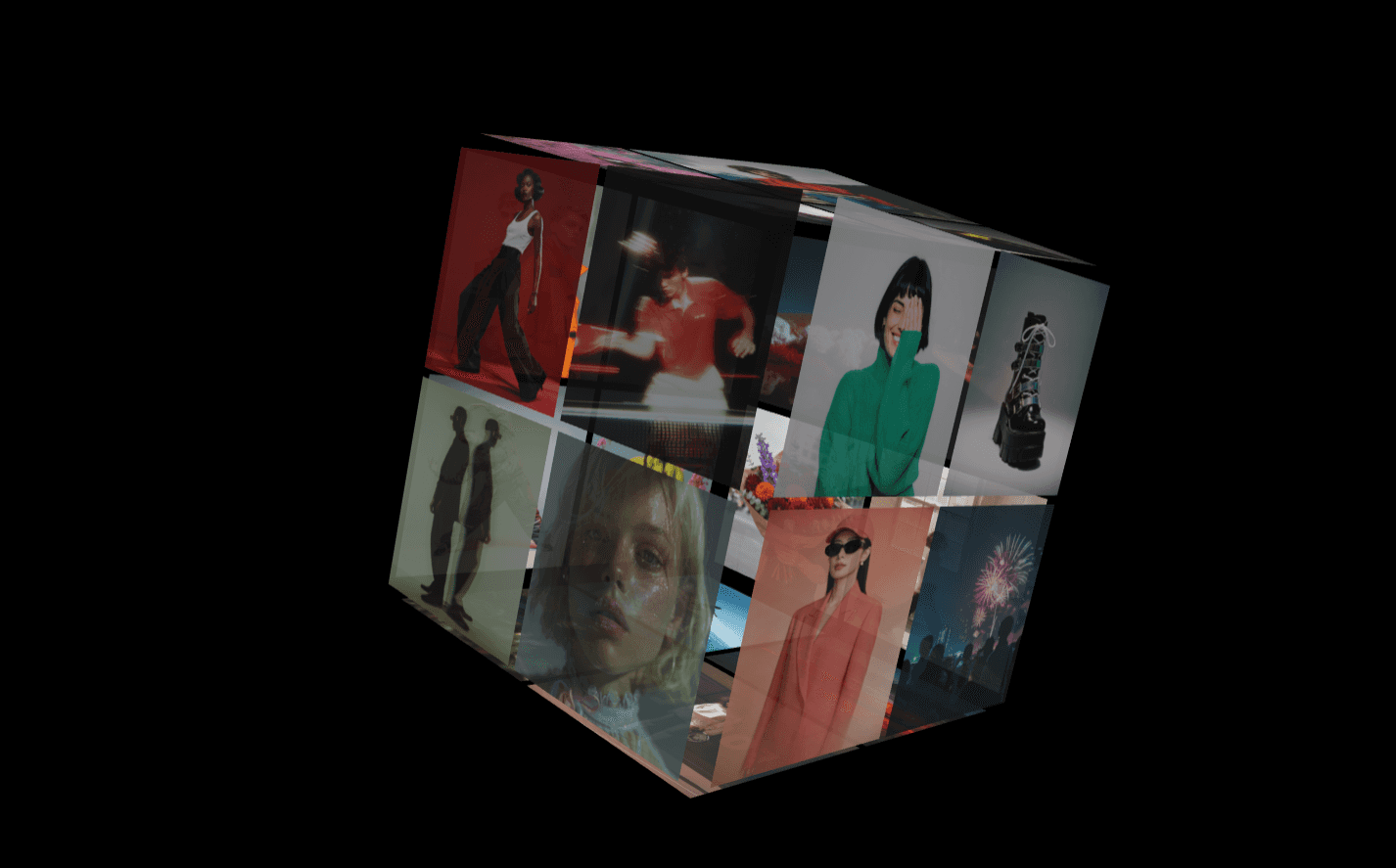
About Scroll Gallery
Infinite Scroll Gallery — Physics-Powered Infinite Grid for Framer
Turn any collection of frames into an endlessly scrollable, draggable gallery that feels alive.
Drop in your components. It tiles everything automatically. No code. No setup headaches.
Perfect for creative websites, portfolios, image walls, SaaS heroes, mood boards, product showcases, ecom websites and creative landing sections that need to stop visitors mid-scroll.
✦ What Makes It Different
This isn’t just an image grid.
It’s a fully interactive, physics-powered canvas with real momentum, subtle depth, and premium motion that instantly upgrades your page.
✦ Core Features
Infinite Bidirectional Scroll: Pan in any direction with seamless tiling — no edges, no resets.
Physics-Based Inertia: Throw the grid and watch it glide naturally with adjustable friction and velocity.
Mouse Parallax Depth: Subtle movement reacts to cursor position for a floating, high-end feel.
Optional 3D Arc Mode: Wrap your gallery along a curved axis for a cinematic display effect.
Hover Zoom & Edge Fade: Bring focus and depth to individual cells effortlessly.
Edge Auto-Scroll: Move near the edge and the canvas scrolls automatically.
Fully Customizable: All controls exposed in Framer’s Properties panel. No code editing required.
✦ Works With
Images
Cards
Videos
Text blocks
Product components
Entire layouts
Stacks
Anything you drop in repeats modularly across the infinite grid.
✦ Built For
Creative Hero sections
SaaS landing heroes
Portfolio homepages
Product showcase walls
Creative 404 pages
Interactive mood boards
Experience based ecommerce websites
Agency & studio cases study sections
✦ Why It Sells Projects Better
Infinite movement increases interaction time and creates a “wow” moment users notice instantly.
Lightweight. Smooth. Mobile friendly.
How To Use
Add the component
Connect frames via the Items slot
Adjust properties and hit publish