About Scroll Reveal Grid
A scroll-triggered image grid for Framer with zoom-in reveals, sliding captions, smooth Lenis scrolling and custom column layouts.
Scroll Reveal Image Grid is a responsive, scroll-animated image gallery for Framer that turns a standard image grid into a more dynamic visual experience.
Features
Scroll-driven image reveal animation
Smooth GSAP ScrollTrigger motion
Lenis-powered smooth scrolling
Scroll-scrubbed animation
Subtle, normal, and strong reveal intensity
Automatic reveal origin detection
Left or right reveal direction
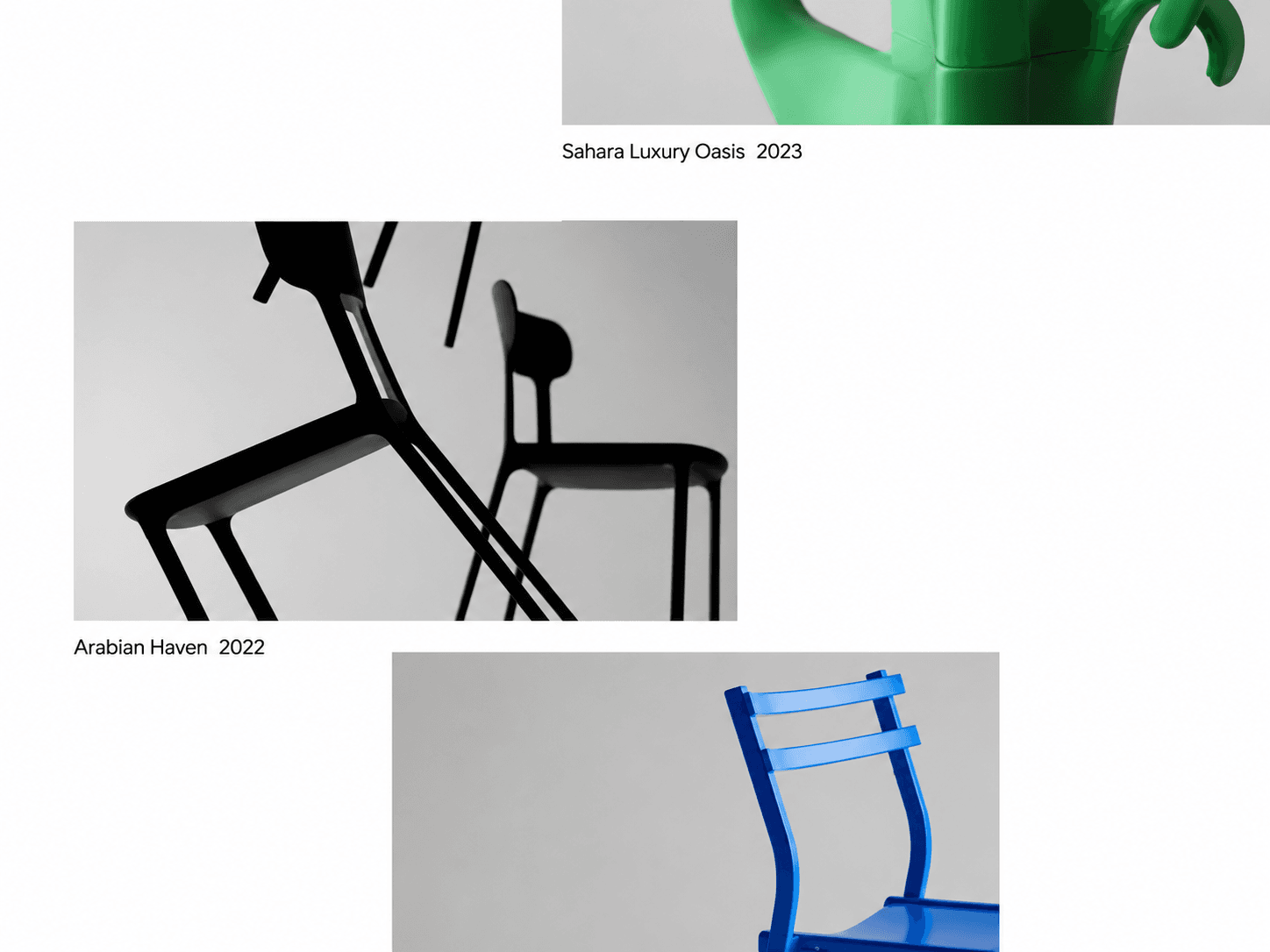
Custom image captions
Title and year/meta information
Flexible CSS grid-based layout
Custom column and row positioning
Adjustable column spans for individual images
Desktop and mobile column controls
Responsive mobile layout
Custom image aspect ratio
Adjustable image border radius
Adjustable row and column gaps
Optional column guide lines
Custom caption typography and colors
Image hover caption color
Clickable image links
Optional new-tab links
Custom mobile breakpoint
Adjustable section spacing
Reduced-motion support
Framer static-render support
Scroll Reveal Animation
The main interaction is driven by scroll position. As each image enters the reveal area, its outer image and inner content smoothly scale toward their final size while the caption moves in from the corresponding side.
Customize
Add up to 40 images
Set image alt text
Add project titles
Add years or metadata
Add custom links
Open links in a new tab
Set desktop column count
Set mobile column count
Adjust column and row gaps
Set individual image column placement
Set individual image spans
Adjust image aspect ratio
Set image corner radius
Enable or disable animation
Choose reveal intensity
and more
How It Works
Add your images through the Framer property panel, assign titles and metadata, then arrange each image using its column and span settings. When visitors scroll through the gallery, GSAP ScrollTrigger connects the reveal animation directly to the scroll position.