About Scroll Timeline V2
Scroll Visual Timeline: Pinned Scroll Steps with Line, Dot & Images
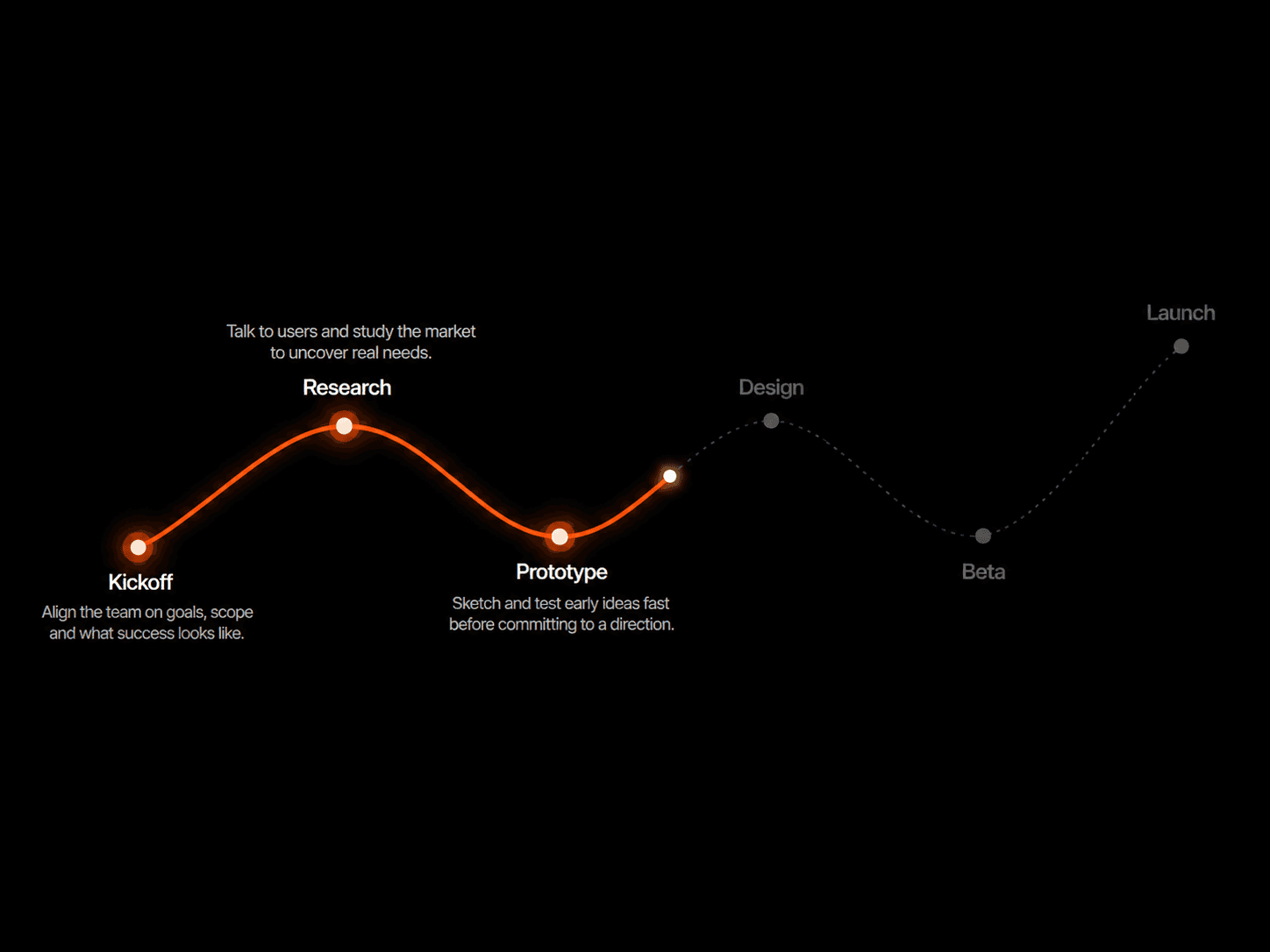
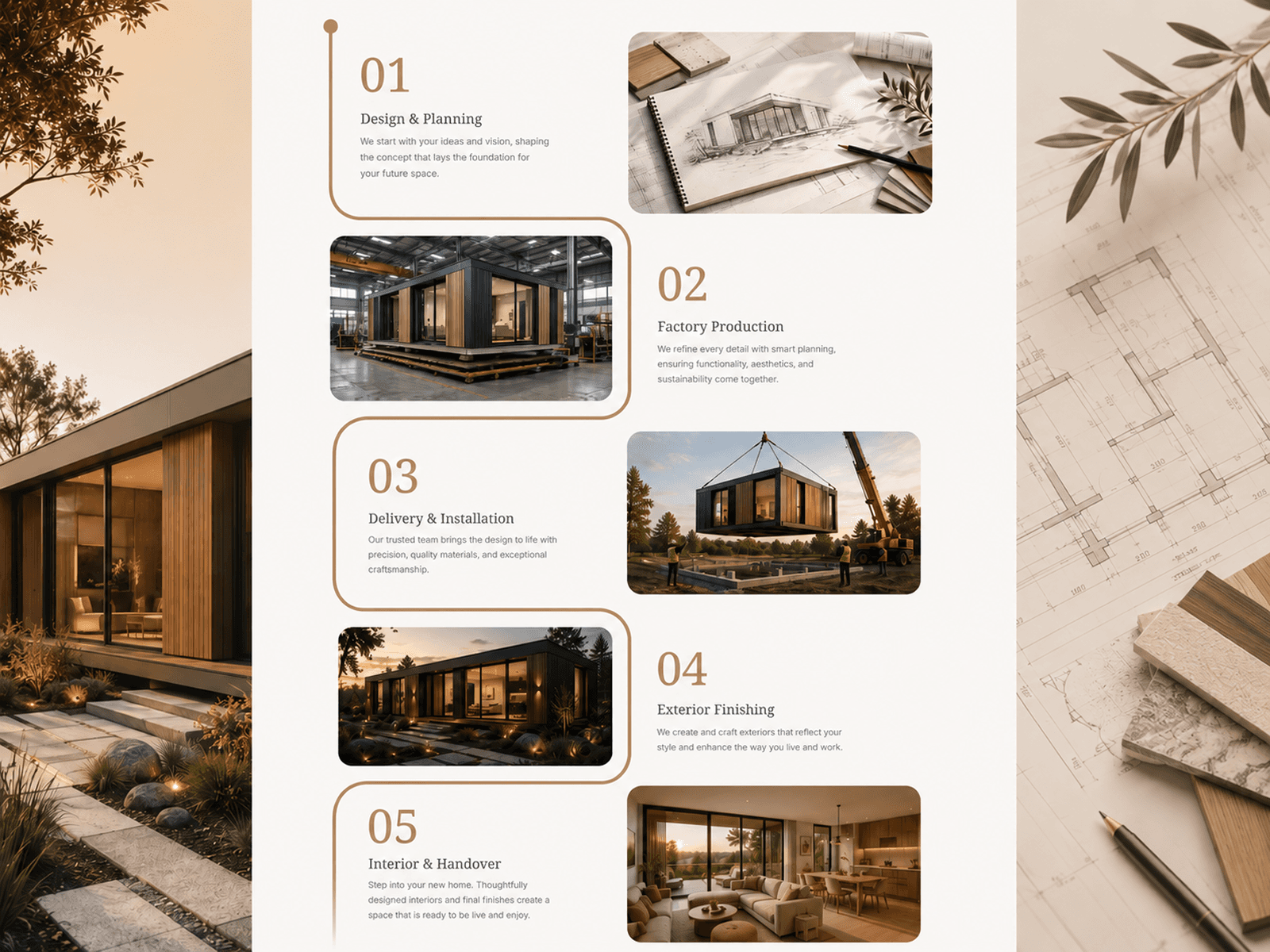
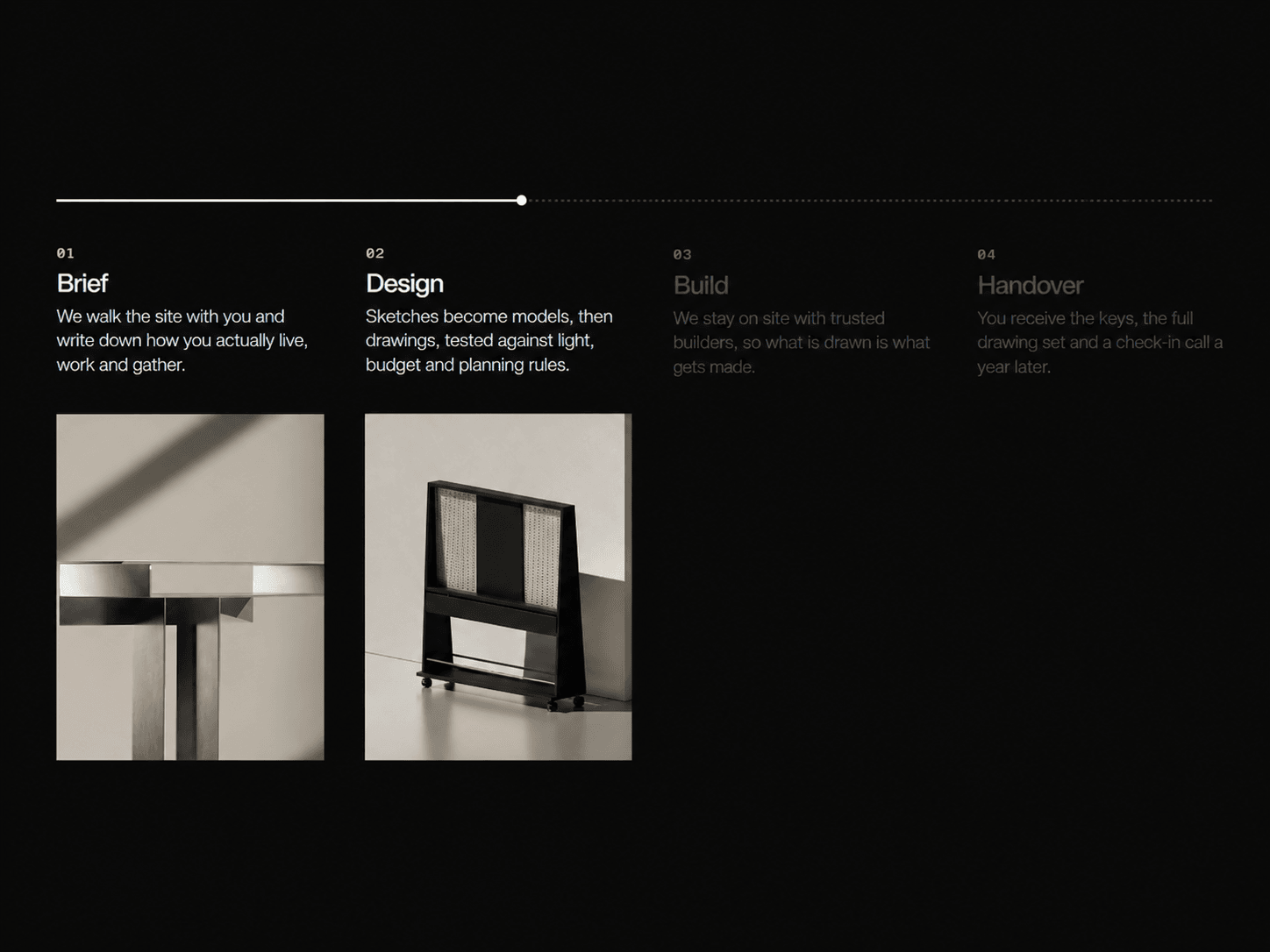
A scroll-driven timeline that pins in place while a line and dot head travel along a dotted track. Each step (number, title, text and image) lights up exactly when the head reaches it, and scrolling back rewinds it. On mobile it turns into a vertical timeline with the same scroll-synced reveal. Use it for process sections, roadmaps, onboarding steps or project timelines.
What you get
Full source code (.tsx), ready to paste
Framer remix link with the demo project
README with step-by-step setup
Free lifetime updates
Support within 24 hours
Customizable
Content: up to 8 steps, each with a number, title, text, image and image alt text. Numbers can be shown or hidden, and there is a max width for each step
Fonts: number, title and text fonts, each with its own size, weight, line height and letter spacing
Colors: background, line, track, head, number, and on and off colors for both title and text
Layout: padding, column gap, track gap, text gap, text-to-image gap, text alignment and mobile breakpoint
Mobile: separate controls for row gap, text-to-image gap, and the space above the first step and below the last
Timeline: line size, track dot size and spacing, and a head that is a dot, a square or hidden
Images: show or hide, one height for all images, and corner radius
Motion: pin on or off, scroll length, rewind, line smoothing, reveal duration and easing
How it works
Remix or paste the code into Framer
Drag the component onto your canvas
Add your steps and images, then edit the colors, fonts and layout in the properties panel
License: Unlimited personal and client projects. No resale or redistribution.
Refunds: Not working? Email us first and we’ll fix it within 24 hours.
Questions? support@russetsupply.com