About scroll video section
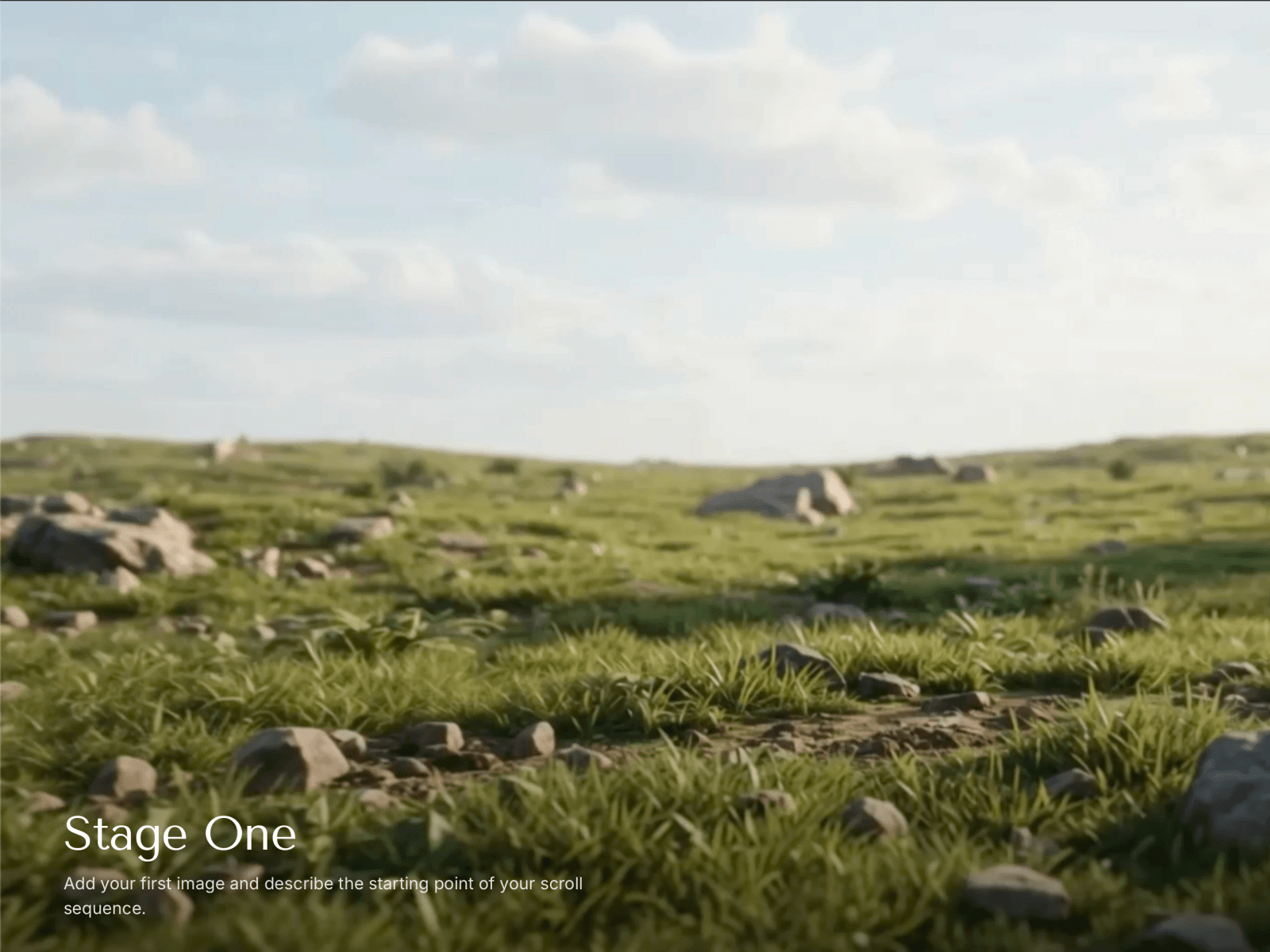
Build cinematic scroll experiences by sequencing still images and transition videos. As visitors scroll, each stage holds on a still image, then smoothly scrubs through a connecting video into the next stage — giving users direct control over the reveal.
How it works
Add your images as stages and upload short videos as transitions between them. The component pins to the viewport and drives video playback from scroll position — every frame is tied to where the user is on the page.
What's included
— Scroll-scrubbed video playback with no stutter or blank frames
— Crossfade blending between layers so cuts never pop
— Animated text overlays with per-stage titles, descriptions, and colors
— Progress dots showing the current stage
— Configurable hold length, transition length, text position, overlay direction, and fonts
— Static canvas preview so it looks right while you're designing
Best for
Product reveals, case study walkthroughs, before/after showcases, portfolio pieces, and storytelling sections.
Setup
Add stage images in the property panel
Upload short MP4/WebM videos as transitions between stages
Adjust hold and transition scroll lengths to taste
Style your text, colors, and overlay
Supports responsive images, custom fonts, and per-stage text color overrides. Works on mobile with touch scroll.