About Scrollable Gallery
About
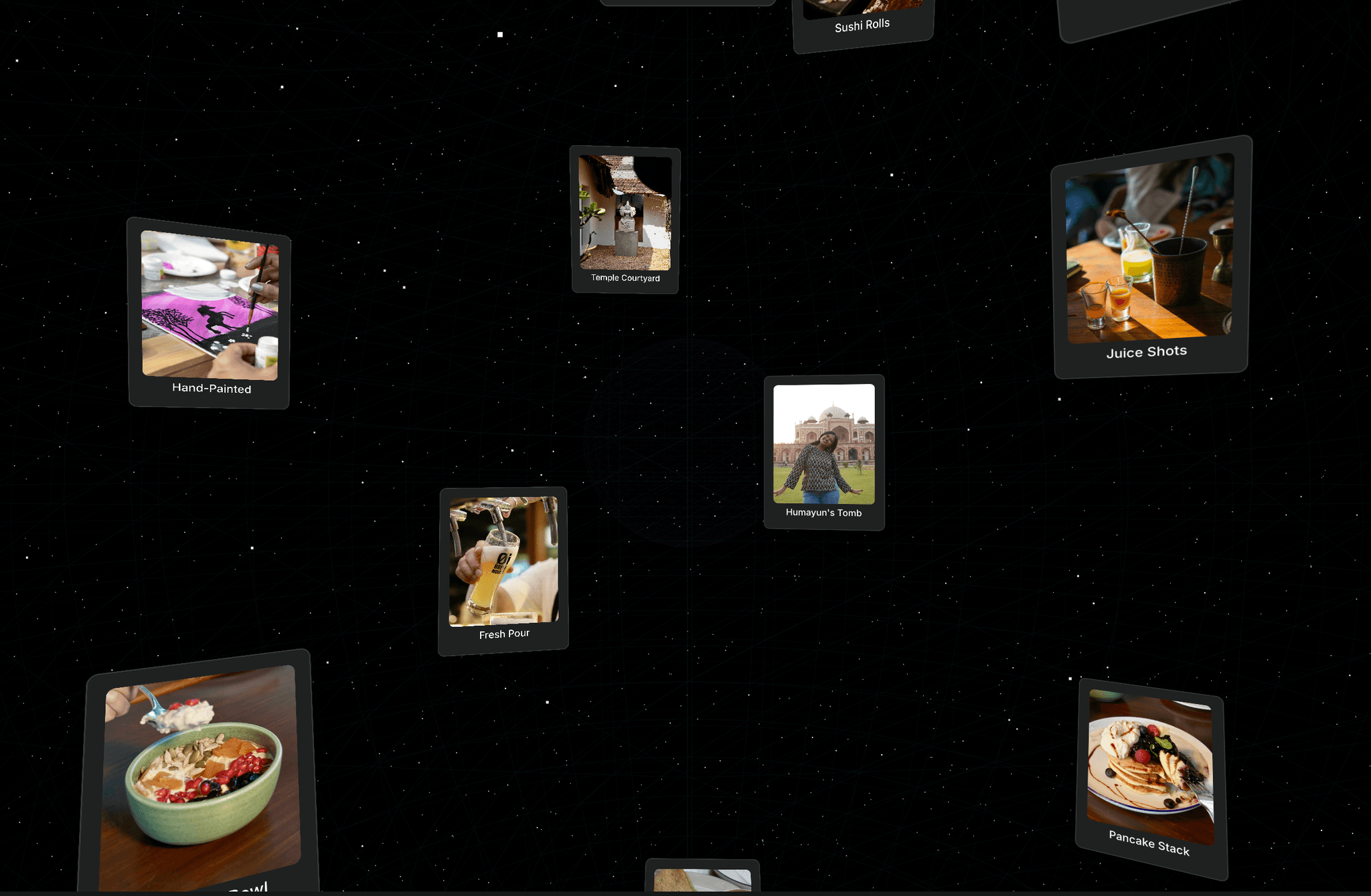
Scrollable Image Gallery brings a fluid and interactive way to showcase your photography or design work directly in your Framer projects. It’s built to add a tactile, premium feel to your site, allowing visitors to grab, drag, and explore your images with ease. Whether you need a structured grid or a more playful, floating layout, this component adapts to your creative vision.
What it does
The component renders a highly responsive grid of images that supports both mouse dragging and traditional scrolling. It includes built-in physics for a smooth "grab and move" experience. Beyond just displaying photos, it can handle links, preloading for better performance, and even adds life to your layout with subtle floating and rotation animations that make the images feel dynamic.
What you can customize
Layout & Styling: Control the number of columns, tile sizes, spacing gaps, and corner radius to perfectly match your site’s design.
Interaction: Toggle dragging, horizontal scrolling, and vertical scrolling on or off. You can even customize the cursor style and choose to hide or show scrollbars for a cleaner look.
Visual Effects: Choose between Cover or Contain image fitting, and add unique personality by adjusting the floating intensity and rotation angles of the tiles.
Navigation: Set images to open links in new or same tabs, and enable a fullscreen mode to let users view your work in high detail.
Great for
Creative portfolios and photography showcases
Interactive hero sections on landing pages
Visual moodboards or "Our Team" sections
Product galleries and lookbooks
Adding "just for fun" interactive elements to a site
Share your buildIf you ship something cool with it, post it on X and tag me @Dulajweb or send it over. I’d love to see what you create.
Need help?Questions or feedback? Reach me anytime: dulajdilshan766@gmail.com or on X @Dulajweb