About ScrollSpy Navbar Pro
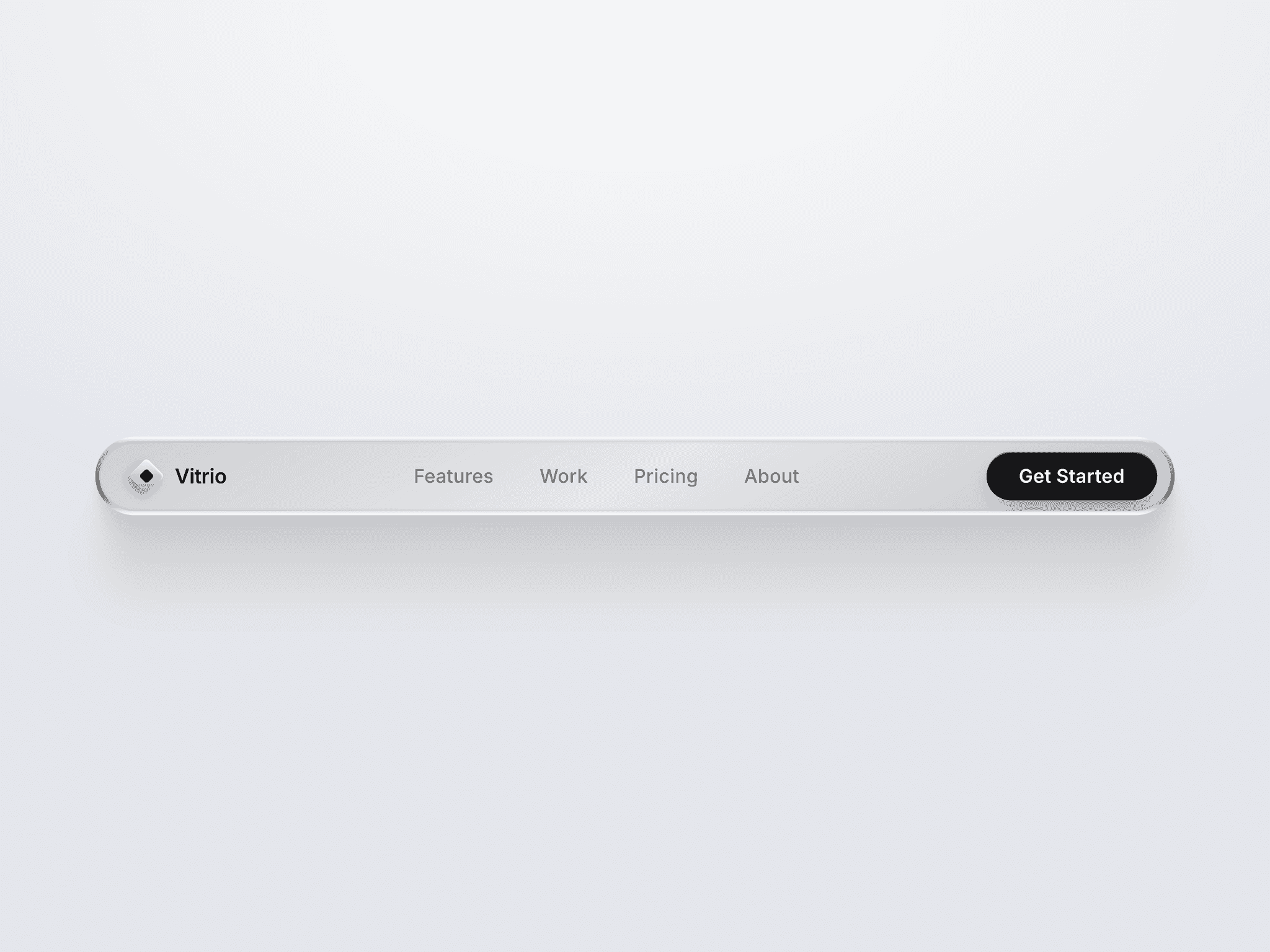
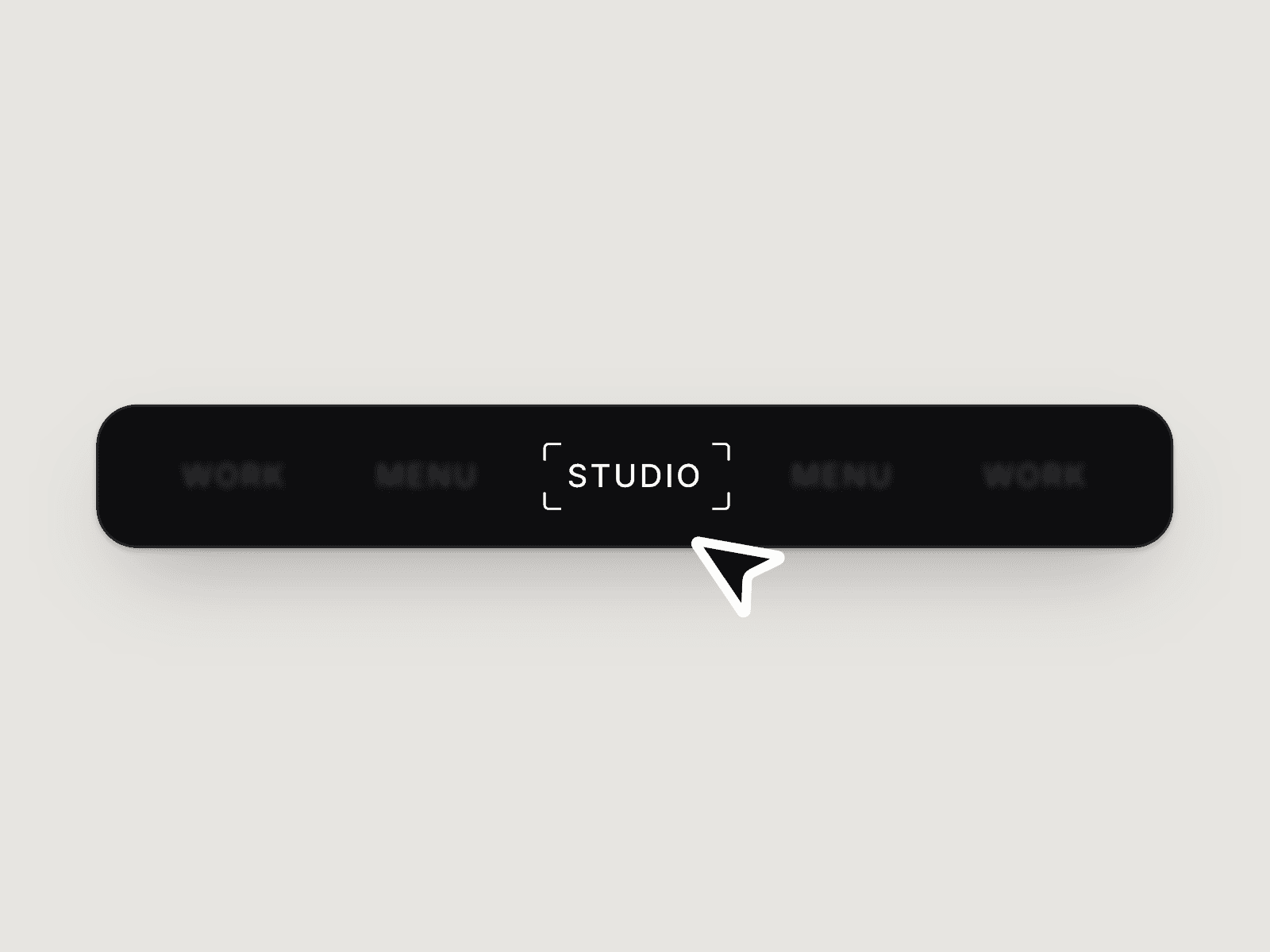
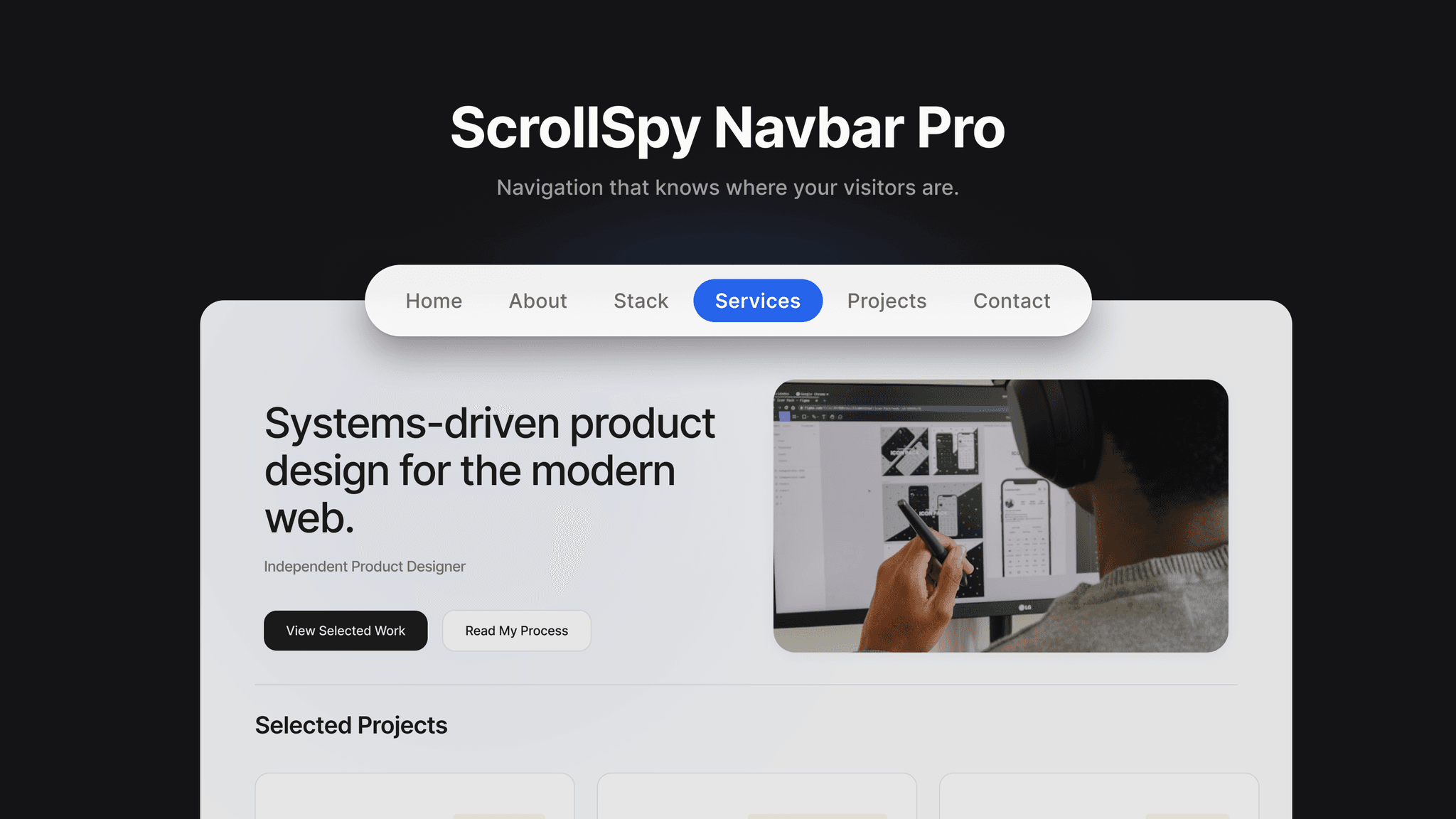
A floating pill navbar that highlights the section currently in view. It combines smooth scrolling, an animated active pill, glass styling, and full sidebar customization with section and page-link items in one navbar.
Built for real sites, its scrollspy supports smooth-scroll libraries and custom scroll containers. It also includes keyboard focus states, reduced-motion support, aria-current, and responsive behavior across desktop, tablet, and scrollable mobile layouts.
HIGHLIGHTS: Animated sliding pill, smooth scroll, and robust scrollspy • Section links and page links in one navbar • Sidebar controls for colors, glass, shadow, spacing, type, and behavior • 5 included style presets • Accessible focus states and reduced-motion support • Fixed or in-frame positioning
SETUP
Add the component to your page.
Give each Framer section an ID, such as home, about, or projects.
In Nav Items, add a matching Label and Section ID. IDs are case-sensitive and should not include #.
For another page, change the item Type to Page and select its destination.
Preview or publish to test scrolling and navigation; the canvas displays a static preview.
CUSTOMIZATION
Adjust background, pill, border, text states, glass blur, shadow, radius, padding, gap, top offset, typography, animation, position, and z-index directly from Framer’s sidebar.
QUICK FIXES
• Pill not moving: confirm that every Section ID exactly matches its frame ID. • Wrong scroll position: increase Top Offset. • Hidden navbar: raise Z-Index. • Glass not visible: lower the Background color’s opacity. • Final section not activating: give short sections a minimum height of about 60vh. • Link back to a homepage section with an anchor path such as /#projects.
Setup takes about two minutes: add IDs, match them in the sidebar, and publish.