About Animated Scroll Text
Turn ordinary headlines into experiences. Elevate your narrative, guide attention and make your message stick. No code required.Key features
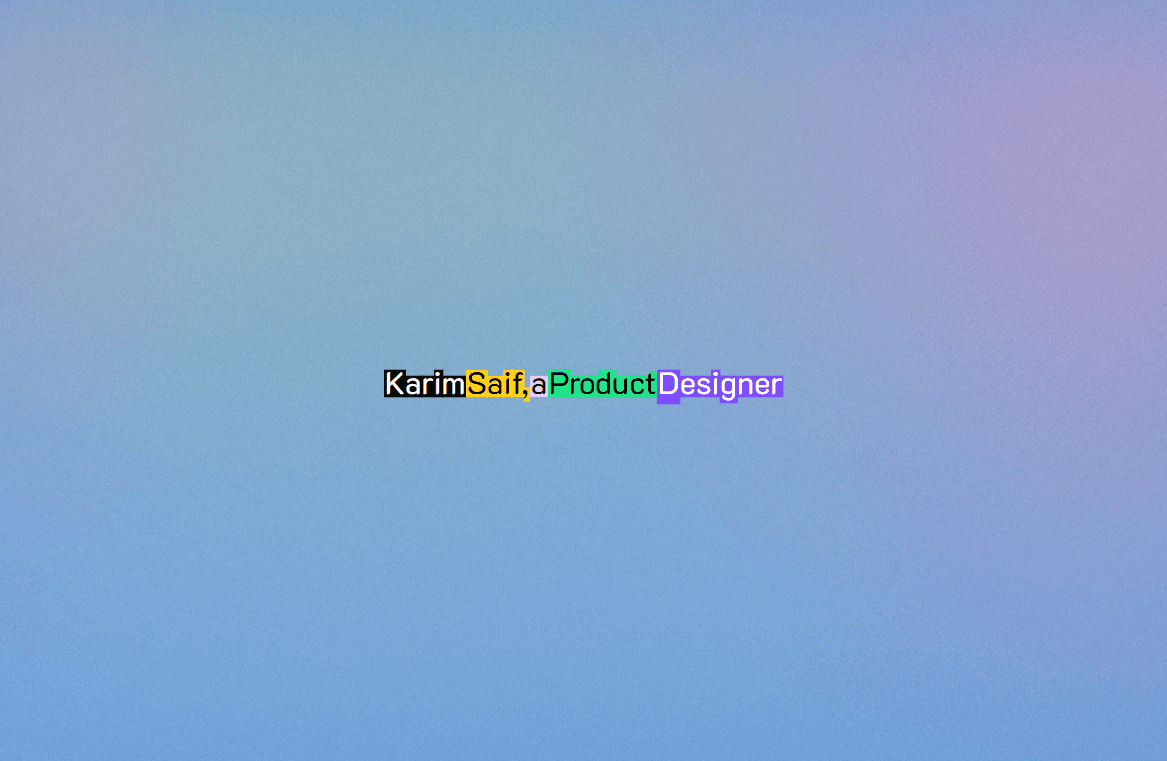
Word-by-word text reveal
Adjustable animation (color, start, end, offset)
Works with any Framer font
Ready to use in minutes
Controls (v1.3)
Text: Your statement
Font: Font family and weight
Color: Start and end color of your text animation
Trigger: Text animation start and end (plus offsets)
Line break:
Go into the text property field (where you write your content)
Click where you want the line break
Hold shift and press Enter.
Italics for single words:
1. Go into the text property field (where you write your content)
2. Set a word in stars e.g. *component*
3. Press enter.
4. To italicize the entire text block, use the font selector.
How it works:
1. Drop the component anywhere in your canvas
2. Enter your copy (headline, CTA, body text, anything!)
3. Set optional animation controls to suit your brand
4. Preview live and publish