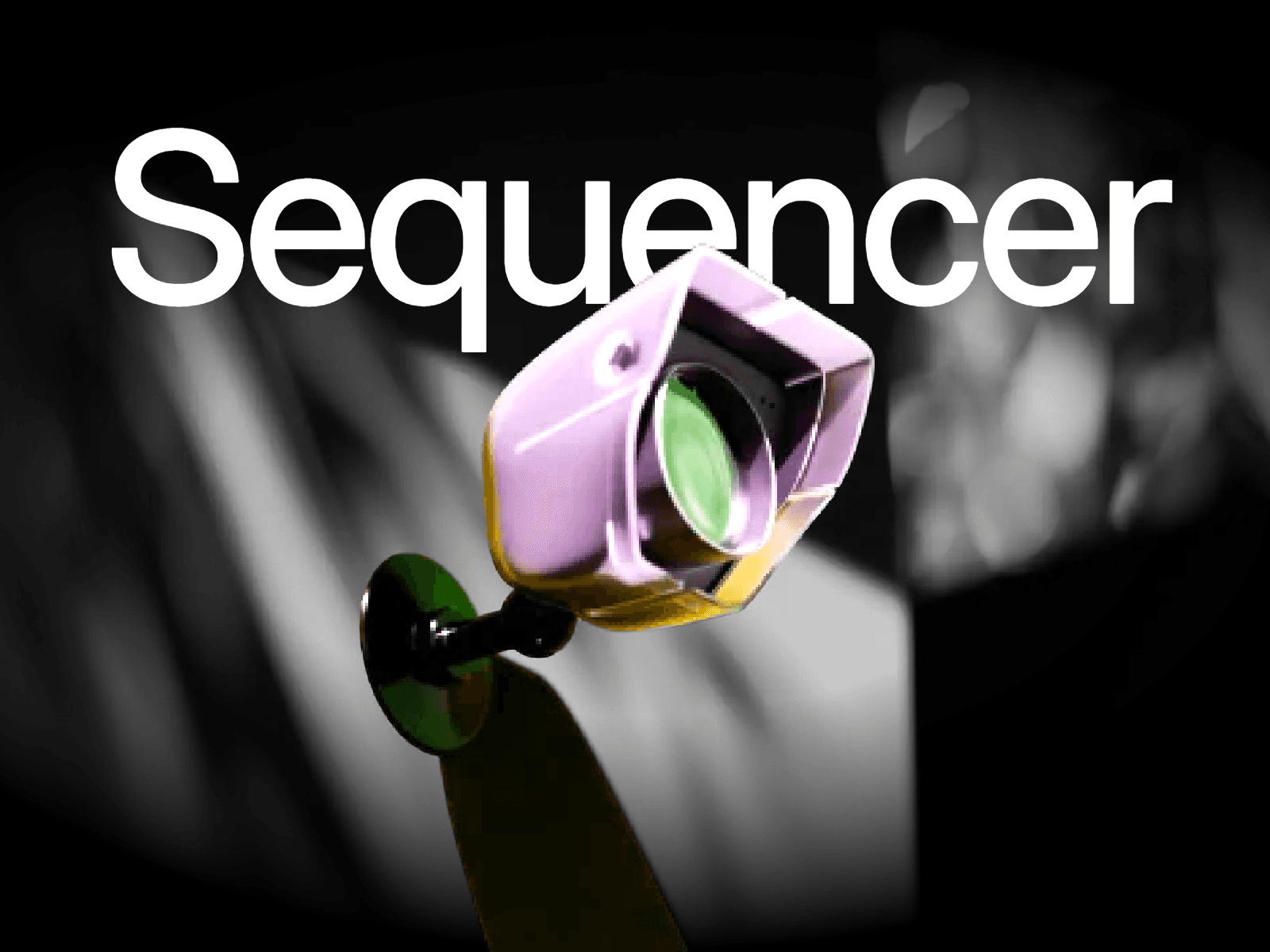
About Sequencer
Sequencer turns a Stack of images into a scroll-scrubbed sequence. Drop hundreds of frames onto the canvas, wrap them in a Stack, connect that Stack, and the component plays them in order as the page scrolls.
It is built for product reveals, 3D turntables, process walkthroughs, and cinematic hero sections. Frames stay inside your Framer project. No external CDN required.
What’s included:
Connect Stack control
Viewport or full-page scroll trigger
Forward and reverse playback
Scrub speed
Cover / Contain / Fill
Scroll height
On-canvas HUD with live frame count
Natural sort by layer name or filename
How to use:
Drop all frames onto the canvas.
Select them and press Shift + A to wrap them in a Stack.
Set every image inside the Stack to Absolute.
Place Sequencer on the page and set width to Fill.
In the properties panel, use Connect Stack and select that Stack.
Set Height to control how long the sequence lasts (higher = slower).
Preview and scroll.
[Note: Covert all images to .webp for better performance.]
Best for:
Product 360s
Scroll storytelling
Exploded-view or assembly sequences
Hero sections that feel like video without a video file