About Service Expand Card
Service Expand Card – A Numbered Service Row That Opens Into a Full Card
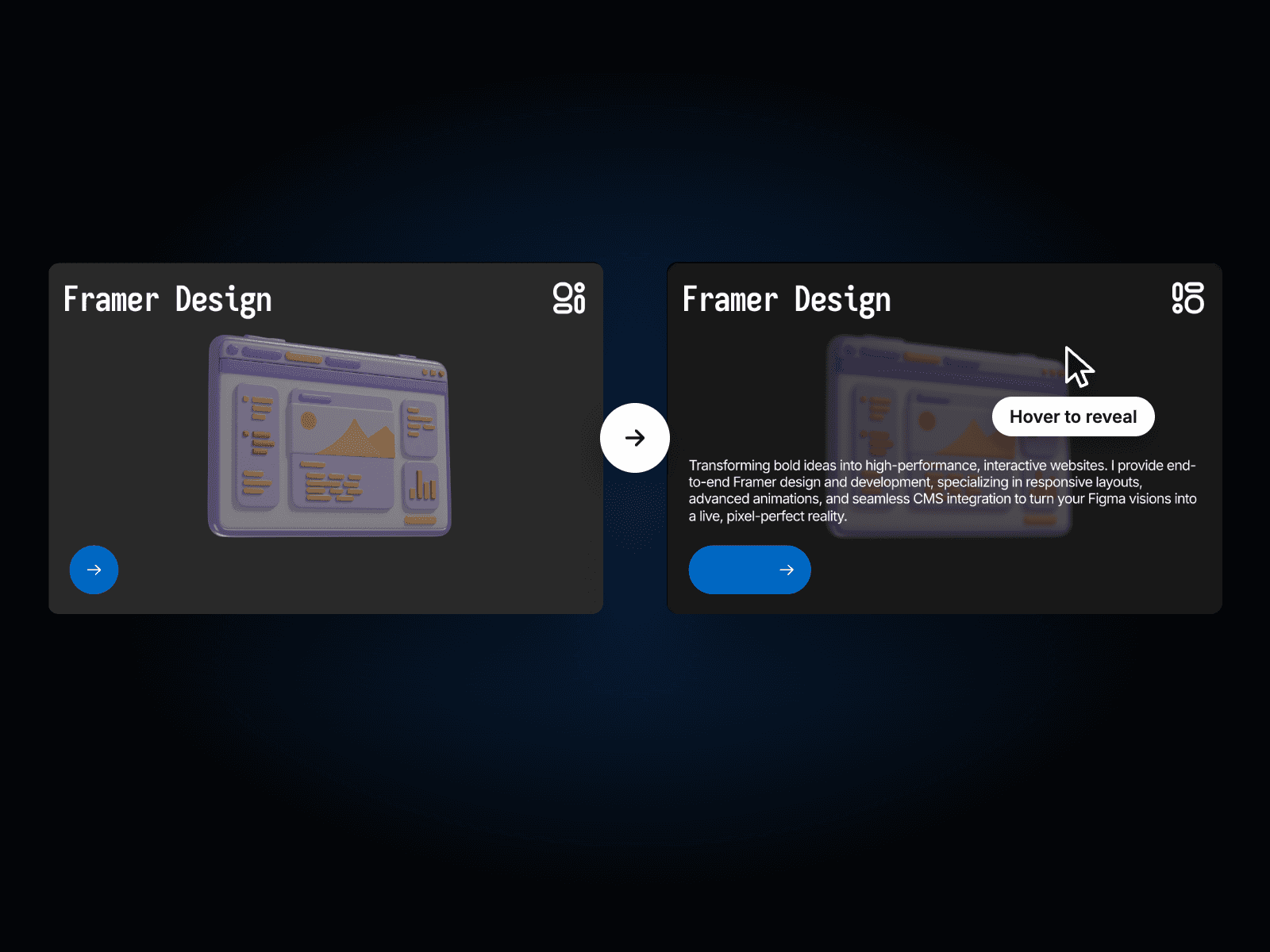
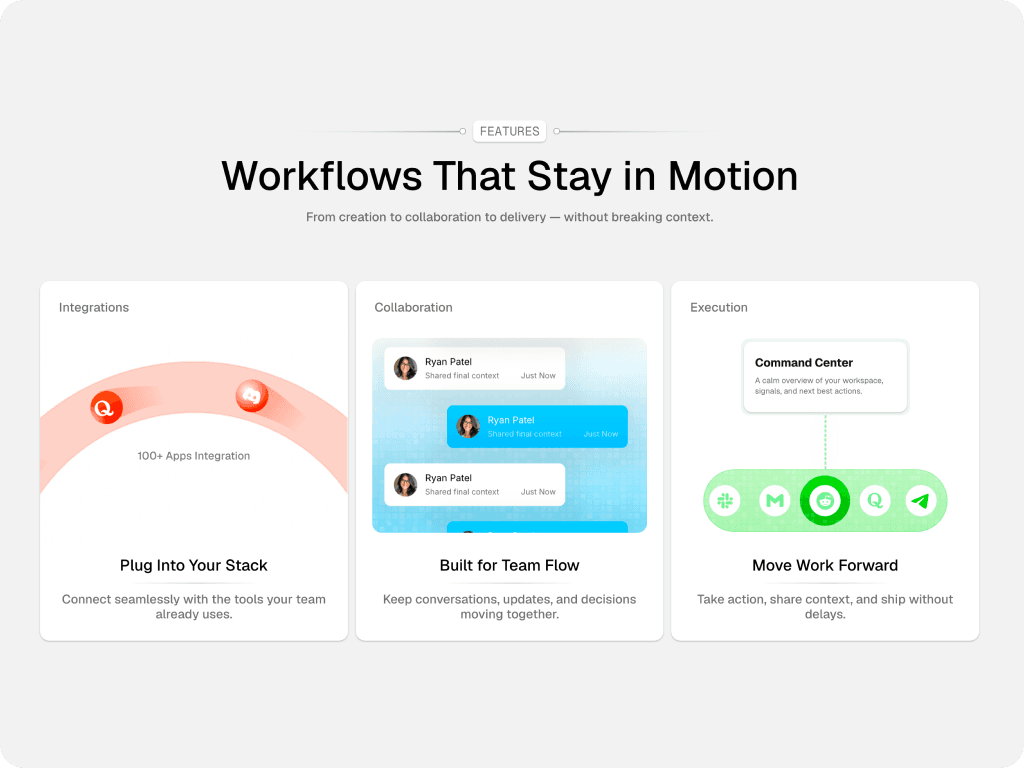
Service Expand Card starts as a clean numbered row with a service name and a plus icon. Click it and the row opens into a full card with a short description, a Get Started button and two images. It keeps a services section tidy while still showing the details.
How it works
Click the icon to open or close the card.
The open card shows a description, a button and two images.
The Get Started button links to any page or URL.
Includes Mobile variants.
Easy to customize
Edit the number, title, text, both images and the link.
Stack several cards to build a full services list.
Drop it into any Framer page and edit it from the properties panel or with your AI agent.