About Shuffle Gallery
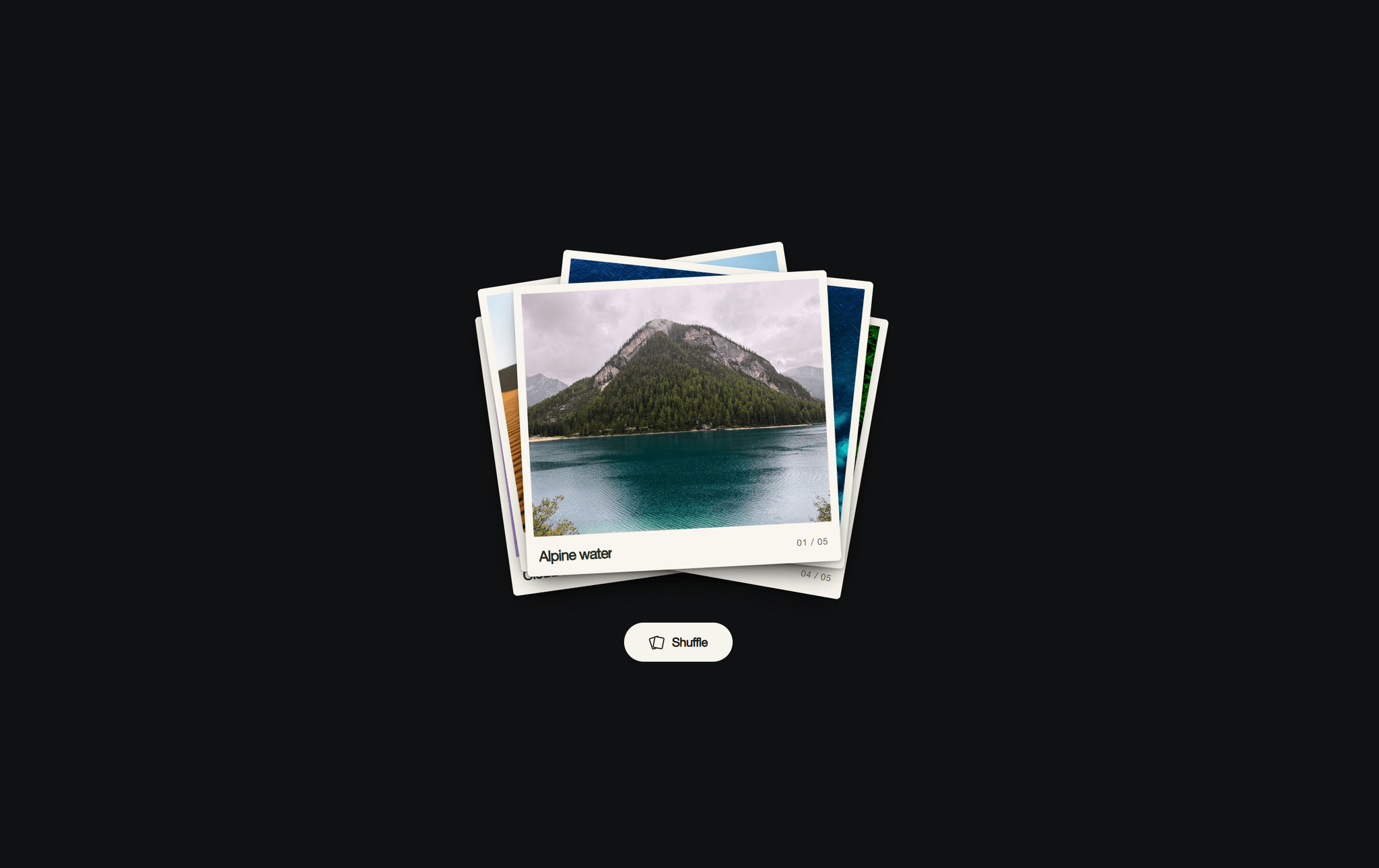
Hover over the exposed corner of a photo and it lifts slightly. Click or tap that corner to pull the print out and bring it to the front. Press Shuffle to split the stack in two and watch the photos slide back together, one by one, in a new order.
It comes with five sample photos. You can swap in your own images and edit each caption in Framer’s properties panel.