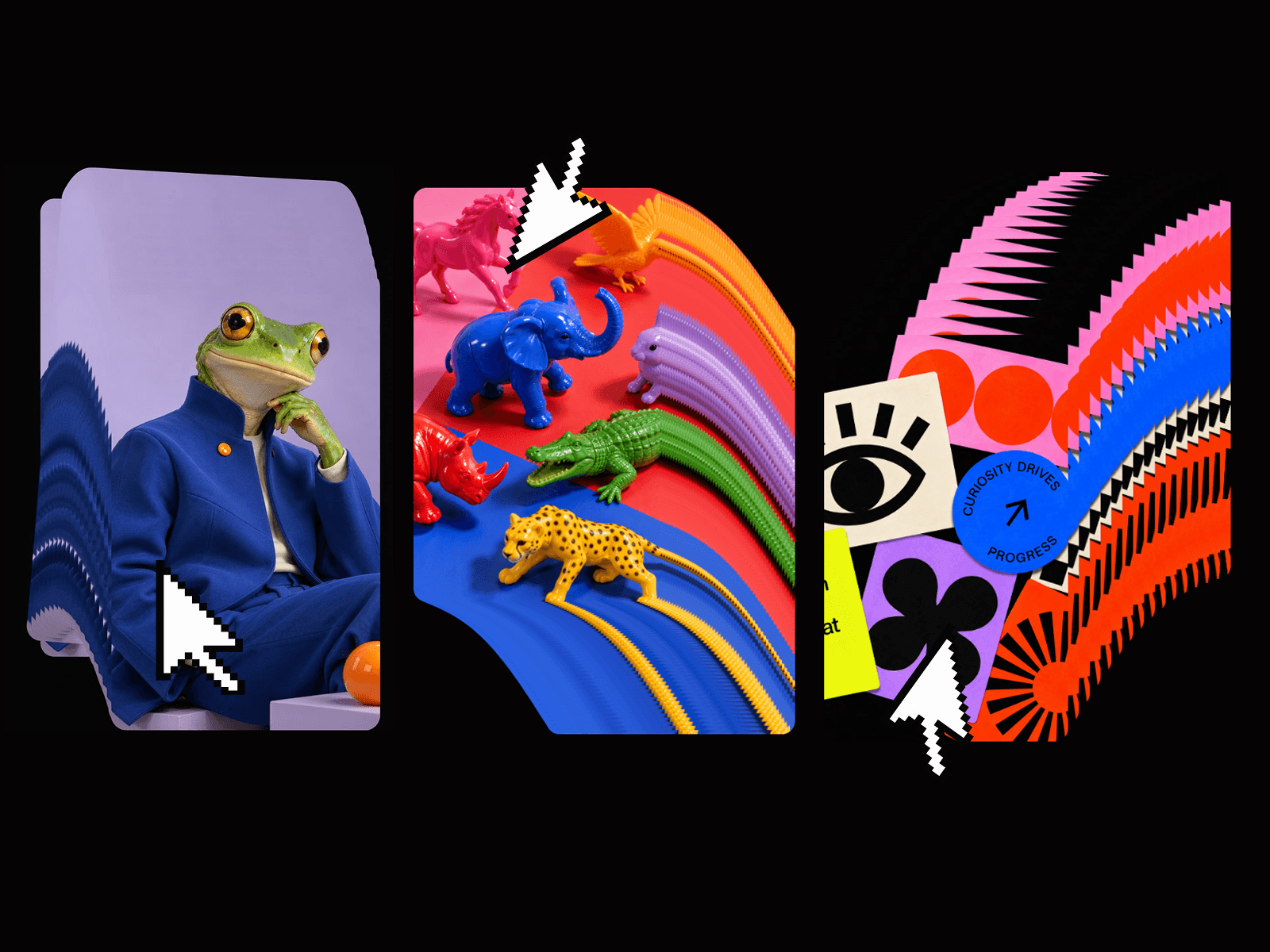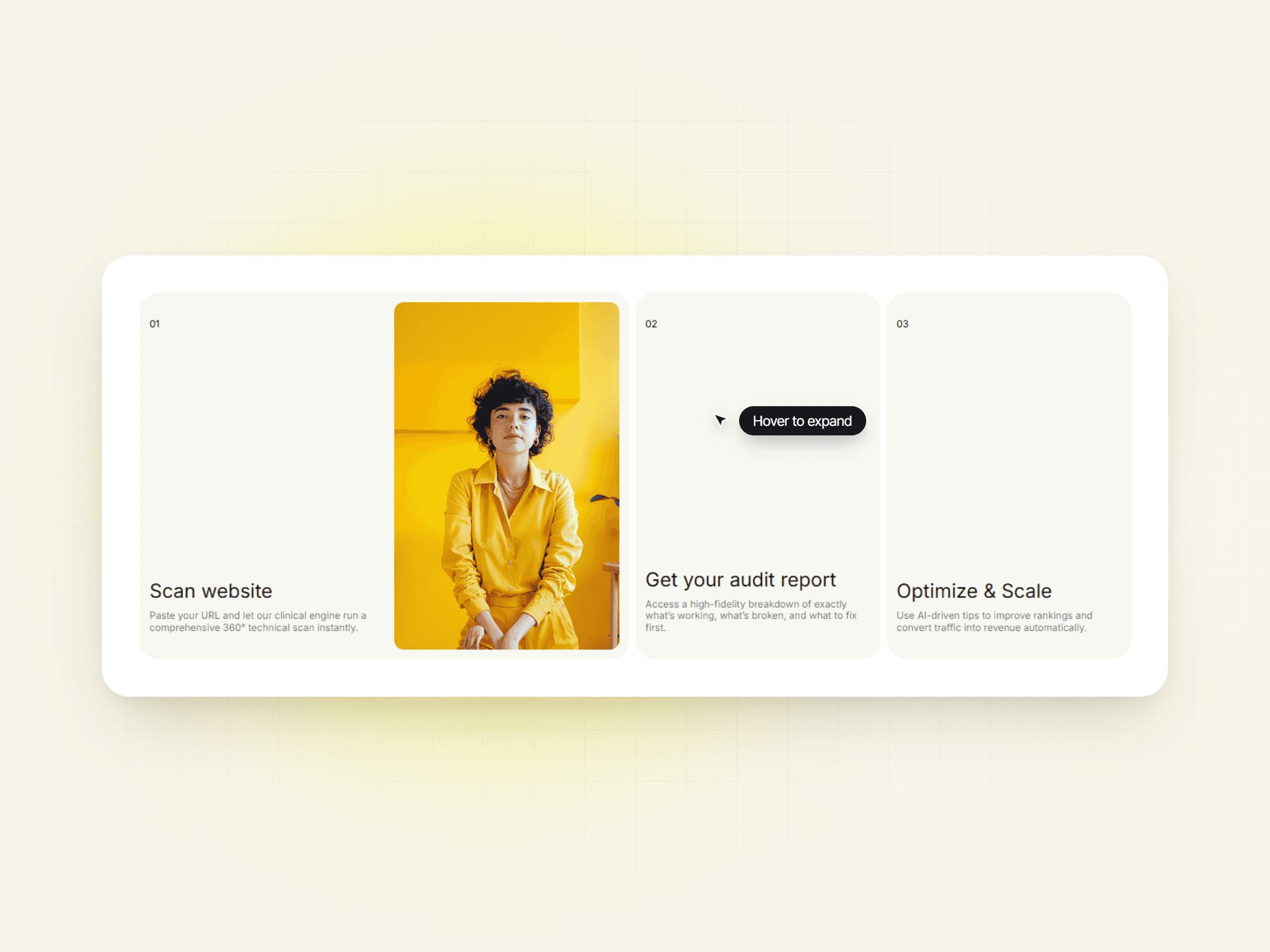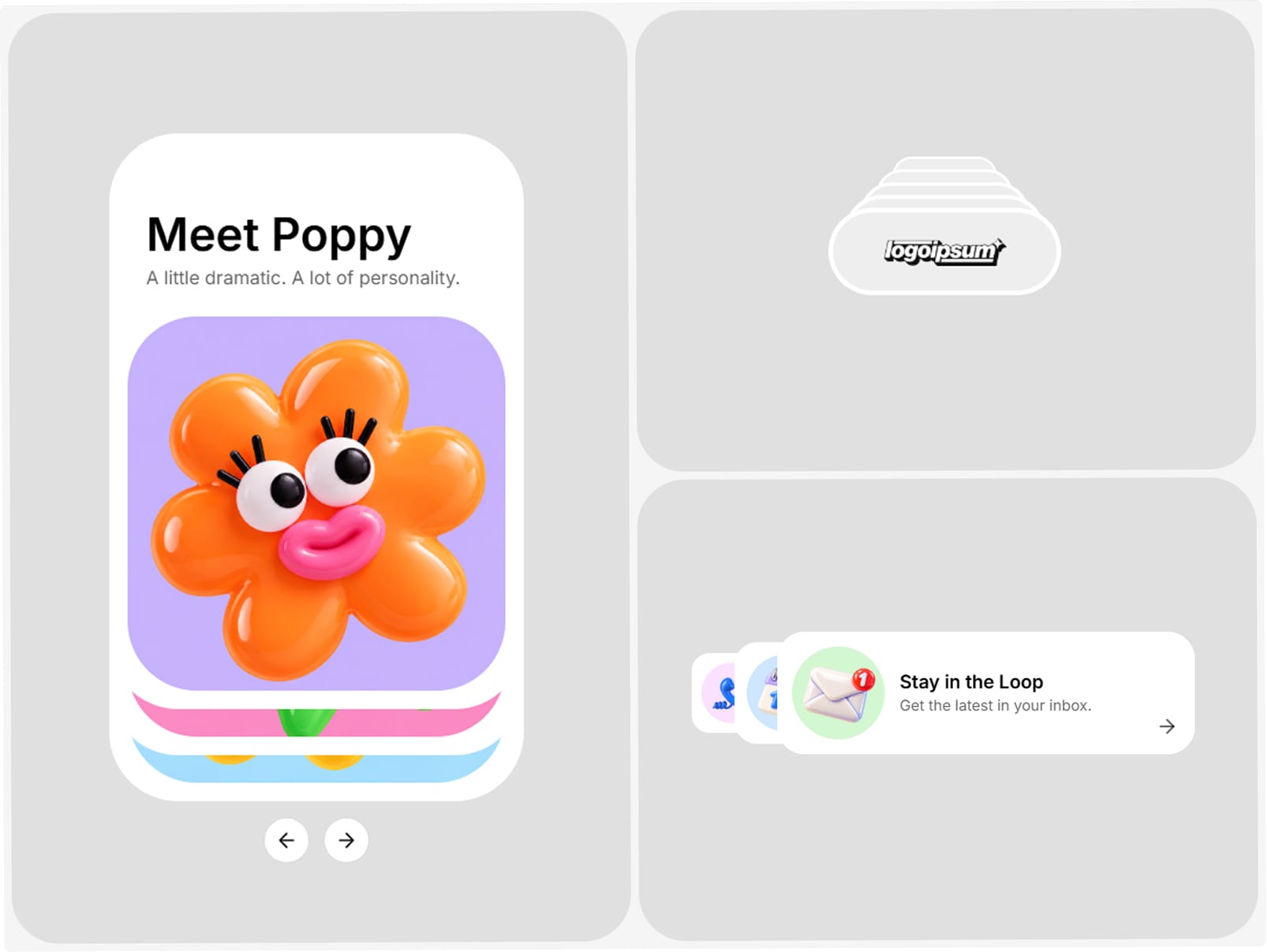
About Shuffle Stack
Give your content a new way to move.
Shuffle Stack is an animated card stack component for Framer that turns your own cards into an interactive, layered showcase.
An alternative to a carousel or ticker, it works with featured projects, client logos, testimonials, buttons, and calls to action. Show more in a compact space, invite visitors to explore, and create different stacks with separate desktop and mobile card options.
Preview: https://stack-shuffle.framer.website/
What’s included
Connect your own Framer cards and components
Separate desktop and mobile card options
Reduced-motion support with autoplay disabled
Unlimited personal, commercial, and client website use
All future updates
Dedicated setup and troubleshooting support
Customizable controls include
Cards: Connect and arrange your cards (components, stacks, or frames).
Mobile Cards: Optionally connect a separate set for mobile.
Visible: Choose how many cards appear in the stack.
Spacing: Adjust the distance between cards.
Rear Scale: Set the size and opacity of cards behind the front card.
Stack To: Choose the stack direction.
Animation: Select the transition style.
Duration: Set how long each transition takes.
Hold Time: Set the pause between transitions.
Autoplay: Turn automatic shuffling on or off.
Show Controls: Show or hide navigation.
Previous / Next Icon: Upload custom navigation icons.
Control Size: Adjust navigation control size.
Hover Pause: Pause autoplay on hover.
Accessibility
Shuffle Stack respects prefers-reduced-motion by disabling autoplay for visitors who prefer reduced motion.
Questions or feature requests?
We’re here to help. Contact support@archipelagy.com for questions, issues, setup help, or feature requests. We’ll respond as soon as we can. Most requests receive a reply within 1–2 business days.