About Signature
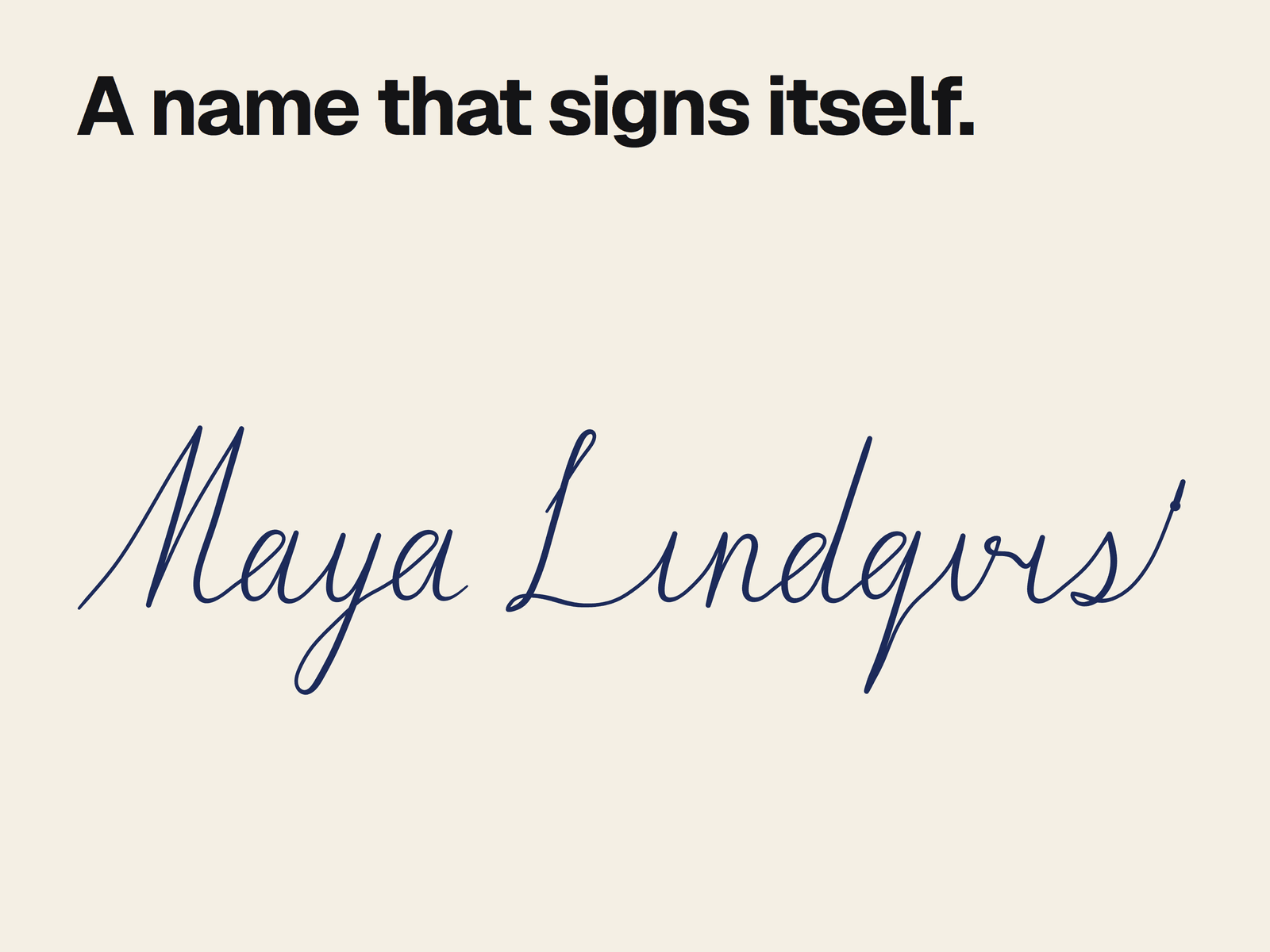
A signature that draws itself stroke by stroke, along the path a pen would take. Letters join up, the pen pauses when it lifts, and i dots and t bars come after the word.
What you can change
The source. Type a name to write it in the built-in script, or use your own signature by pasting SVG markup or path data, or uploading an SVG file.
The script's slant, looseness and spacing.
Ink color and pen width. Pressure thickens downstrokes and tapers the ends, and at 0 you get an even line.
An underline or sweep flourish, and a small dot riding on the pen tip.
Duration and delay, starting on load or in view, playing once or every time, and looping with a hold before it redraws.
Where it fits
Founder notes, about pages and the end of a letter or testimonial.
Good to know
Only stroked paths can be drawn. Auto-traced and outlined signatures are filled shapes, so those wipe in from left to right instead. For a real pen motion, draw your signature with a pen or pencil tool and export it without outlining the strokes.
Your SVG draws in file order and path direction. Ink and Pen Width replace the file's own colors and stroke widths.
If the SVG has no paths it can read, the component writes the Name instead and leaves a note on the canvas.
The script is one neat cursive hand, and you can't load a font into it. It covers A to Z, digits, common punctuation and common Latin accents. Other alphabets aren't drawn.
The writing scales to fit the frame, so the frame sets its size and a very long name gets small. Pen Width scales with it.
The canvas and visitors who ask for reduced motion see the finished signature. Drawing pauses while it's off screen.