About Simple FAQ Accordion
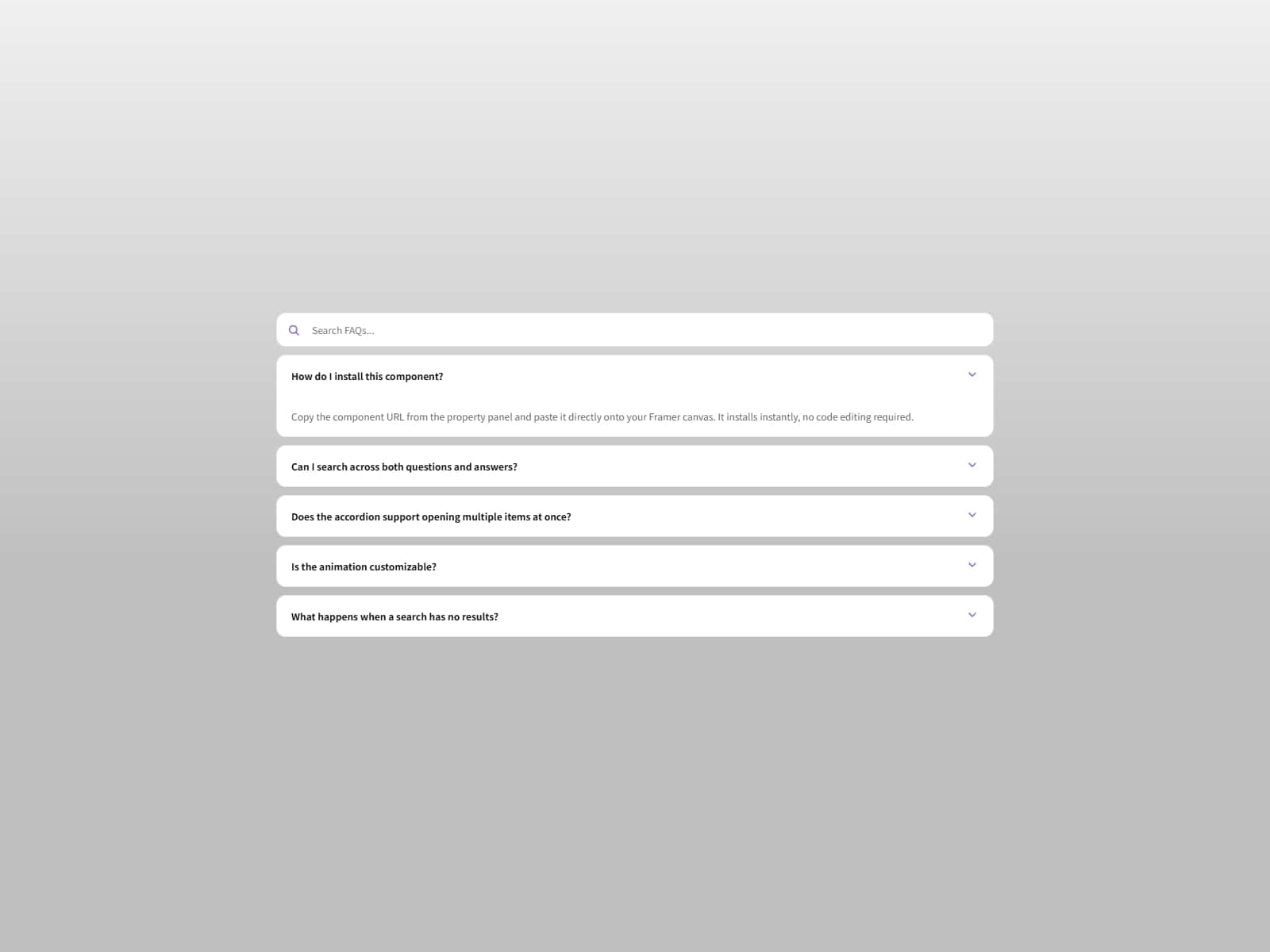
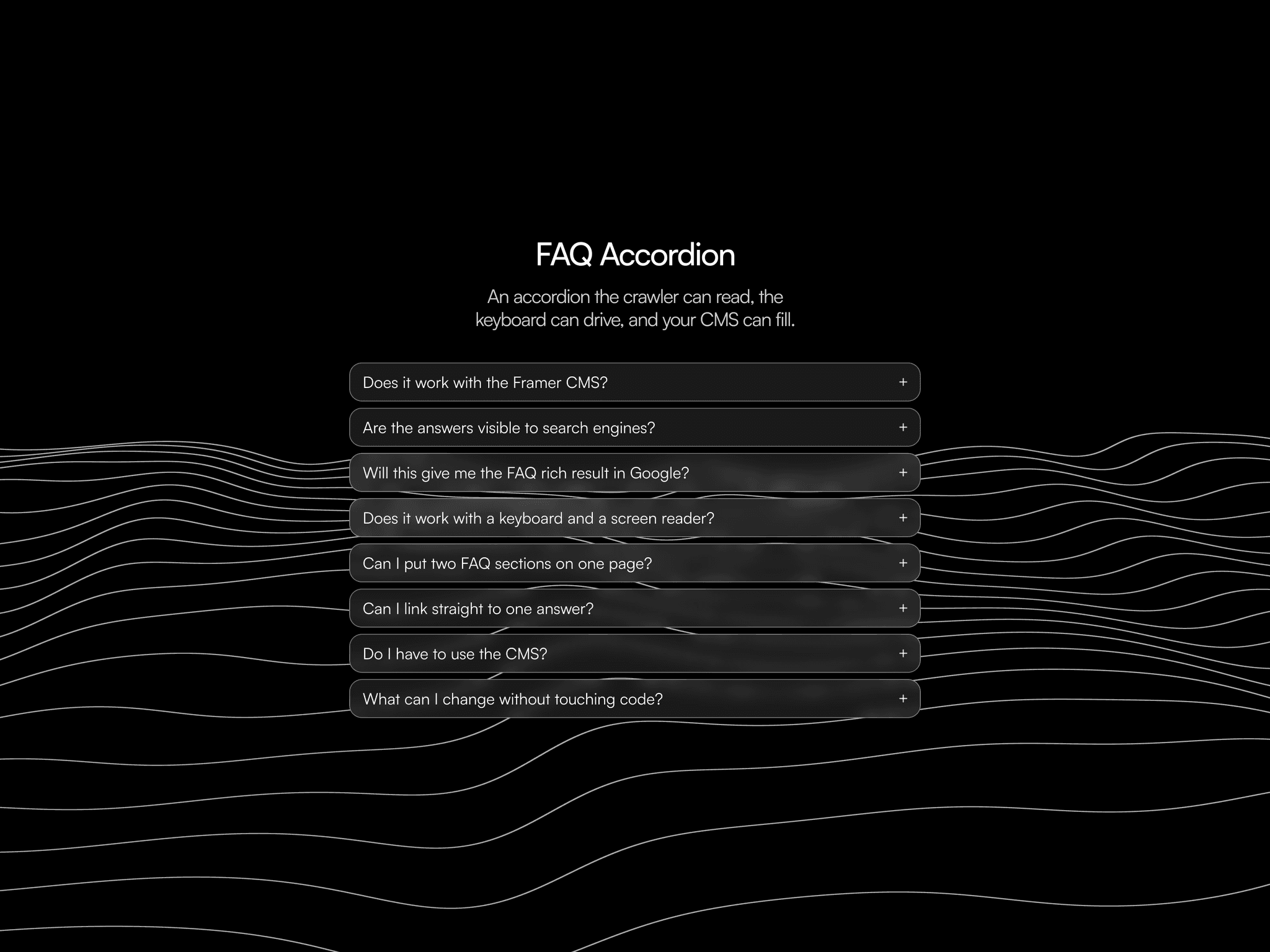
Built to simplify one of the most tedious parts of building in Framer: creating and managing expandable FAQ sections. Instead of dealing with interlinked components, variants, and manual interactions, this component gives you full control from a single place. You can add, remove, edit, and reorder questions instantly through the Properties Panel, making it fast to iterate and maintain.
It is designed to adapt to any design system. From typography and spacing to colors, icons, and animations, everything can be customized to match your brand. You can also enhance each question with prefixes such as icons, numbers, text, or emojis to create more structured and engaging layouts.
Whether you are building landing pages, product pages, or help sections, this component helps you move faster while keeping everything clean, consistent, and easy to manage.
Key features
Fully editable from the Properties PanelAdd, remove, edit, and reorder questions without duplicating layers or managing complex component structures.
Flexible prefix systemEnhance each question with icons, text, numbers, or emojis to create hierarchy and visual clarity.
Complete styling controlCustomize colors, typography, spacing, borders, icons, and more to match any brand or layout.
Adjustable behavior and animationsControl default open or closed states and fine-tune animation speed for a smoother experience.
No setup complexityNo coding or advanced configuration required. Drop it into your project and start building immediately.
Perfect for
Landing pagesPresent key questions clearly and reduce friction before conversion.
Product or service pagesExplain features, pricing, or processes in a structured and easy-to-scan format.
Help centers or FAQsOrganize information in a clean, maintainable way without adding technical overhead.