About Smart Aiming Cursor
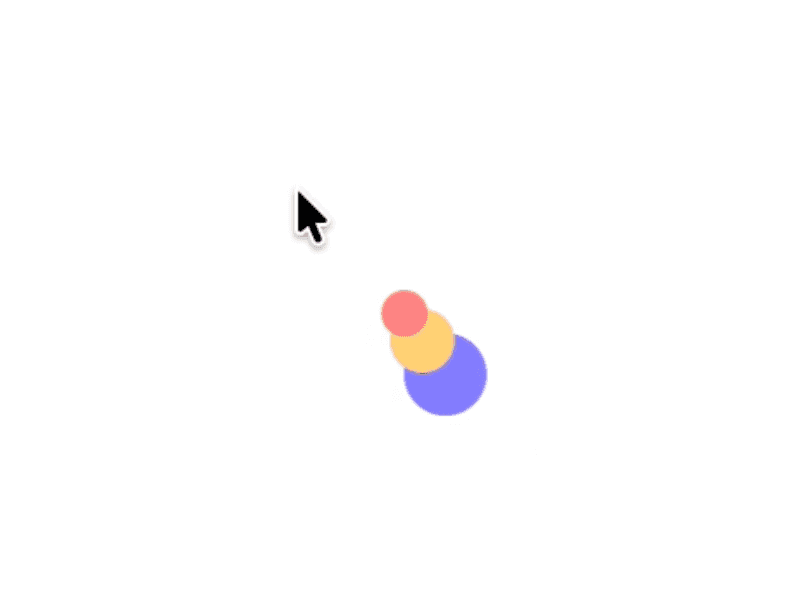
he Smart Aiming Cursor adds a crosshair axis that follows the mouse. It automatically snaps to target elements, replacing the default pointer with a precise, magnetic guide. Drop it into any Framer project to create a custom interactive cursor.
Customizable Properties
Cursor Style (Default)
Visibility
Axis - Visibility / Color / Thickness(px)
Crosshair - Visibility / Color / Size(px) /Thickness(px)
Cursor Style (Hover)
Visibility
Axis - Visibility / Color / Thickness(px)
Crosshair - Visibility / Color / Size(px) /Thickness(px)
Corner - Visibility / Type / Color / Size(px) /Thickness(px) / Padding(px)
Physics
Follow Speed
Follow Smoothness
Snap Speed
Snap Smoothness
Target
Buttons - HTML <button> and elements with role='button'.
Links - HTML <a> (links).
Data - data-cursor-hover or data-cursor-target.
Pointer - any element that has a 'cursor: pointer' style.