About Smart Hotspots
About Interactive Hotspots
✦ Turn any image into an interactive experience.
Bring static visuals to life with customizable hotspots, interactive cards, links and subtle motion. Perfect for shoppable imagery, editorial storytelling, portfolios and product showcases. Responsive by default, easy to customize and ready to use in Framer.
⚙ What you can customize
Image ✦ Image position ✦ Scale ✦ Hotspot position ✦ Marker style ✦ Size ✦ Colors ✦ Border ✦ Radius ✦ Shadow ✦ Animation ✦ Interaction ✦ Active state ✦ Card type ✦ Card position ✦ Width ✦ Card image ratio ✦ Card presets ✦ Typography ✦ CTA ✦ Links
✦ Multiple marker styles
Choose Dot ✦ Ring ✦ Plus ✦ Number ✦ Icon markers with Pulse ✦ Glow ✦ Bounce ✦ Radar animations — or keep things completely static and minimal.
◫ Flexible content cards
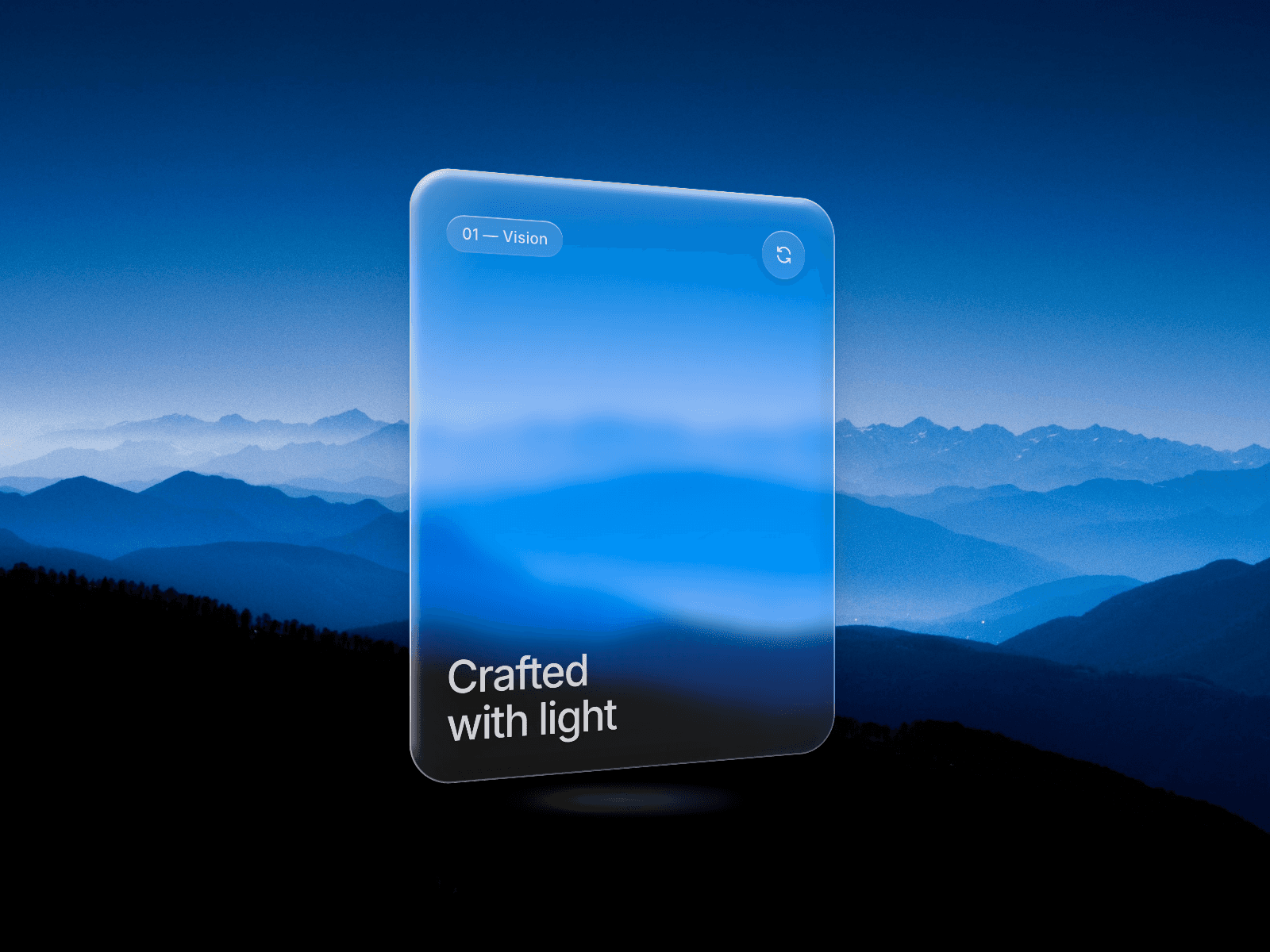
Create tooltips, product cards or minimal info panels with images, labels, titles, descriptions, prices, CTAs and links. Choose from Minimal ✦ Editorial ✦ Shop ✦ Glass presets or create your own style.
🎯 Perfect for
Product showcases ✦ Shoppable images ✦ Fashion lookbooks ✦ Editorial websites ✦ Portfolios ✦ E-commerce ✦ Photography ✦ Visual guides ✦ Creative landing pages
🖱 Flexible interactions
Choose Hover or Click. Open detailed cards or link directly to another page, product or destination with smooth transitions and optional new-tab behavior.
📱 Responsive by default
Hotspots stay aligned as images resize, crop or scale. On mobile and devices without precise hover, interactions automatically adapt to tap/click behavior with floating or bottom cards.
✨ Built-in details
Keyboard-friendly controls ✦ Focus states ✦ Escape to close ✦ Reduced-motion support ✦ Auto-positioned cards ✦ Mobile interactions
––––––––
❤ Thank you for supporting Jean Studio! I hope Interactive Hotspots helps you make your images more useful, expressive and fun to explore. Happy building!