About Smart TOC Component
Description:
Drop this component on any long-form page and it builds a working table of contents from your actual headings, no selectors to type, no CMS fields to wire up, no manual anchor links. It reads H2, H3, and H4 from the live DOM the moment the page loads and stays in sync as your content changes.
Two layouts, one component
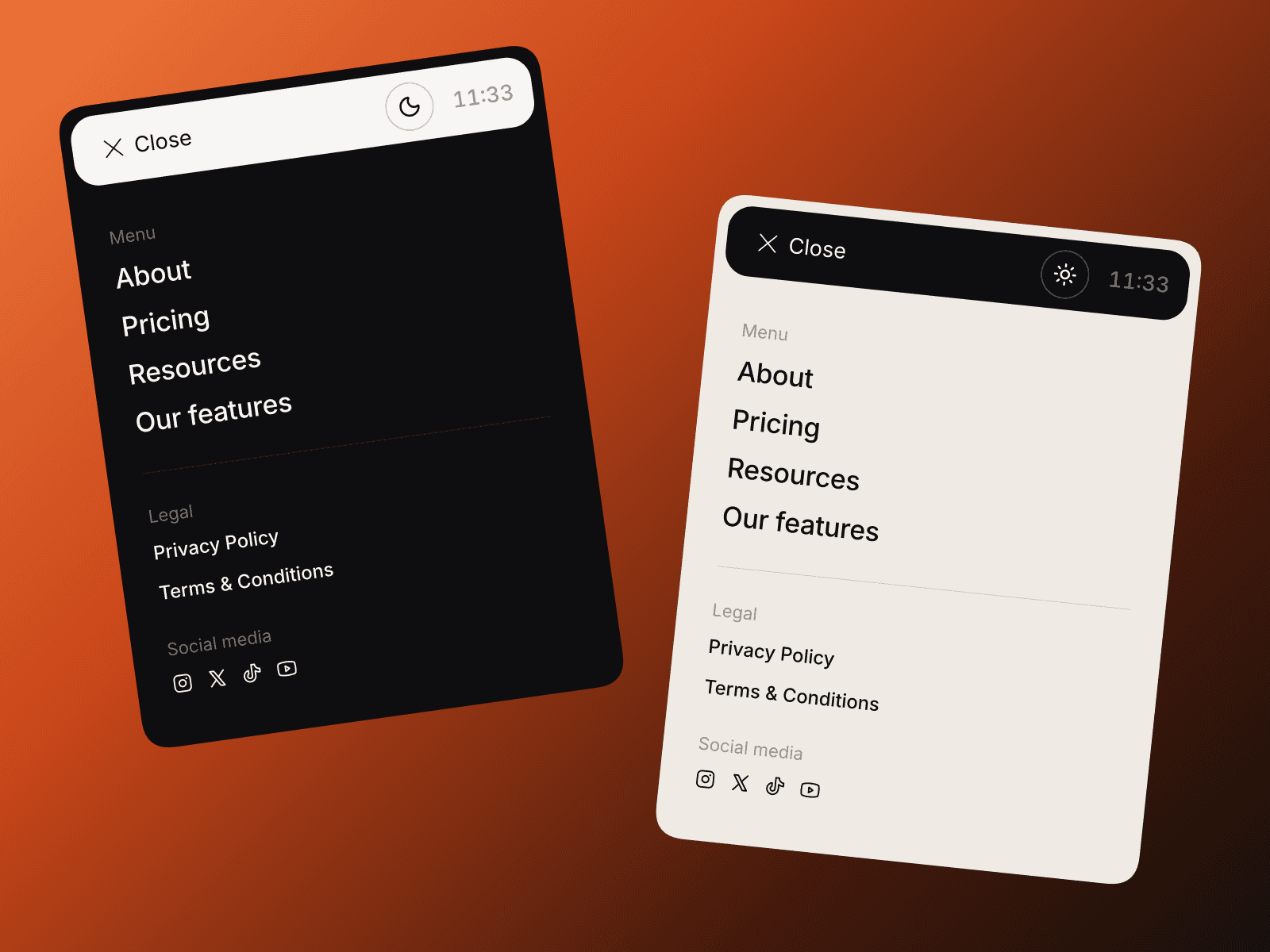
On desktop it renders as a clean card, designed to sit in a sticky sidebar column. On mobile, below your chosen breakpoint, the sidebar disappears and a floating pill button appears fixed at the bottom center of the screen. The pill always shows the name of the section the reader is currently in. Tapping it opens a smooth bottom drawer with the full heading list. Tap any item, it scrolls there and closes the drawer. No extra setup for mobile, it just works.
Everything is customizable from the Properties panel
Background, border, and all text colors
Active text color and indicator bar color
Hover background for desktop
Title label, title size, and font (any Google Font by name, auto-loaded)
Scroll offset to account for your navbar height
Smooth scroll toggle
H2, H3, and H4 each have their own size, weight, indent, and inactive color
Mobile breakpoint, pill background color, and pill text color
The drawer automatically inherits desktop colors, nothing to set twice
Setup (30 seconds):
Drop this component anywhere on your page.
Select the Frame that wraps your article content (H2/H3/H4s, paragraphs, images).
Open Accessibility → set Tag to main, article, or section.
Publish.
Why $5
Every other TOC component on the marketplace is either free (no mobile behavior) or $7 to $15 (with configurations that require pointing at selectors or connecting CMS fields). This one does more out of the box and costs less than any of the paid alternatives. The price is low because the goal is volume, more designers using it means more feedback, better updates, and a better component for everyone over time.
What you get
Full source code, copy to any Framer project
Desktop sticky sidebar
Mobile floating pill and bottom drawer
Per-heading-level controls for H2, H3, H4
Any Google Font supported
Smooth scroll with configurable offset
Informative editor placeholder so you always know what to expect in Preview
Future updates included
Best for: Blogs, Articles, UX case study portfolios, documentation pages, changelogs, and any page where a reader benefits from knowing where they are.