About SmartFAQ Pro
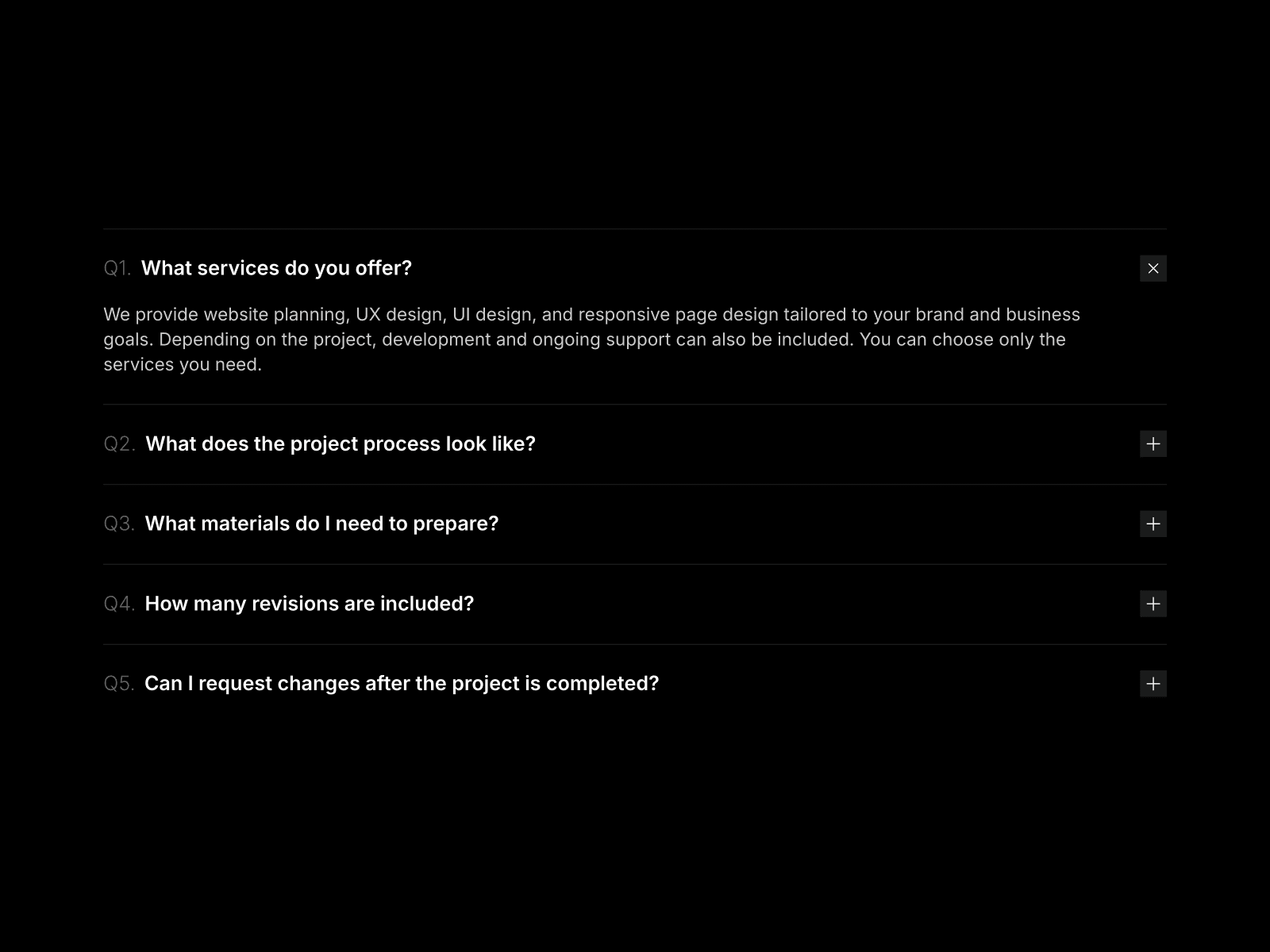
SmartFAQ Pro turns your FAQ section into an interactive search experience that helps users find answers instantly.
KEY FEATURES
Live Search System
- Token-based search with instant highlighting
- Search suggestions as you type
- Filters across questions and answers
- Debounced for smooth performance
Category Organization
- Auto-generated category pills from your FAQ data
- Click to filter by category
- "All" option to show everything
- Smooth transitions between categories
Reaction System
- Let users react to answers with emoji
- Track which answers are most helpful
- Stored locally (no backend required)
- Shows aggregate reaction counts
Customization
- 50+ property controls for complete customization
- Dark mode support with independent color controls
- Adjust fonts, spacing, colors, borders, shadows
- Control search bar, category pills, reaction styles independently
User Experience
- Keyboard navigation (Arrow keys, Enter, Space)
- Auto-scroll to opened questions
- Expandable answers with smooth animations
- Mobile responsive with breakpoint controls
- Copy answers to clipboard
- Optional CTA buttons (link or mailto)
Technical Features
- SEO-ready with JSON-LD schema markup
- Accessibility built-in (ARIA labels, focus management)
- No external dependencies
- Works entirely client-side
PERFECT FOR
- Knowledge bases and help centers
- Product documentation sites
- Client websites with support sections
- SaaS landing pages
Preview of SmartFAQ Pro:
SETUP
1. Add to your Framer project
2. Connect your FAQ data (or use included examples)
3. Customize colors and spacing to match your brand
4. Publish
All features work out of the box. No coding required.
Full customization walkthrough:
Have questions or need help? Reach out any time at info@devlance.org. I’m happy to help.