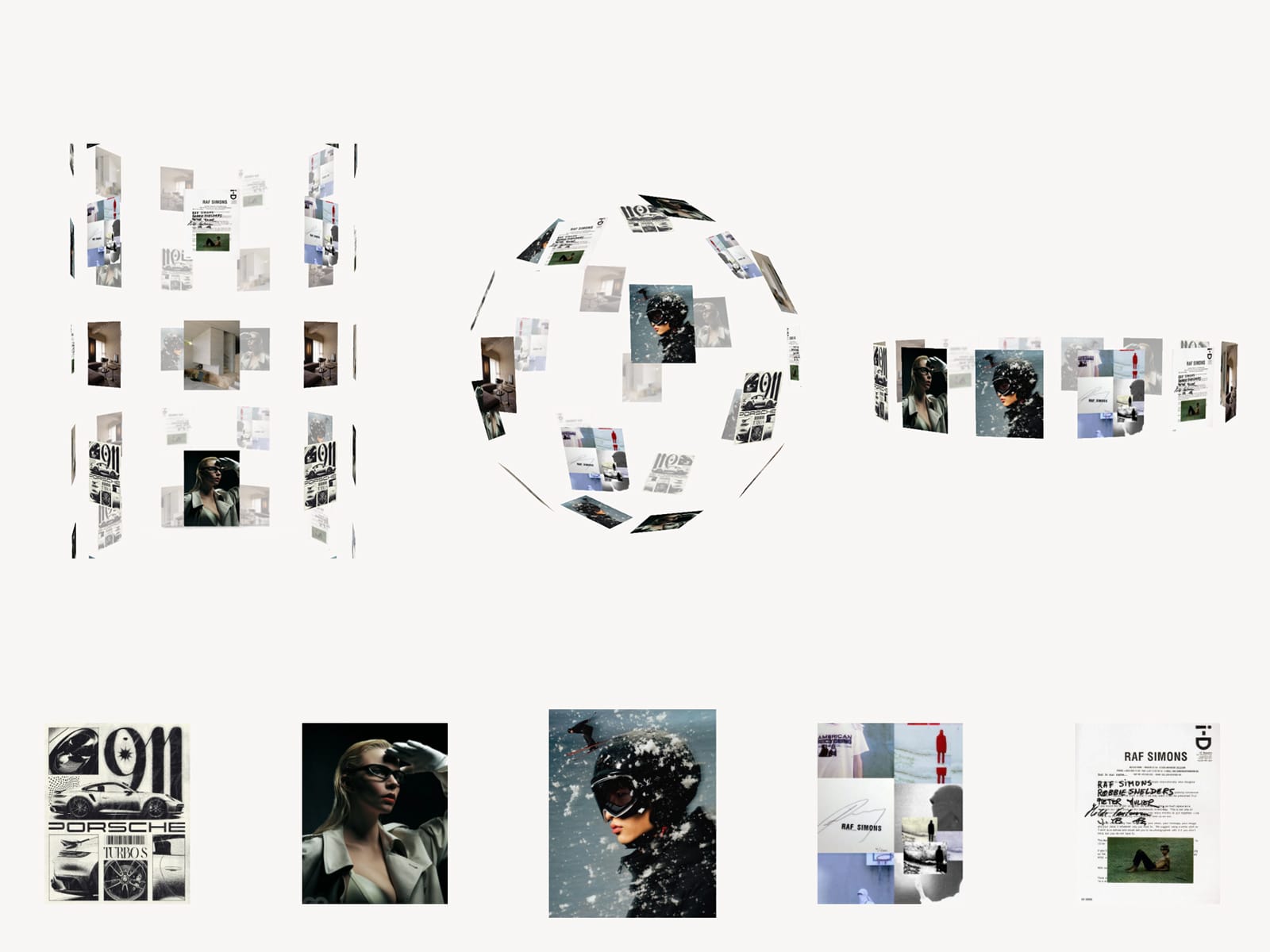
About SpatialMorphGallery
Spatial Morph Gallery — 3-in-1 Three.js Gallery
Transform your projects into an immersive spatial experience. Spatial Morph Gallery combines three interactive 3D formations with a smooth, scroll-driven gallery—all inside one Framer component.
Phase 1 — Spatial Formation
Choose between three customizable shapes:
Sphere
Ring
Infinite Cylinder
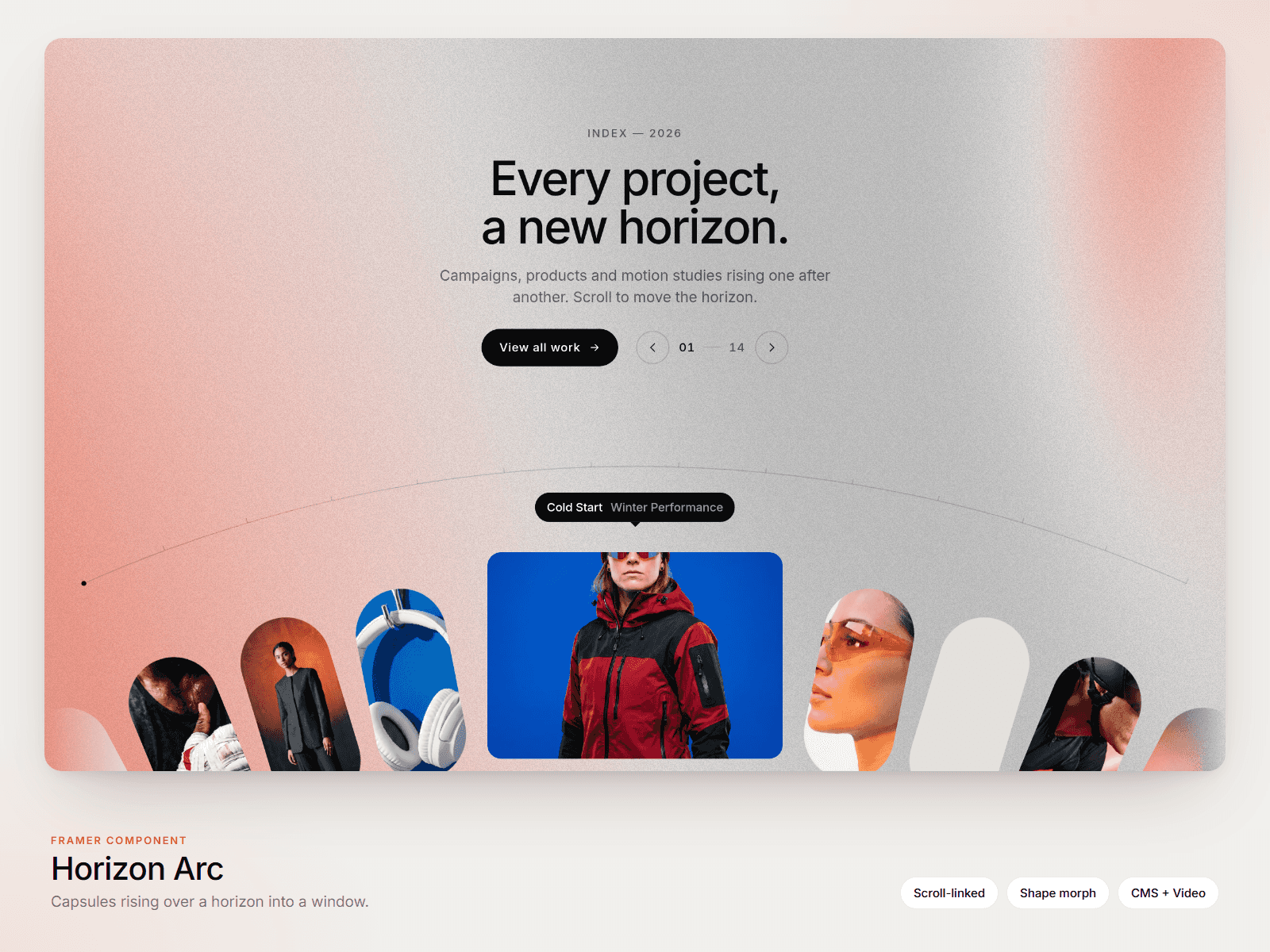
Your cards form a floating 3D structure with rotation, mouse-responsive movement, depth fade and blur. If there aren’t enough cards to complete the selected shape, existing cards are repeated automatically. These duplicates are only used for the 3D formation and disappear during the transition.
Phase 2 — Scroll Gallery
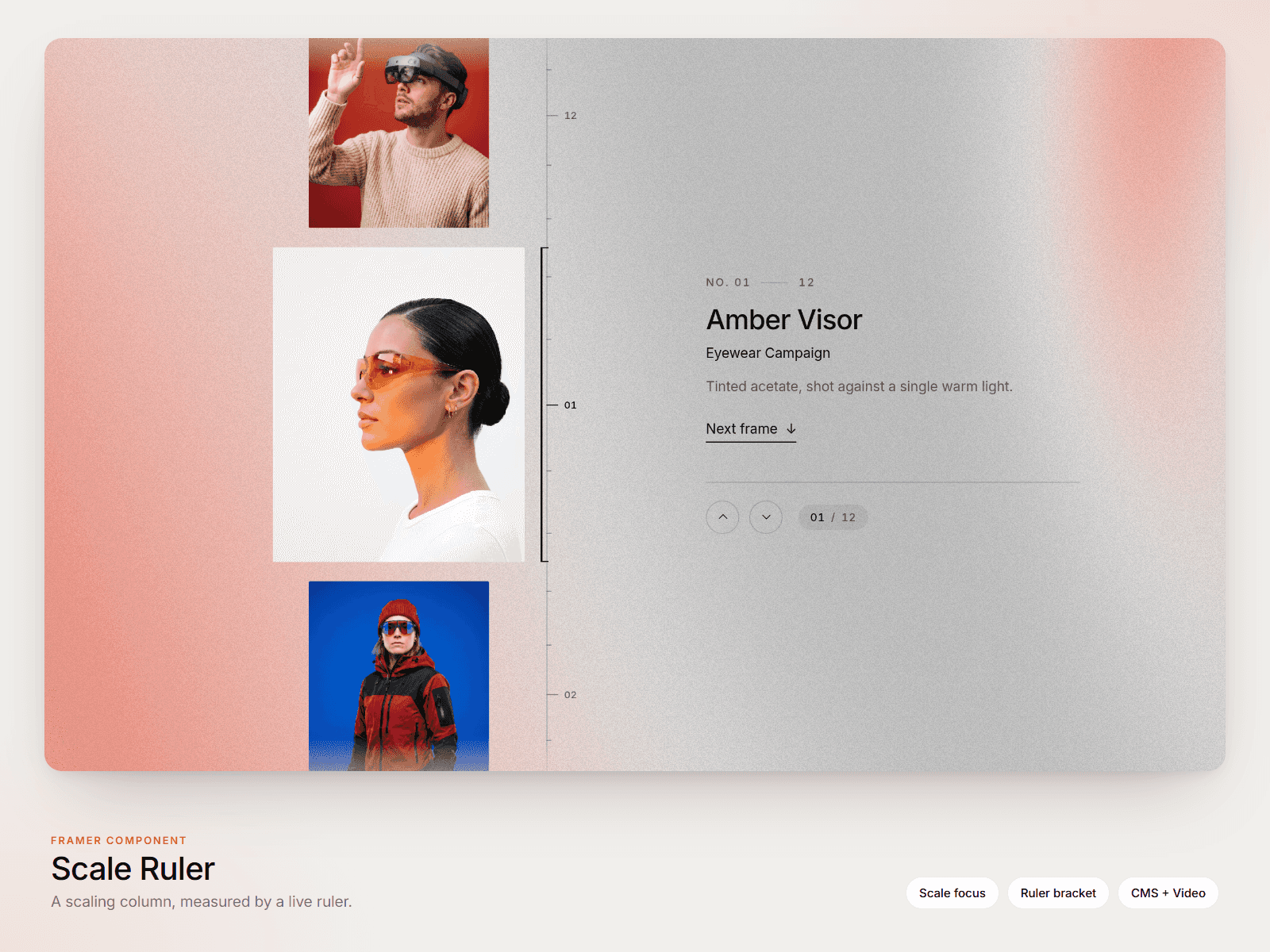
As the visitor scrolls, the 3D formation smoothly morphs into a horizontal or vertical gallery containing only the original cards.
The gallery supports:
Horizontal or vertical scrolling
Center snapping
Enlarged center card
Separate card sizes for both phases
Multiple fixed aspect ratios or original image proportions
Linked cards with hover feedback
Keyboard navigation
Custom background or full transparency
Each card can contain its own image and link, with optional opening in a new tab.
Recommended Setup
For the smoothest experience:
Place the component inside a Stack.
Set the component height to 100vh.
Set the parent Stack height to approximately 600vh.
Set Card Scroll Distance to around 250px.
Set the component to Sticky inside the Stack.
This setup gives the spatial formation enough scroll distance to morph naturally before the interactive gallery begins moving.