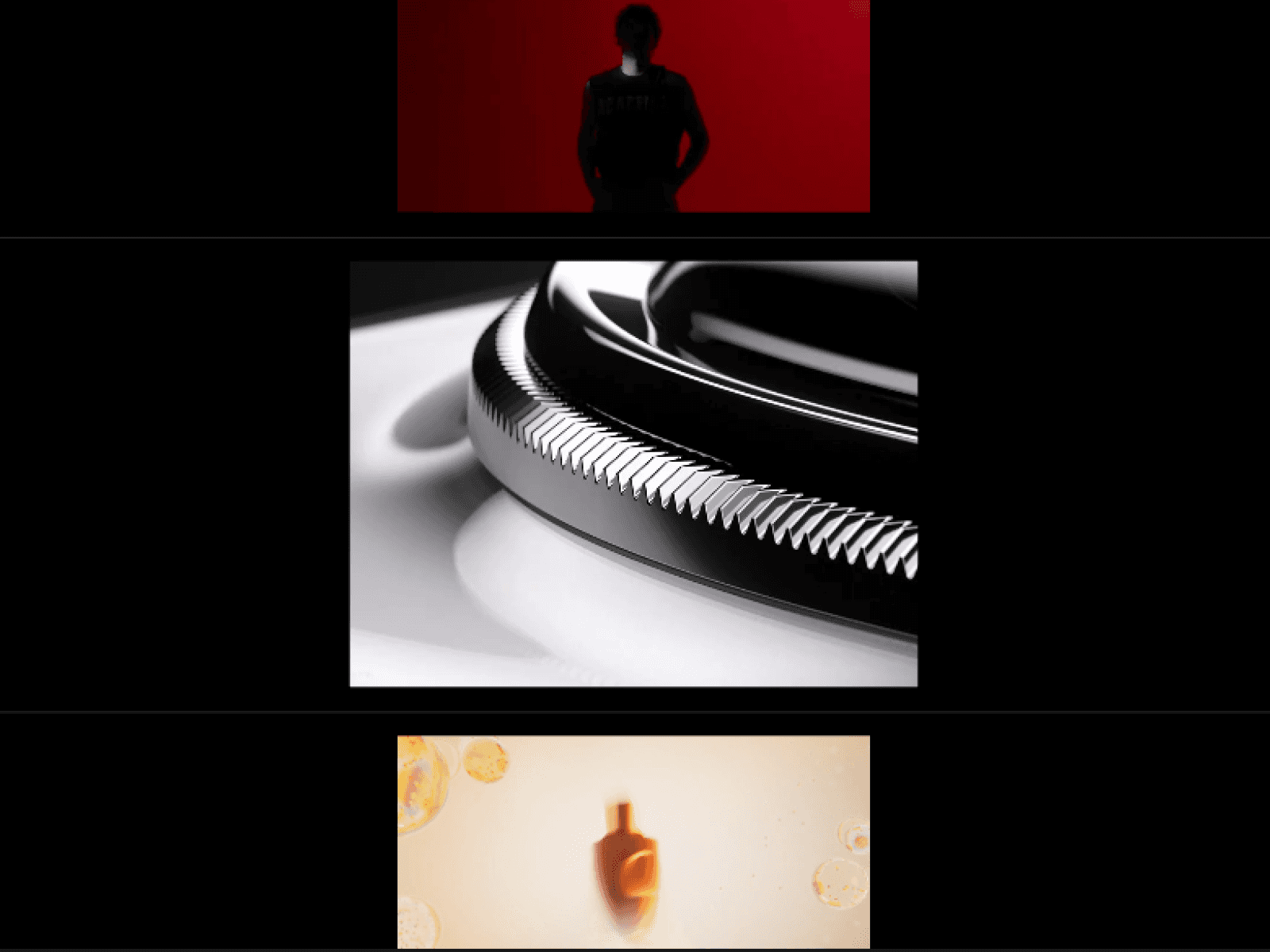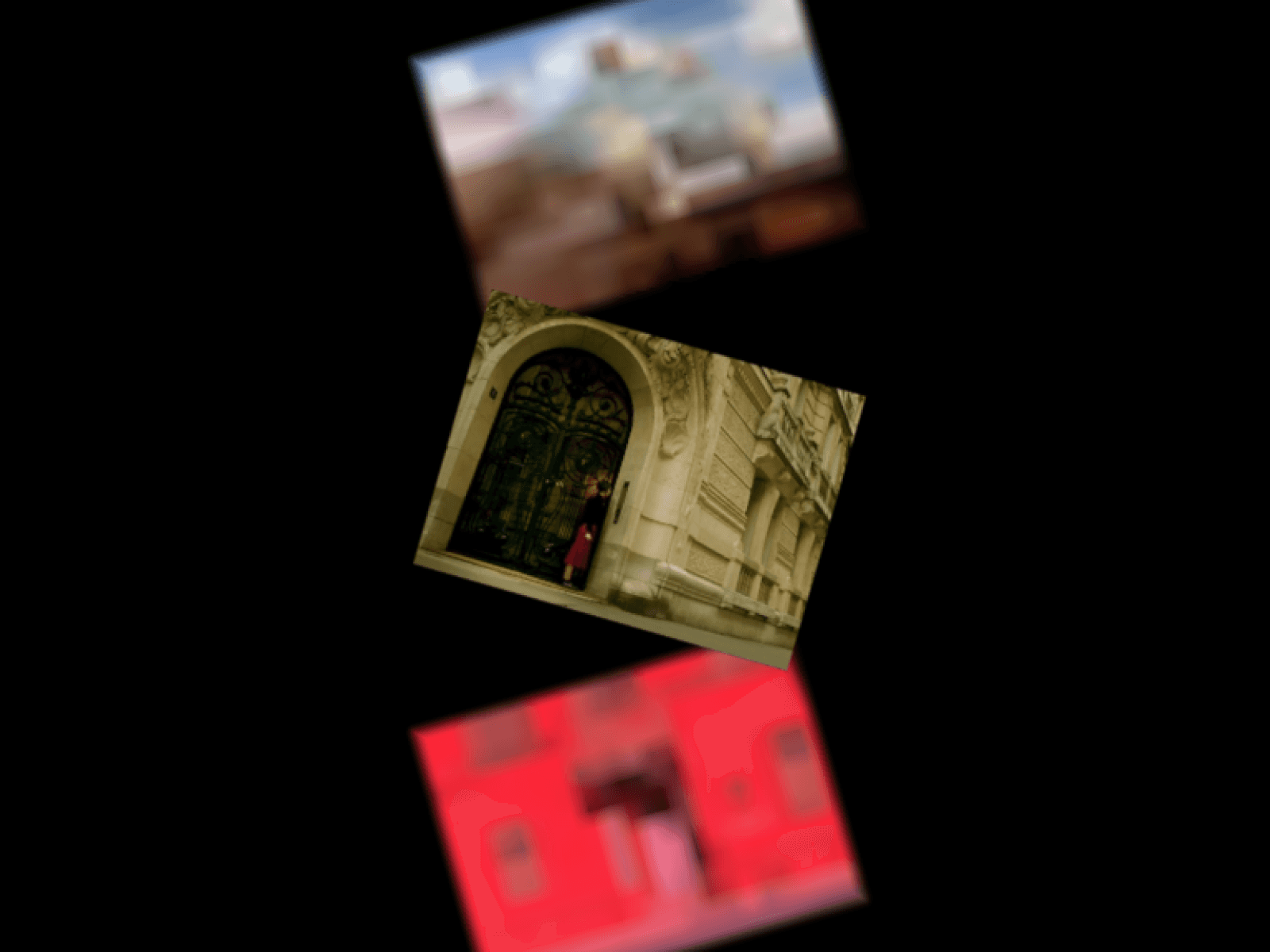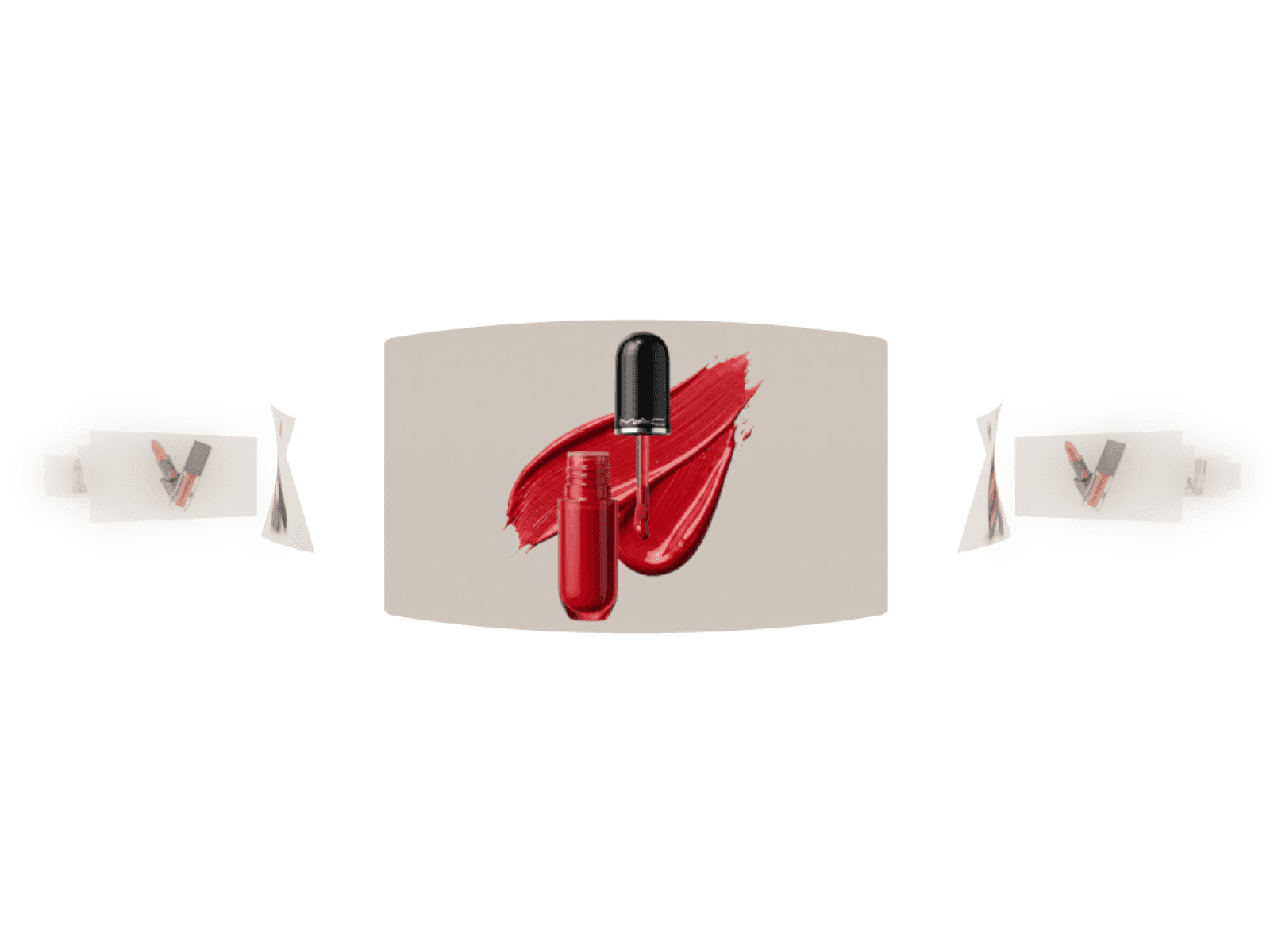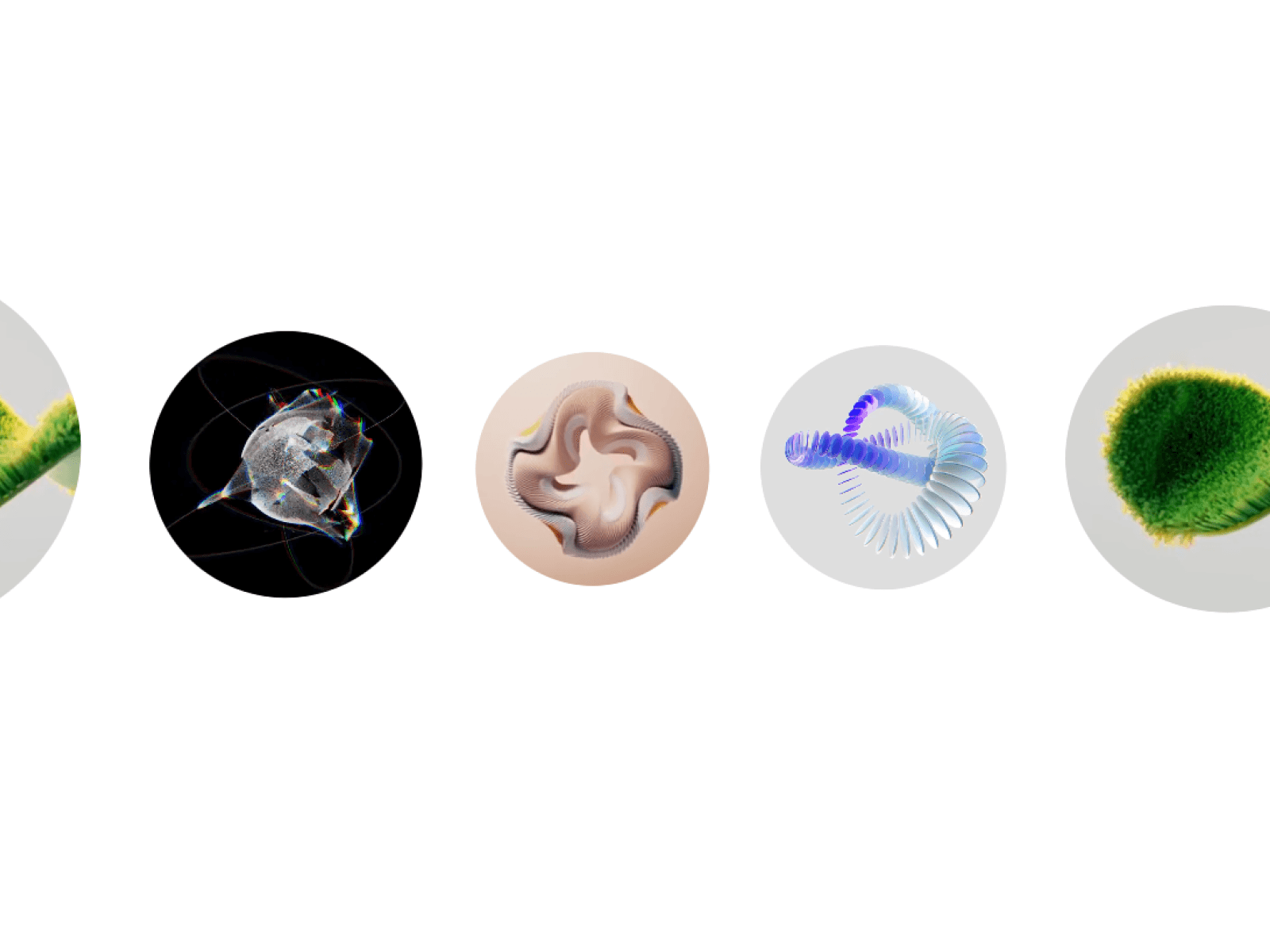
About Sphere Carousel 3D
Showcase images and autoplaying videos along a smooth 3D curved track with realistic depth, responsive drag controls, and cinematic spring motion.
Features
Smooth WebGL-powered 3D circular carousel
Unified support for images, videos, and custom URLs
Natural spring physics with pointer drag and wheel support
Hardware-accelerated GLSL circular cropping shaders
Smart asset caching and automatic GPU texture memory eviction
Background video throttling to preserve device battery and frame rates
Interactive mouse tilt and floating motion effects
Static fallback rendering for Framer canvas previews and static exports
Built-in accessible keyboard navigation and reduced-motion modes
Fully responsive scaling tailored for desktop and mobile viewports
Customization Options
Track radius and perspective depth
Card diameter and circular element sizing
Angular spacing between items
Vertical horizon and lens shift adjustment
Mobile scale percentage
Drag sensitivity, spring stiffness, and damping
Interactive 3D tilt and floating bob intensity
Entrance zoom animation and duration
Autoplay controls, live video limits, and GPU texture size
Reduced motion and keyboard controls toggle
How to Use
Drop the 3D Sphere Carousel onto your Framer canvas
Add images, videos, or poster links directly in the Media panel
Adjust track radius, perspective, and diameter to fit your section layout
Tune drag sensitivity, spring damping, and hover tilt response
Set maximum simultaneous live videos for optimal performance
Publish your site for a smooth, high-converting 3D media experience
Use Cases
Hero section media showcases
Modern creative portfolio galleries
SaaS product visual tour loops
Client video testimonials and case studies
Fashion lookbooks and editorial showcases
High-end agency feature strips
E-commerce product visual carousels
Interactive mobile-friendly media sliders