About Split Image Loader
Two photographs meet. A word opens up. Your page appears.
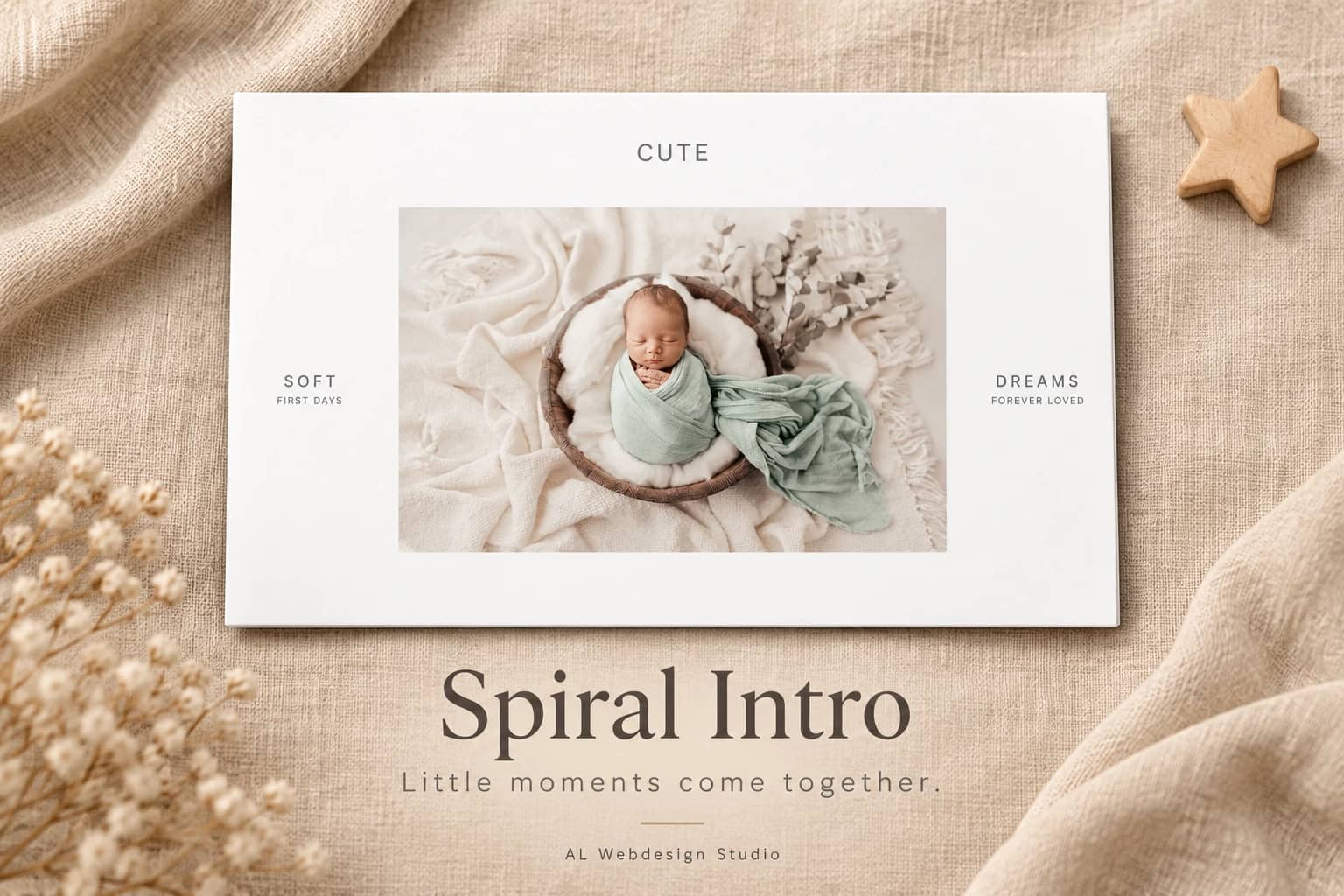
Split Image Loader begins with two equal image panels moving in from opposite vertical directions. Your wordmark gently opens its spacing, fades away, and the panels leave to reveal the content behind them.
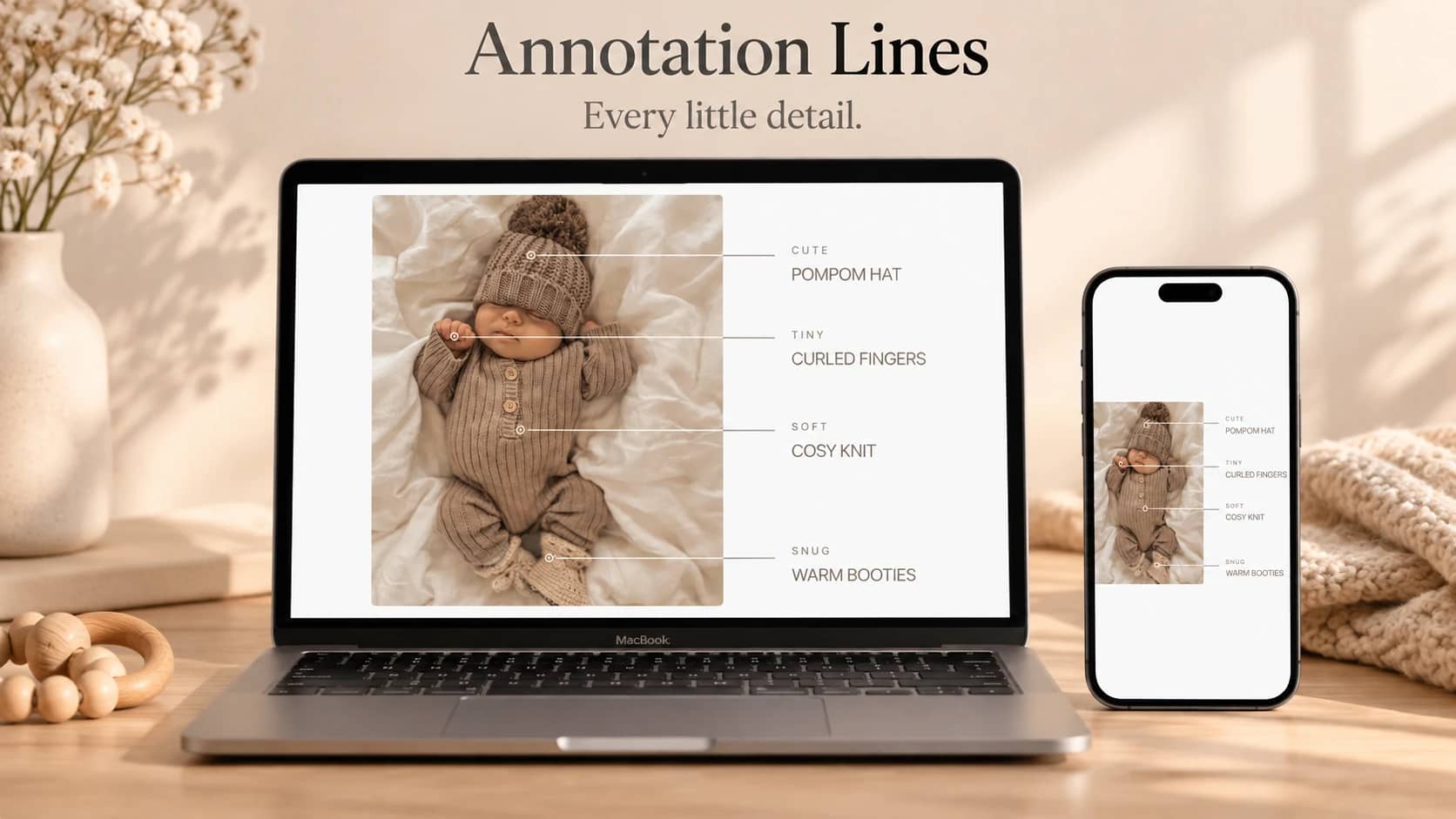
Use it to introduce a photographer’s portfolio, a family story or a small collection of work. Add up to twelve photographs with individual descriptions and focus positions. Each replay chooses a new pair. Adaptive image fitting keeps more of each photograph visible on narrow screens, with Cover and Contain available too.
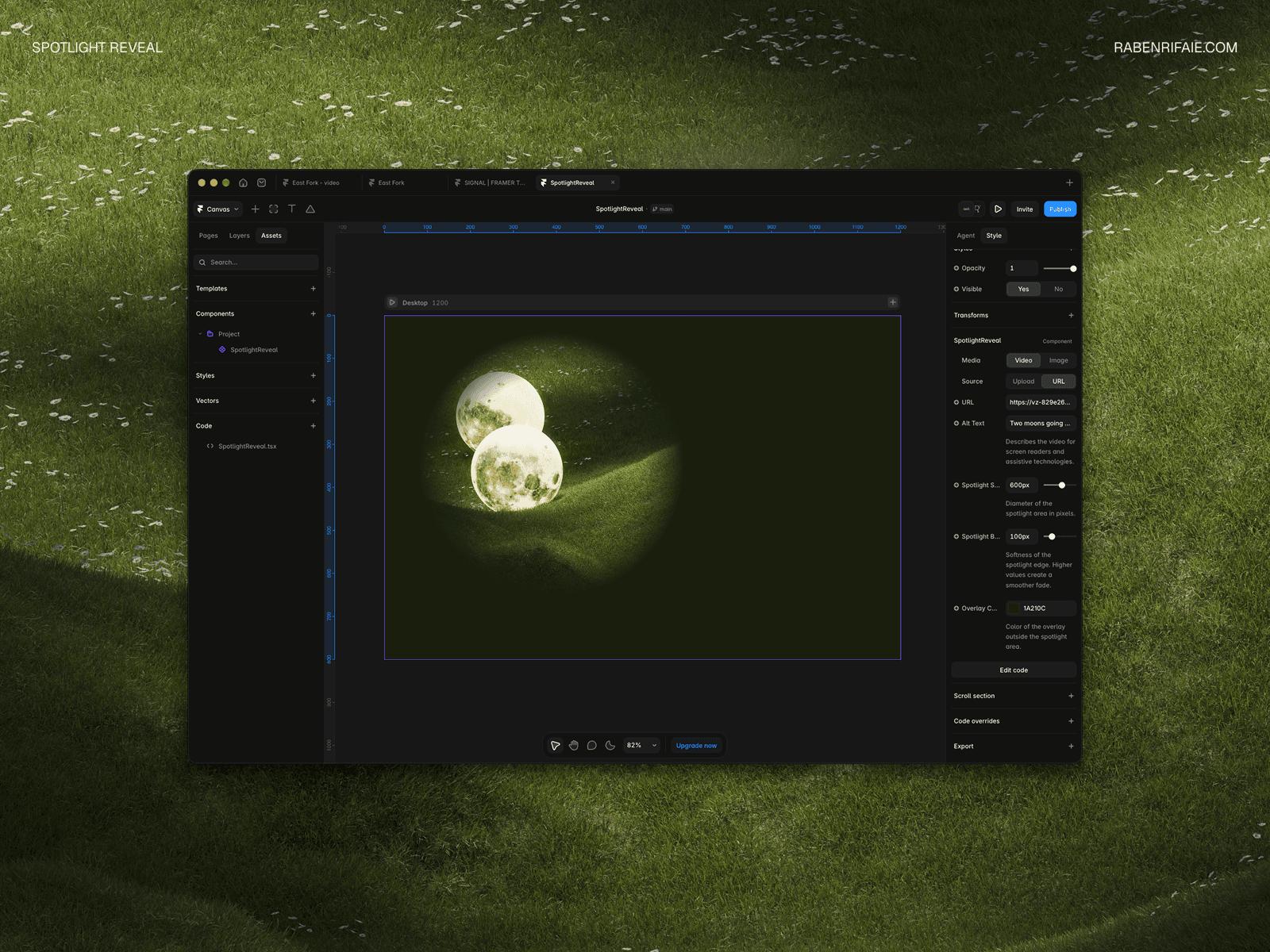
Edit the word, native fonts, colours, spacing and timing in Framer. Connect your own page content or use a short text behind the introduction. Choose a full-height opening scene or place the component inside a section with a set height.
The introduction runs once and can be replayed or skipped with the keyboard. Reduced motion shows a still pair before revealing the page. Animation pauses outside the viewport and in hidden tabs. The editor offers a still preview of either the split photographs or the revealed content.
Your purchase includes this single Framer code component, matching editable source, a setup guide, two customisation prompts and a licence for one finished project. It excludes the shared development project, other components and a stock-photo licence. Replace the AI-generated demo images with your own licensed photographs before publication or marketing.