About SPOTLIGHT HOTSPOTS
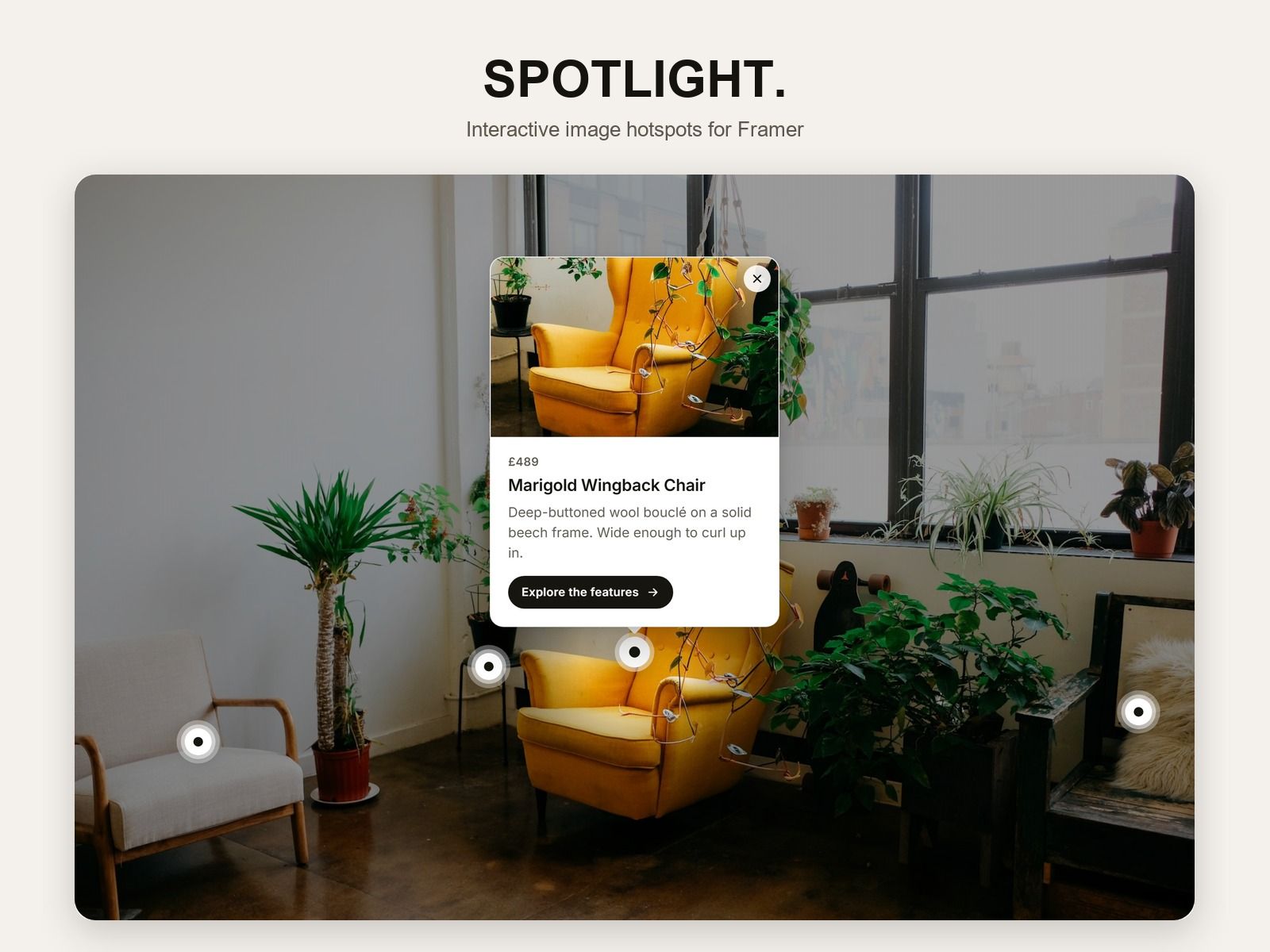
Interactive image hotspots for Framer. Pin markers to any photo and let visitors click, hover or tap to reveal a card with a title, text, photo and link. Made for shoppable rooms, product anatomy, venue maps, floor plans and team photos.
Positions are percentages of the image, so markers stay on the same spot at every screen size, with Cover, Contain and Fill handled. Cards flip and slide to stay inside the image, and dock as a full-width sheet on small screens.
What's Included
One Framer code component (no other packages)
4 styles: Clean, Midnight, Editorial, Glass, plus Custom
A complete example to edit and a step-by-step PDF setup guide
Features
Up to 24 hotspots, each with label, eyebrow, title, text, image, link and placement
Open on click or hover; touch screens always use tap
Auto placement with flip, or Top, Bottom, Left, Right per hotspot
Pulse, dot, number or plus markers, any size, with optional labels
Spotlight dim, intro animation, scale, fade or slide at any speed
Real buttons: Tab, Enter, Space, arrow keys and Esc, with focus returned to the marker
Screen-reader labels, expanded states and dialog semantics
Reduced-motion support
Editor notes for missing images, empty lists and cropped markers
Make It Yours
Choose your image, add hotspots and type their content in the properties panel. Pick a style or go Custom for your colours, radius, shadow and fonts. Settings can differ per breakpoint.
No code, accounts or API keys, and no data sent anywhere.
Built by AJL Digital Studio.