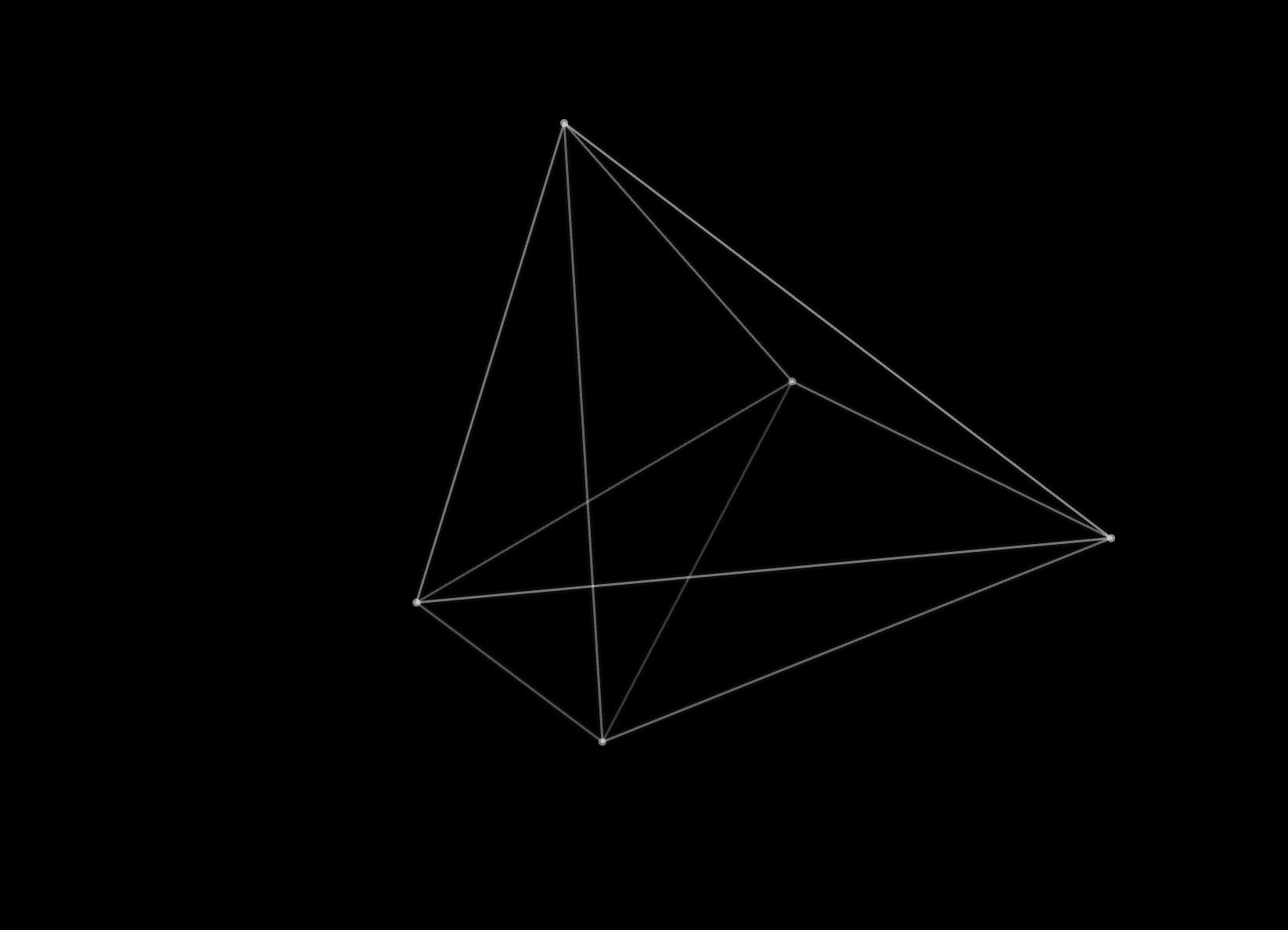
About Star Warp
Features
Customizable Density
Adjust the number of stars to create anything from a sparse void to a dense galaxy.
Speed Control
Control the speed of the warp effect to match the energy of your site.
Themeable
Warp speed ahead with custom colors for both the stars and the background canvas.
Use Cases
Hero Backgrounds — Create an immersive first impression.
Loading States — Keep users engaged while content loads.
Creative Portfolios — Show off a modern, tech-forward aesthetic.
Customization
You can customize the appearance and behavior of the Star Warp effect using the property controls in Framer.
Controls
- Stars: Set the number of stars (50-500).
- Warp: Adjust the speed of the stars (1-20).
- Star Color: Choose the color of the stars.
- Background: Set the background color of the canvas.
- Star Size: Adjust the maximum size of the stars.
- Center X / Y: Move the warp's vanishing point to create steering effects.
- Mouse Control: Enable this to make the warp center follow your mouse cursor.
Quick Tips
Best Performance — Keep the star count moderate (around 200) for the best balance of visual impact and performance, especially on mobile devices.
Color Combinations — High contrast works best. Try bright stars on a dark background for a classic space look, or get creative with colored backgrounds.
Layering — Place text or other content on top of the starfield. Ensure your text has sufficient contrast against the background color.
License
Single Use License — Use in one client project with full commercial rights. No redistribution. 1 license = 1 client.
Refund Policy
Due to the nature of our digital products, we are unable to offer refunds, but we're here to assist you with any questions or concerns!
Why Designers Love This
It's a "plug-and-play" way to add a high-quality, coded animation to a site without needing to write any code yourself. The 3D depth effect is instantly engaging.