About StateButton
What it does
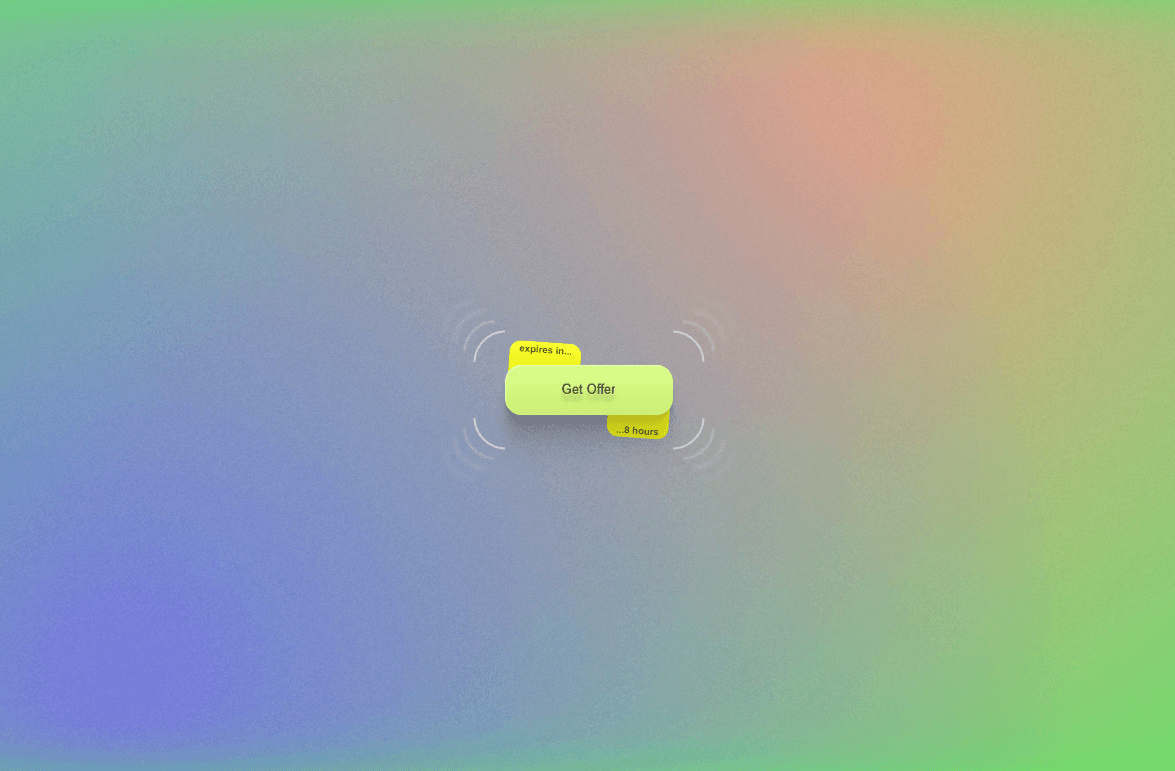
StateButton gives your Framer site a premium CTA button with built-in interaction states. It can start as a normal button, switch to loading after click, show success feedback when complete, and optionally reset back to idle. Use it for hero CTAs, signup buttons, form submits, downloads, waitlist joins, checkout actions, and any interaction where visitors need clear feedback after clicking.
Features
Built-in button states for idle, loading, success, and disabled. Loading state can show a spinner, animated bar, or progress-style visual. Success state can show a check icon and custom success label like “Done,” “Sent,” or “Joined.” Optional auto-reset after success, or keep the button in its completed state. Click behavior can trigger an action callback so you can wire it to forms, automations, integrations, or custom logic. Supports regular button behavior or link-style navigation with a URL. Includes hover lift, press feedback, smooth state transitions, icon swapping, and focus ring styling. Built with a proper button element for keyboard support, including Enter and Space activation. Includes ARIA attributes for busy, disabled, and success states so the button communicates status more clearly to assistive technology. Full style controls for label text, loading text, success text, disabled text, icon, background, text color, border, radius, shadow, padding, font, size, focus ring, animation speed, and reset timing.
How to use
Add StateButton to your Framer canvas and set the default label, loading label, success label, and disabled behavior from the property panel. Choose whether the button should act as a CTA link or trigger a stateful click flow. Enable loading on click if you want the button to show progress after being pressed. Set the success behavior to auto-reset after a delay or stay completed. Customize the colors, radius, typography, icon, spinner style, hover animation, press animation, and focus ring to match your design system.
Ideal for
Hero CTAs, SaaS signup buttons, waitlist forms, checkout buttons, newsletter submissions, download buttons, contact forms, lead capture sections, app dashboards, AI tool actions, onboarding flows, pricing page CTAs, and any Framer site that needs a button that feels responsive, accessible, and polished.