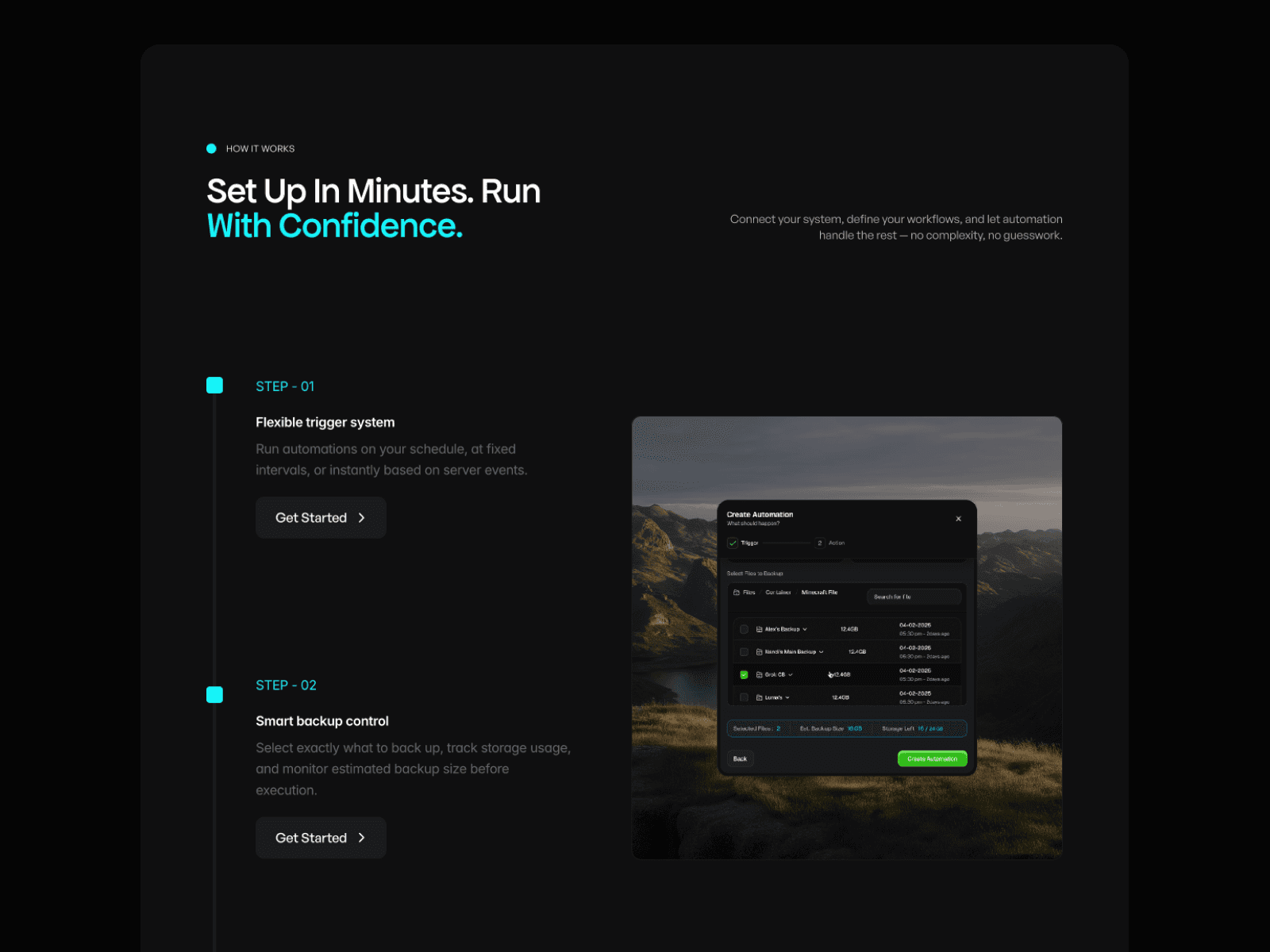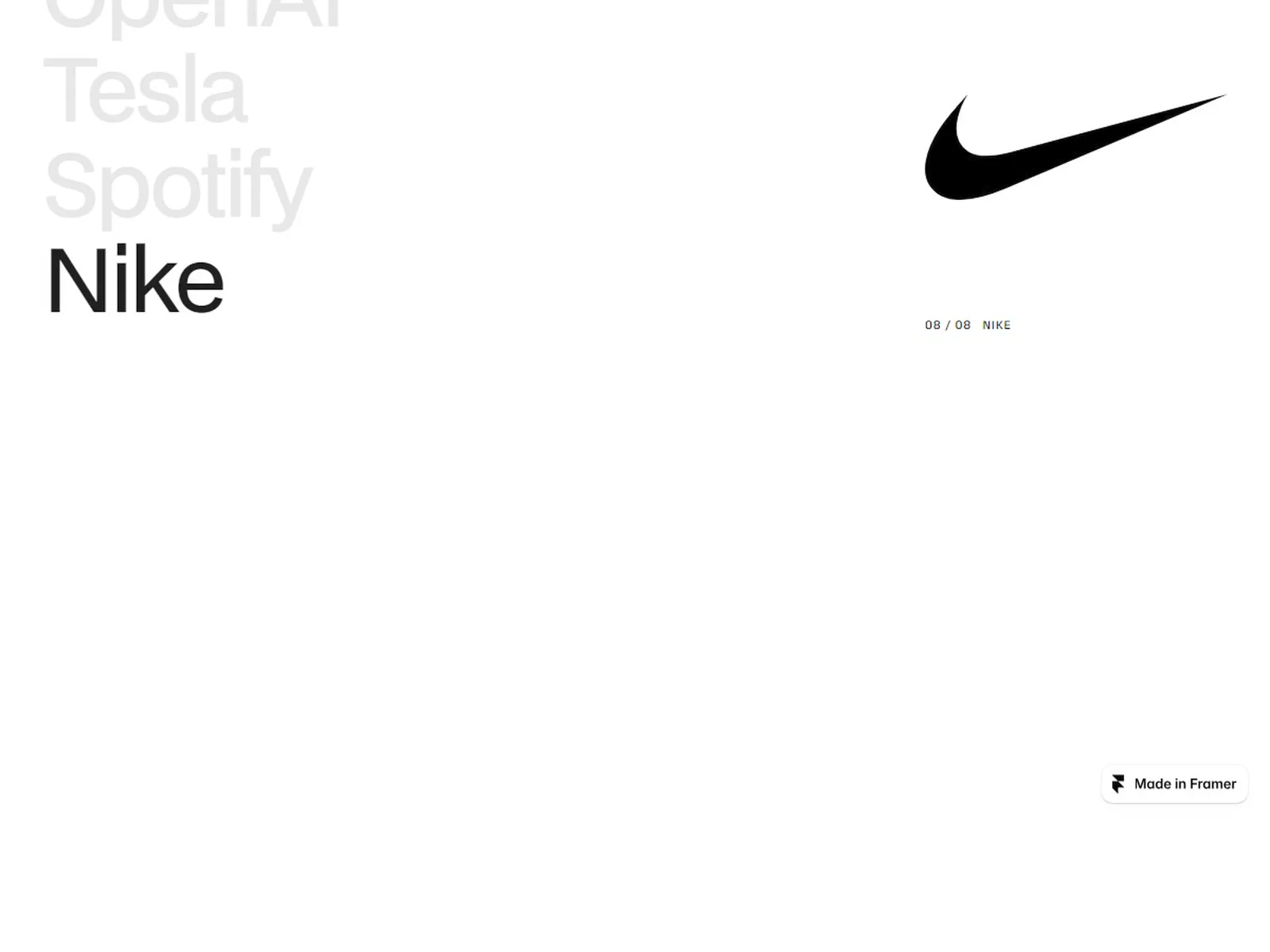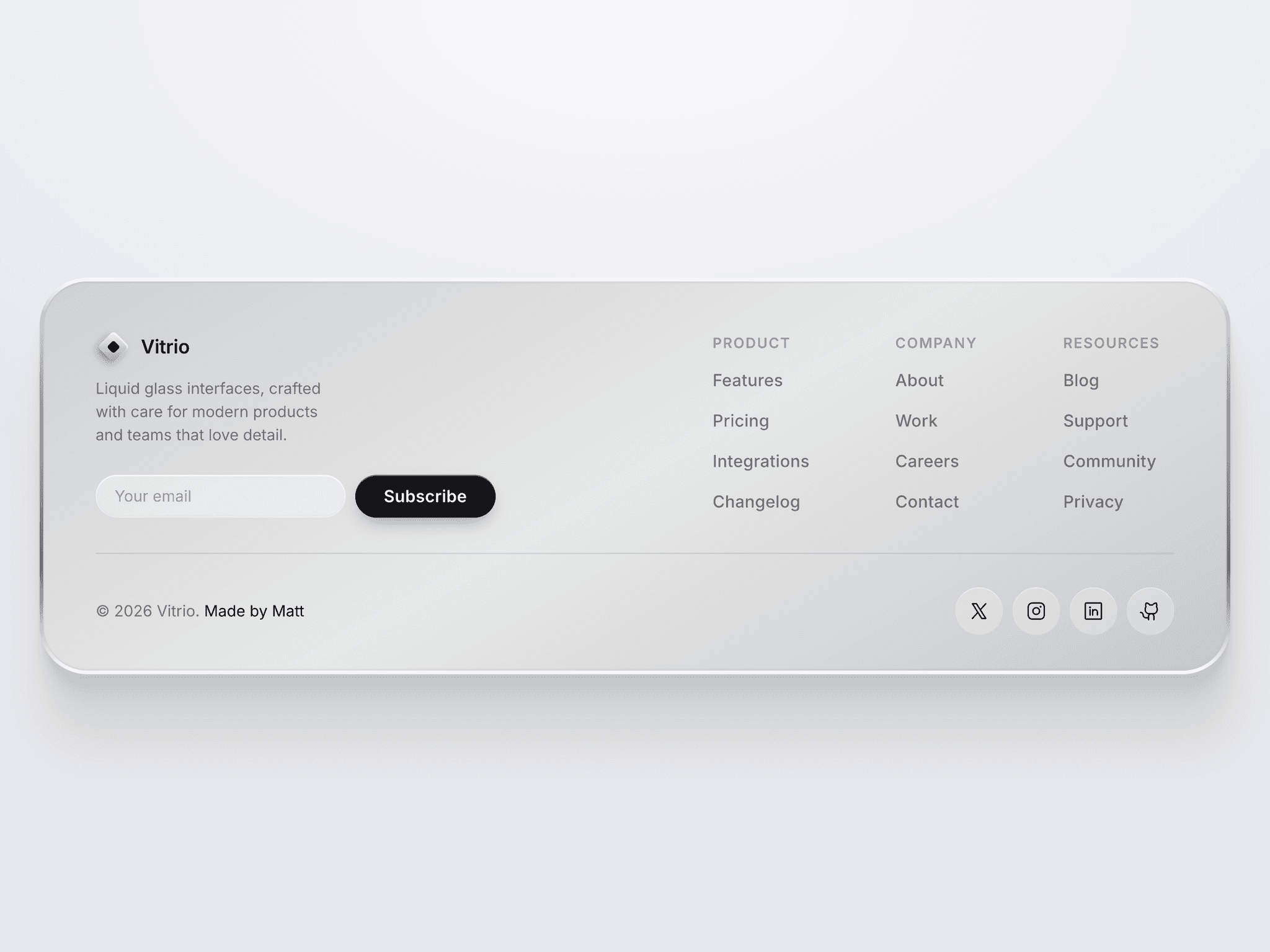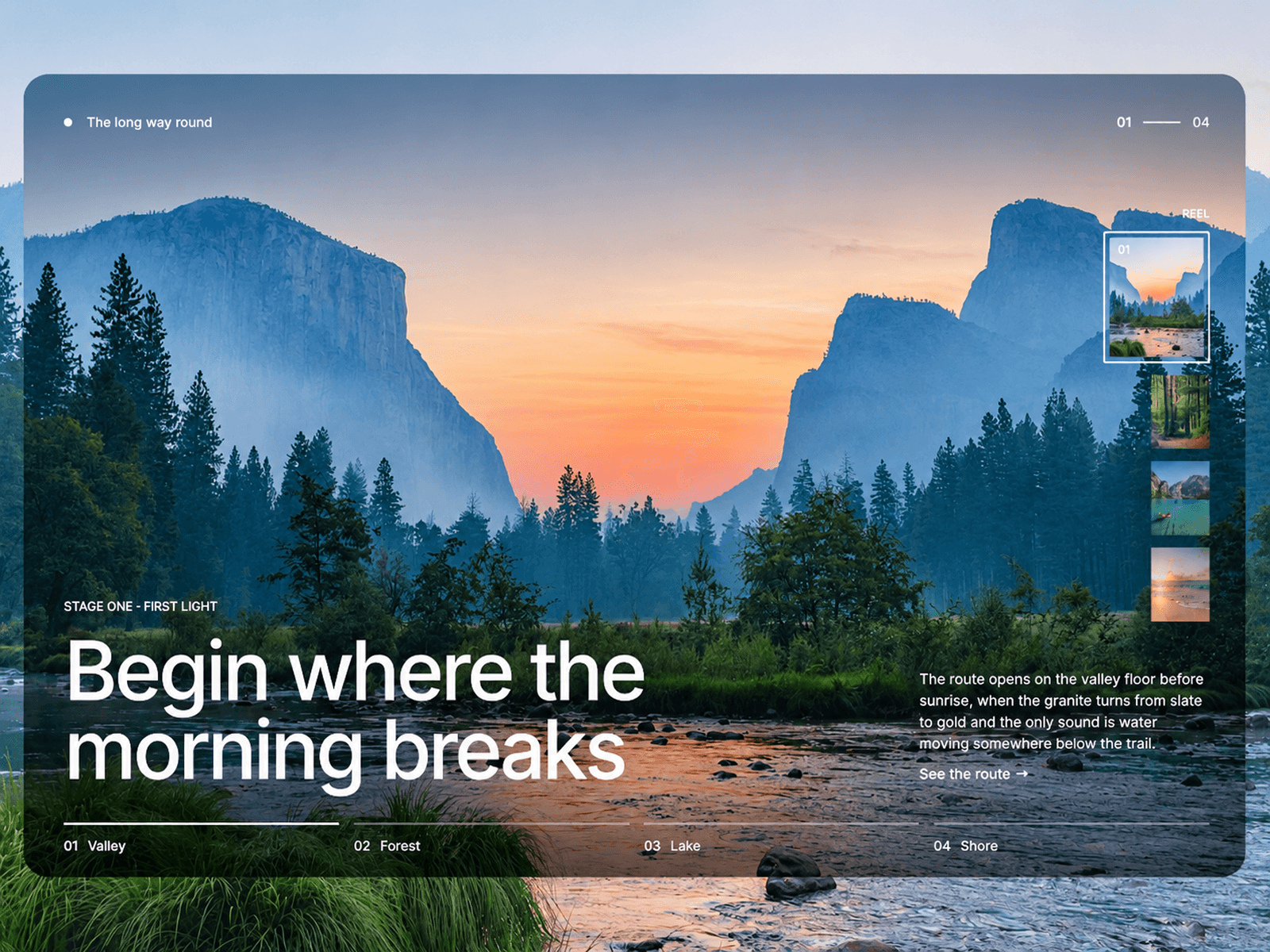
About Sticky Process Timel
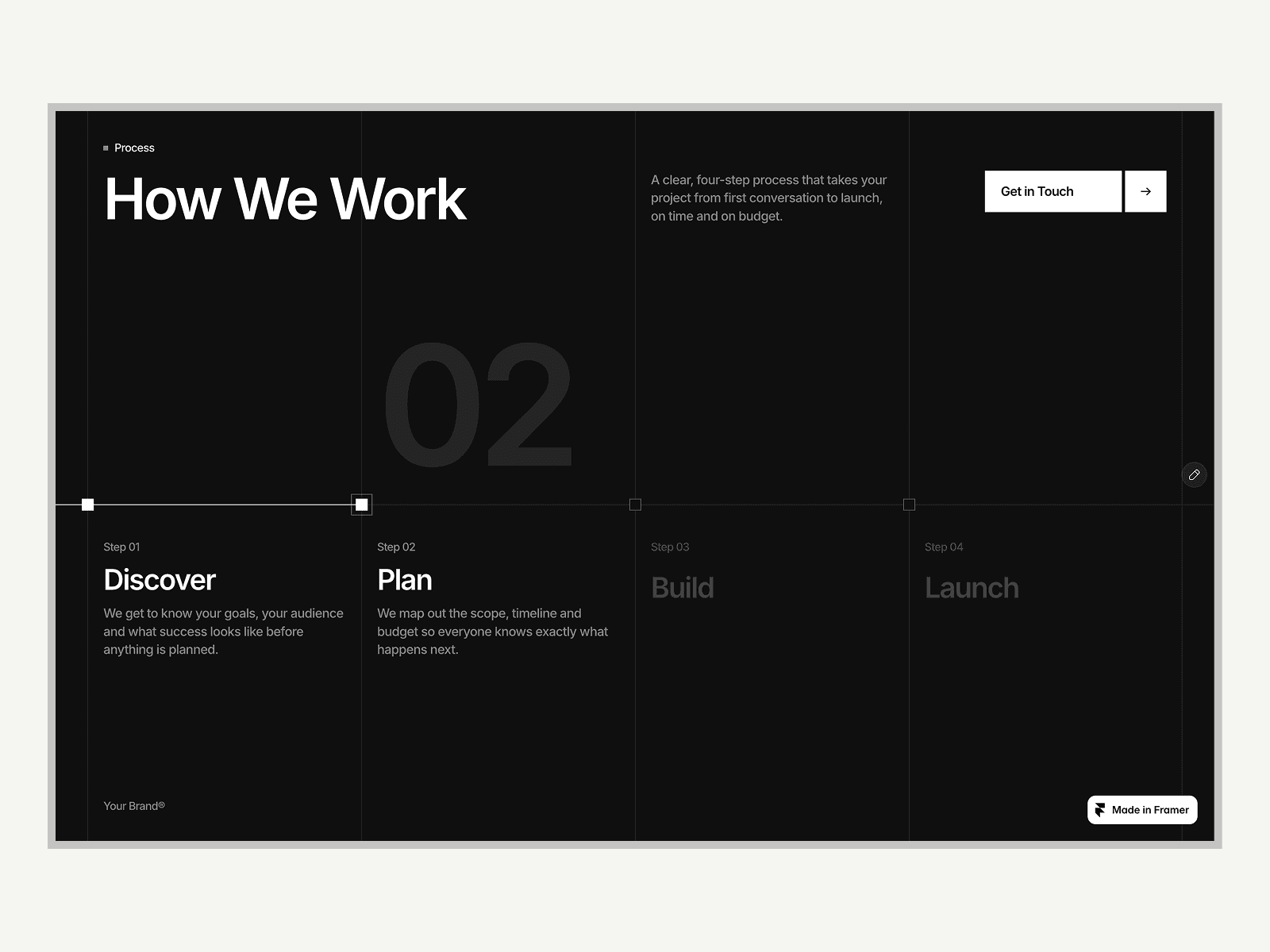
Sticky Process Timeline is a Framer component for your "How we work" or "How it works" section. The section pins to the screen and a horizontal timeline draws across your steps as visitors scroll, so your process reads one clear step at a time.
Most process sections are a static row of cards. This one is a sticky scroll animation people follow to the end.
What sets Sticky Process Timeline apart
Horizontal scroll timeline – A line draws left to right as you scroll, and each step node lights up when the line reaches it.
Step-by-step reveals – Step titles and descriptions rise in as they activate, while a large step number rolls from 01 to 04.
Sticky, scroll-pinned layout – The section holds in place for the full scroll, then releases into the rest of your page.
Built for phones – On mobile it switches to a stacked layout that shows one step at a time, with nothing overlapping or cut off.
Fast and lightweight – Scroll animation runs on the GPU, pauses off-screen, respects reduced motion and stays static on the canvas.
Copy-paste ready – One self-contained code component. Drop it on any page or project and it works.
What's included
2 to 4 steps, each with a name and description
Editable label, title, intro, button with link, step word and footnote
Colour controls for background, heading, muted text and hairline
Title and text font pickers
A grouped, tidy property panel
Setup Set width to Fill and height to Fixed (2400px works well). Taller means slower steps. Don't place it inside a frame with overflow set to Hidden.
Perfect for Agencies, studios, SaaS and startup sites, consultants, freelancers, onboarding and "how it works" pages, service businesses and Framer templates that need a process section.
Want it tailored to your business? We also offer a customisation service and can adapt the component to your brand, content and layout. Just email dilip@framerlab.dev.