About Stretch Preloader
Easy setup
Place one instance above your hero section and set its position to Absolute. Keep your hero separate; there is no need to connect or nest it inside the loader.
The component layer’s z-index can sit below the hero. The component’s Layer Order setting independently controls the visible overlay and should remain above the page content.
Leave Block Input off to let the hero receive cursor and click interactions during the intro. When the animation finishes, the loader removes itself completely.
Customization controls
Enabled: Turn the preloader on or off.
Text: Enter your name, brand, or short phrase. Your capitalization is preserved.
Font: Choose the typeface and available font styling.
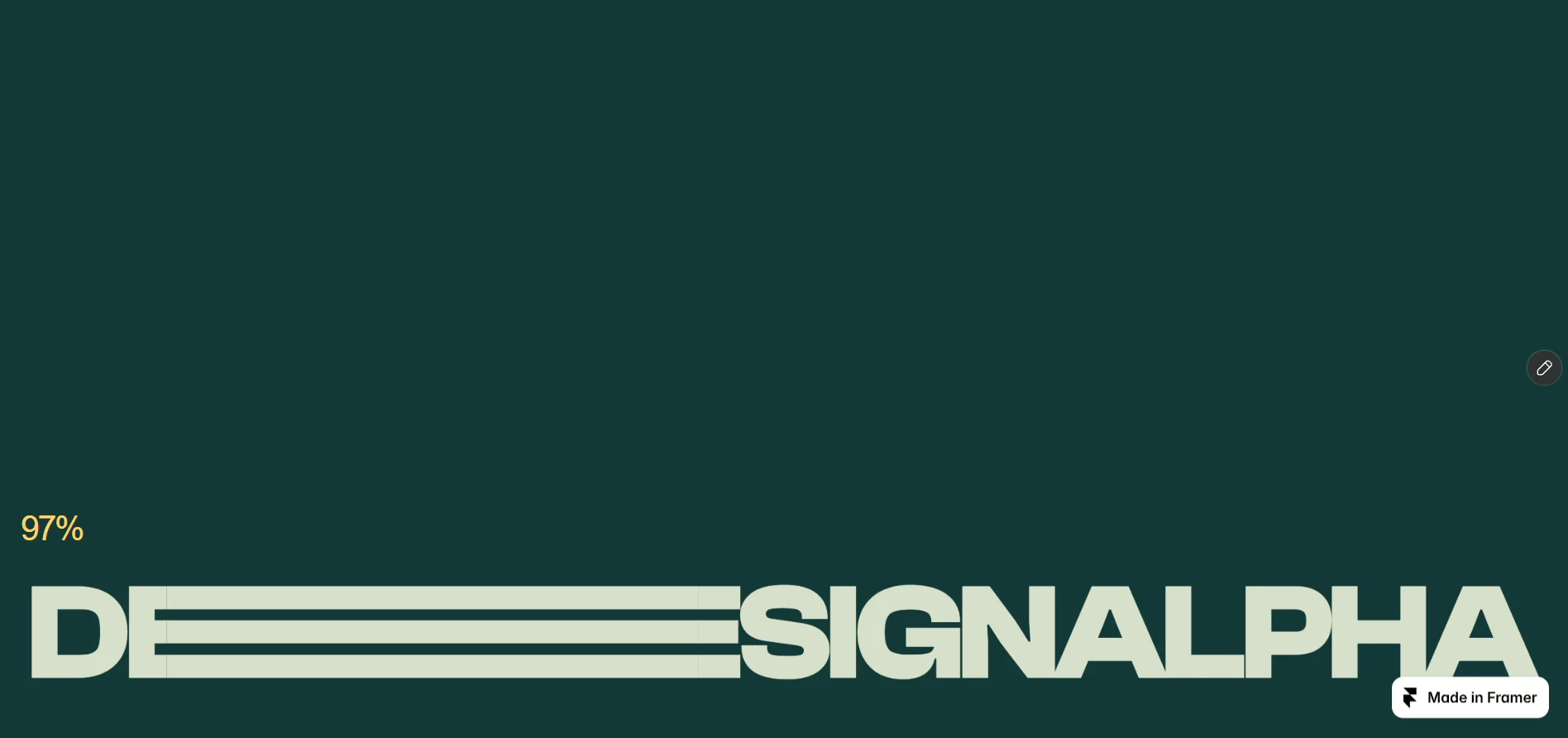
Font Size: Set your preferred text size from 12 to 400 px. The word scales down when needed to fit its stretched form.
Stretch Letter: Choose a letter from your text to animate. Matching works with uppercase or lowercase letters.
Which One?: Select the occurrence when the chosen letter appears more than once—for example, the first or second “E.”
Stretch: Adjust the extension amount from 0% to 100%.
Duration: Set the counter’s duration from 0.5 to 12 seconds. A brief hold and upward exit follow.
Colors: Customize the background and animated text colors.
Percentage: Show or hide the percentage counter.
Counter Style: Adjust the counter’s size, color, and font independently.
Layout → Position: Place the text near the bottom or vertically centered.
Layout → Bottom Gap: Fine-tune the bottom offset when using bottom positioning.
Play Once: Play once per browser load for the configured text. Returning to the page skips the intro; refreshing allows it to play again.
Preview: Choose a progress value from 0% to 100% for the static canvas preview.
Block Input: Choose whether the active overlay blocks pointer interactions with the page underneath.
Layer Order: Set the live overlay’s stacking position.
On Finish: Connect a completion event to your own interaction.