About Svg Draw Animation
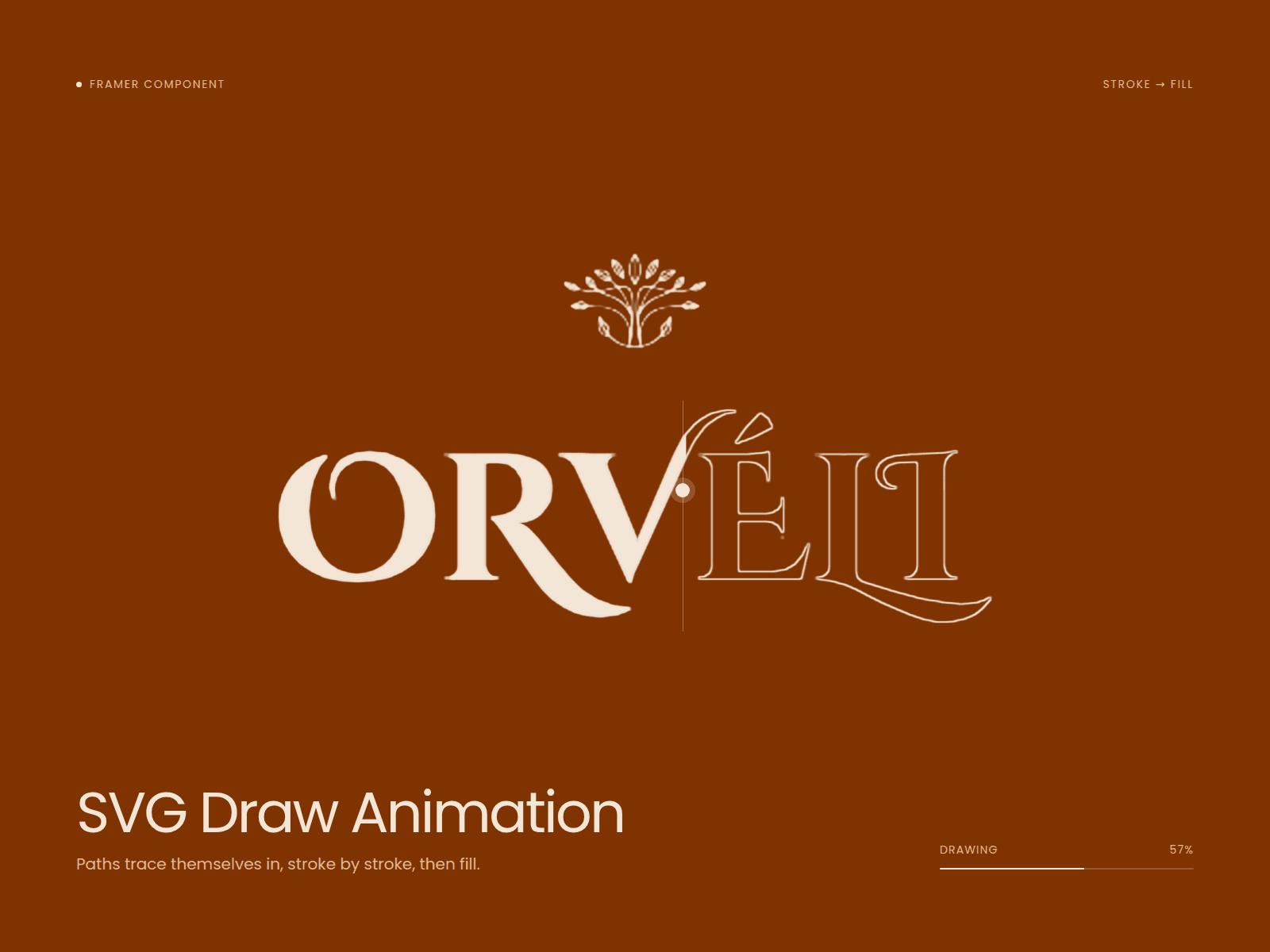
SVG Draw turns any SVG into a line-drawing animation. Paste your SVG code into the property panel and the component traces each path stroke by stroke. You don't need to set up keyframes or edit the path.
Use it for logos, icons, signatures, illustrations or decorative lines. It works with SVGs exported from Figma, Illustrator or any icon library. Just copy the code and paste it in.
You can adjust the stroke color, width, duration and easing from the Framer panel, and choose whether it plays on load or when scrolled into view [check]. The SVG scales to fit the component, so you can resize it freely on the canvas.
Features
- Paste raw SVG code, no file upload needed
- Animates every path, line, circle and shape
- Stroke color and width controls
- Duration, delay and easing controls
- Trigger on load or on scroll into view
- Loop / replay option
- Responsive: scales to any size