About Sync Scroll Slider
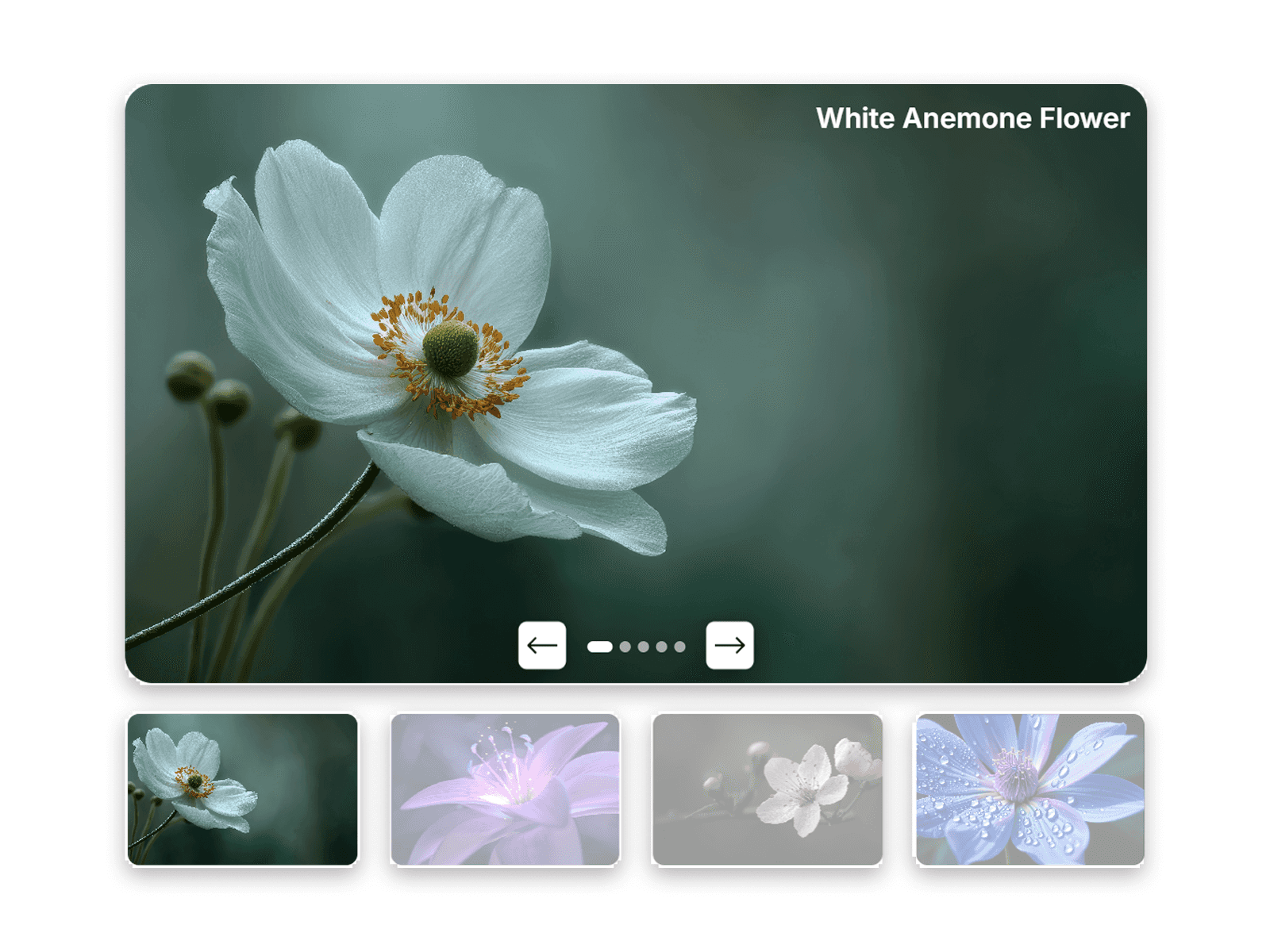
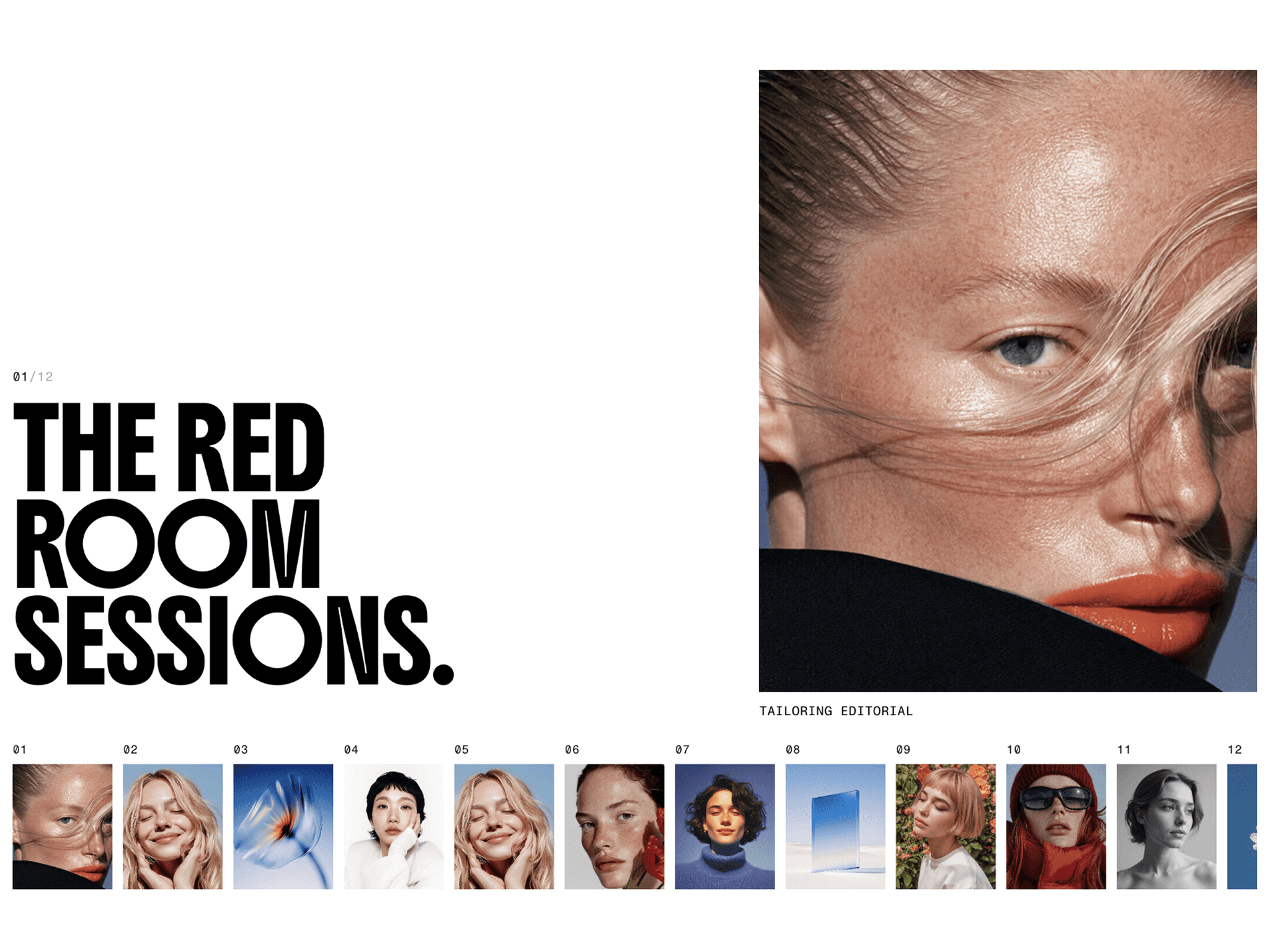
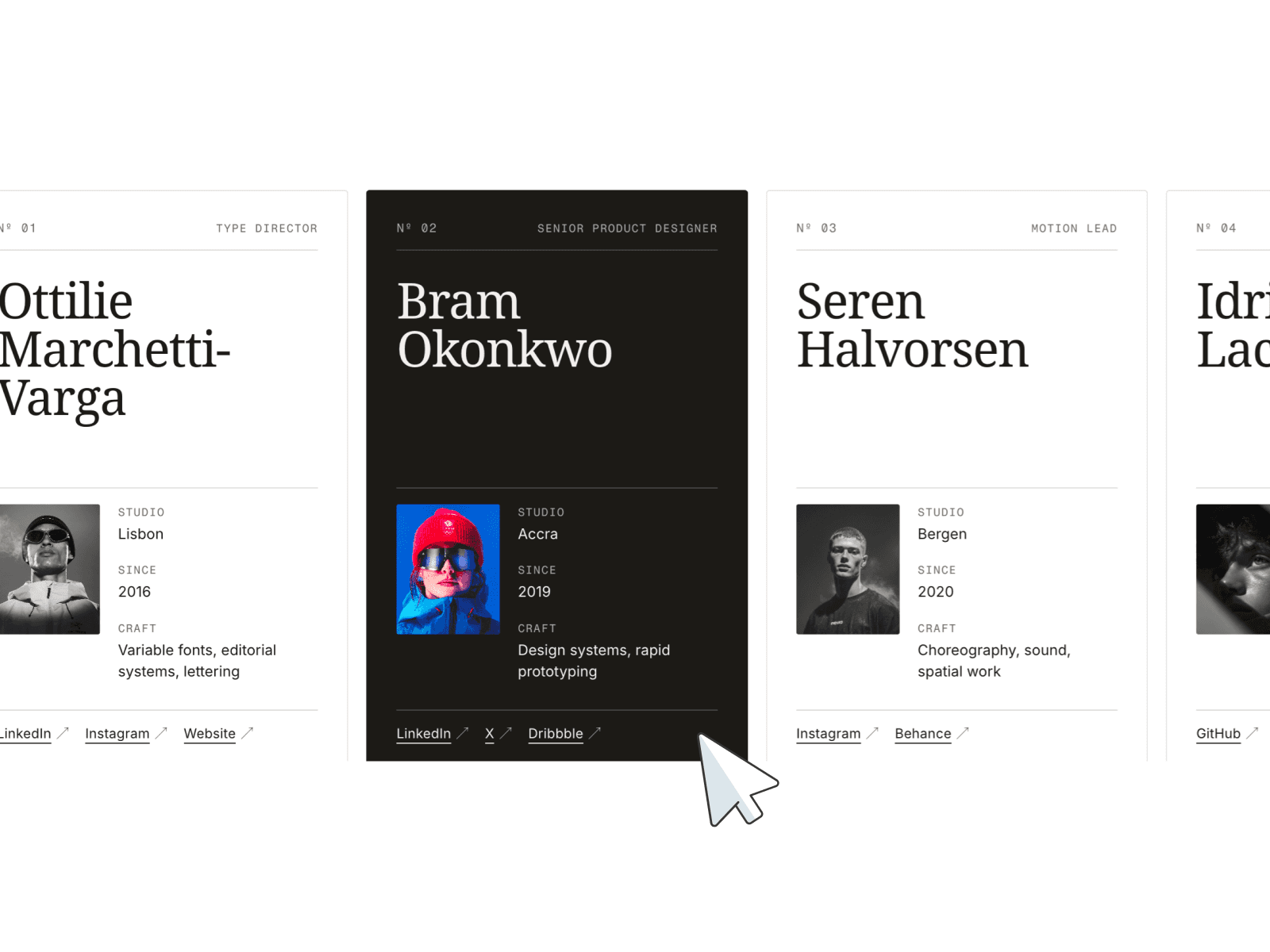
The Sync Scroll Slider transforms traditional scroll gallery layouts into immersive, scroll-driven experiences. As users scroll vertically through your website, this horizontal scroll slider seamlessly moves your images and videos horizontally in synchronized motion, creating a cinematic and modern visual effect.
Whether you need a horizontal image slider, a horizontal video slider, or a combined scroll media slider, this component handles it all. Built for creators, agencies, and modern websites, this on scroll slider delivers smooth animations, responsive layouts, and highly customizable controls directly inside Framer.
Key Features
Sync Scroll Slider Mechanism: Scroll-reactive horizontal motion with smooth, synchronized movement.
Multi-Row Scroll Gallery: Staggered multi-row animations for cinematic depth effects.
Dynamic On Scroll Slider Response: Real-time speed adjustment based on user interaction.
Premium Horizontal Scroll Slider Physics: Smooth easing and floating motion transitions.
Fully Customizable Media Gallery: Complete control over rows, spacing, sizing, and styling.
Flexible Sizing: Adjustable item width, height, gap, and corner radius.
Independent Row Control: Create advanced horizontal scroll gallery layouts with independent row speeds and offset animations.
Performance Optimized: Lightweight execution ensuring a responsive and smooth horizontal media slider experience.
No Code Required: Native Framer controls with no complex setup required.
Perfect For
Creative Portfolios & Photography Galleries: Showcase high-quality work using a premium scroll image slider.
Agency Websites & Brand Showcases: Present case studies with a dynamic scroll video slider.
Landing Pages & Product Showcases: Capture user attention instantly with an interactive scroll media slider.
Logo Galleries: Display client logos in a clean, automated horizontal scroll slider.
Keywords: Sync Scroll Slider, Gallery Scroll Slider, Scroll Slider, On Scroll Slider, Scroll Gallery Slider, Scroll Gallery, Horizontal Scroll Gallery, Scroll Media Slider, Scroll Image Slider, Scroll Video Slider, Horizontal Media Slider, Horizontal Scroll Slider, Horizontal Image Slider, Horizontal Video Slider
Customization Controls
Sync Scroll Slider includes flexible customization controls directly inside the Framer properties panel, allowing creators to easily adjust layouts, spacing, styling, and motion behavior without writing additional code
Available Controls
1. Total Rows
Choose the number of horizontal media rows displayed inside the component.
2. Row Media Items
Add, remove, and organize media separately for each row using Framer’s built-in array controls.
3. Gap Size
Adjust spacing between media items for tighter or more open layouts.
4. Item Width & Height
Customize media dimensions to create landscape, portrait, square, or custom card layouts.
5. Corner Radius
Apply rounded or sharp corners to match different visual styles and design systems.
6. Scroll Speed
Control how quickly the rows react to vertical scrolling for subtle or more dynamic motion effects.
Easy Media Management
Media can be updated directly from the Framer properties panel by adding, removing, or rearranging items inside each row array.
This makes it easy to :
Replace images or videos
Reorder media items
Create custom row compositions
Build unique gallery layouts quickly
Flexible & Responsive
All controls are designed to work seamlessly across responsive layouts, making the component ideal for portfolios, galleries, landing pages, showcases, and modern interactive sections.
Important Note :
Please ensure that all images and videos are properly compressed prior to uploading for optimal speed and performance.