About Team Bio Sync Panel
Team Bio Sync Panel – Pick a Person, See Their Full Profile
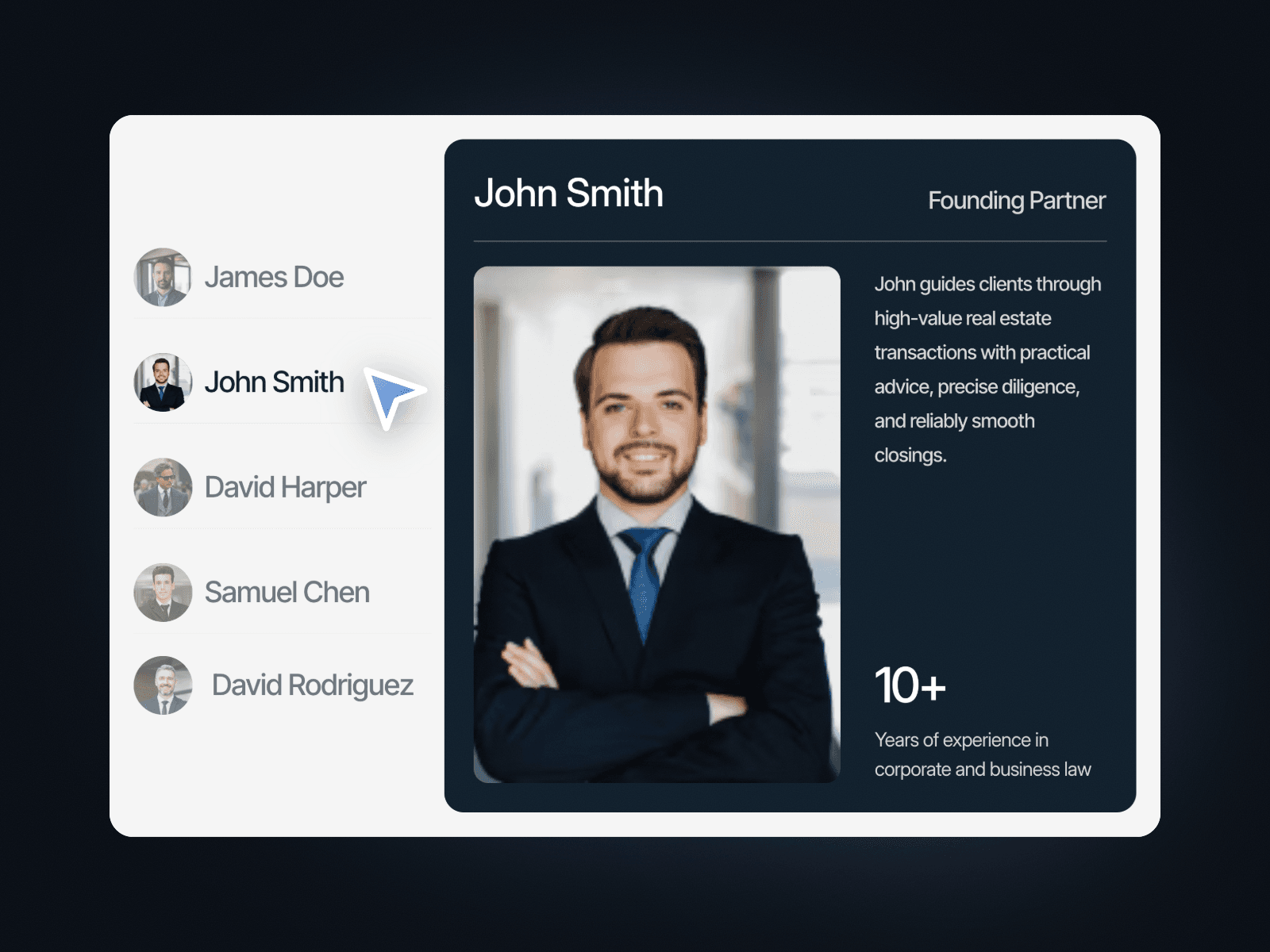
Team Bio Sync Panel lists five team members with small avatars on the left and a large profile card on the right. Click a name and the card switches to that person, with their name, role, photo, short bio and a key stat. It shows a whole team in the space of one section.
How it works
Five team members, each with an avatar and a name.
Click a name to highlight it and load that person into the profile card.
The card shows the name, role, a large photo, a bio and a stat with a label.
Includes Tablet and Mobile variants.
Easy to customize
Edit every member's photo, name, bio and stat.
Use it for a team page, founders, speakers or advisors.
Drop it into any Framer page and edit it from the properties panel or with your AI agent.