About Team Story Section
Pixel Team Story
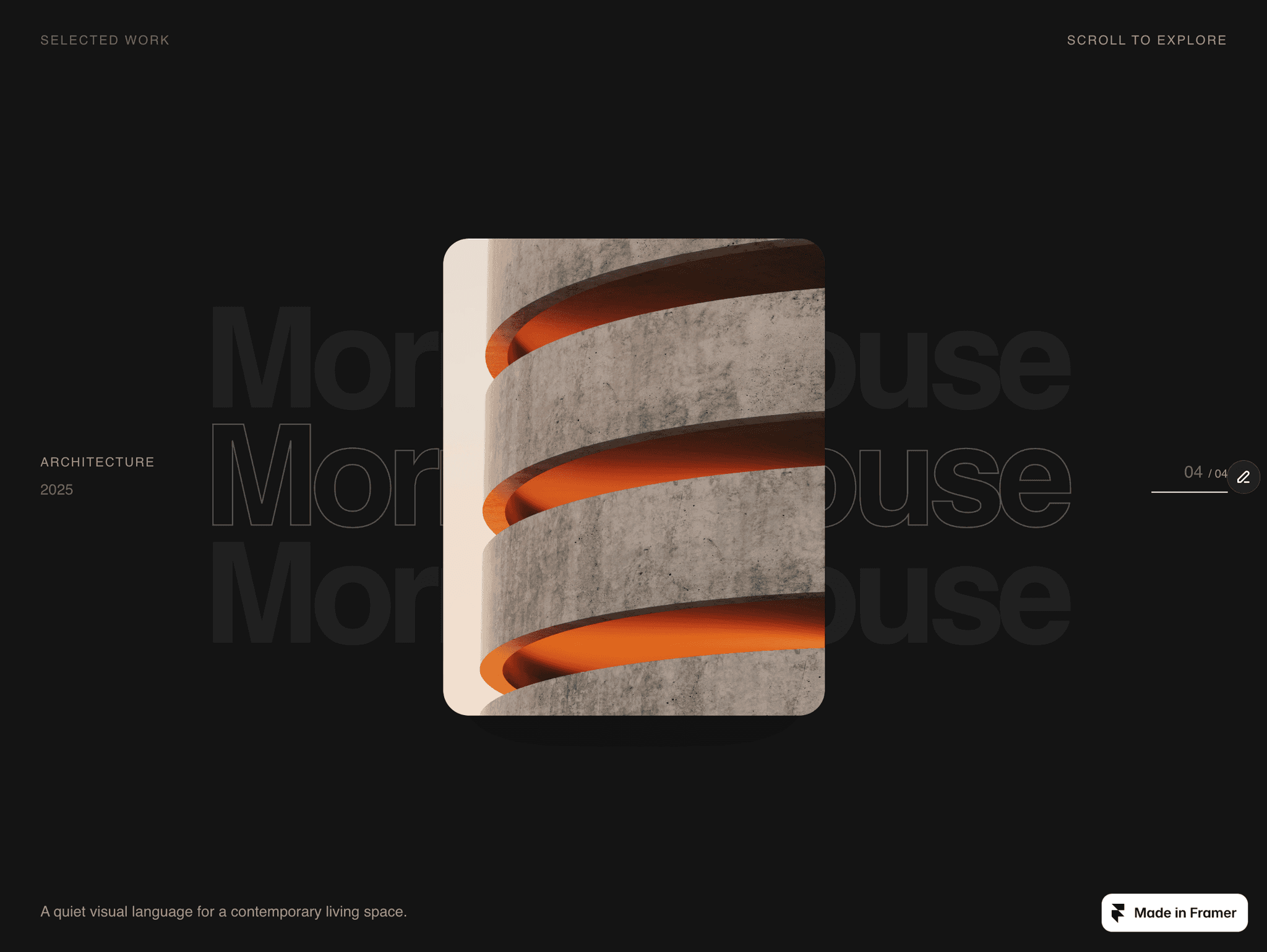
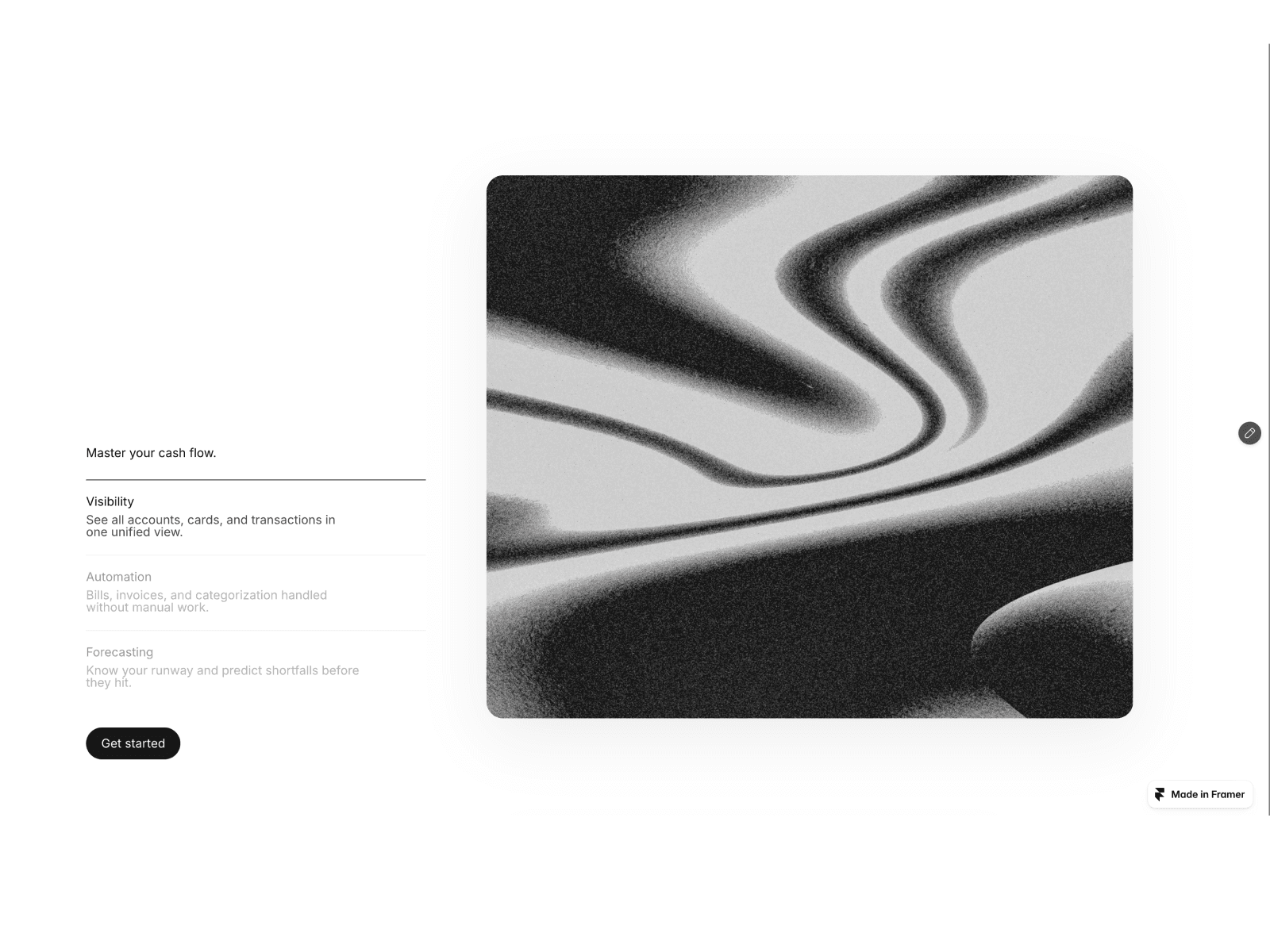
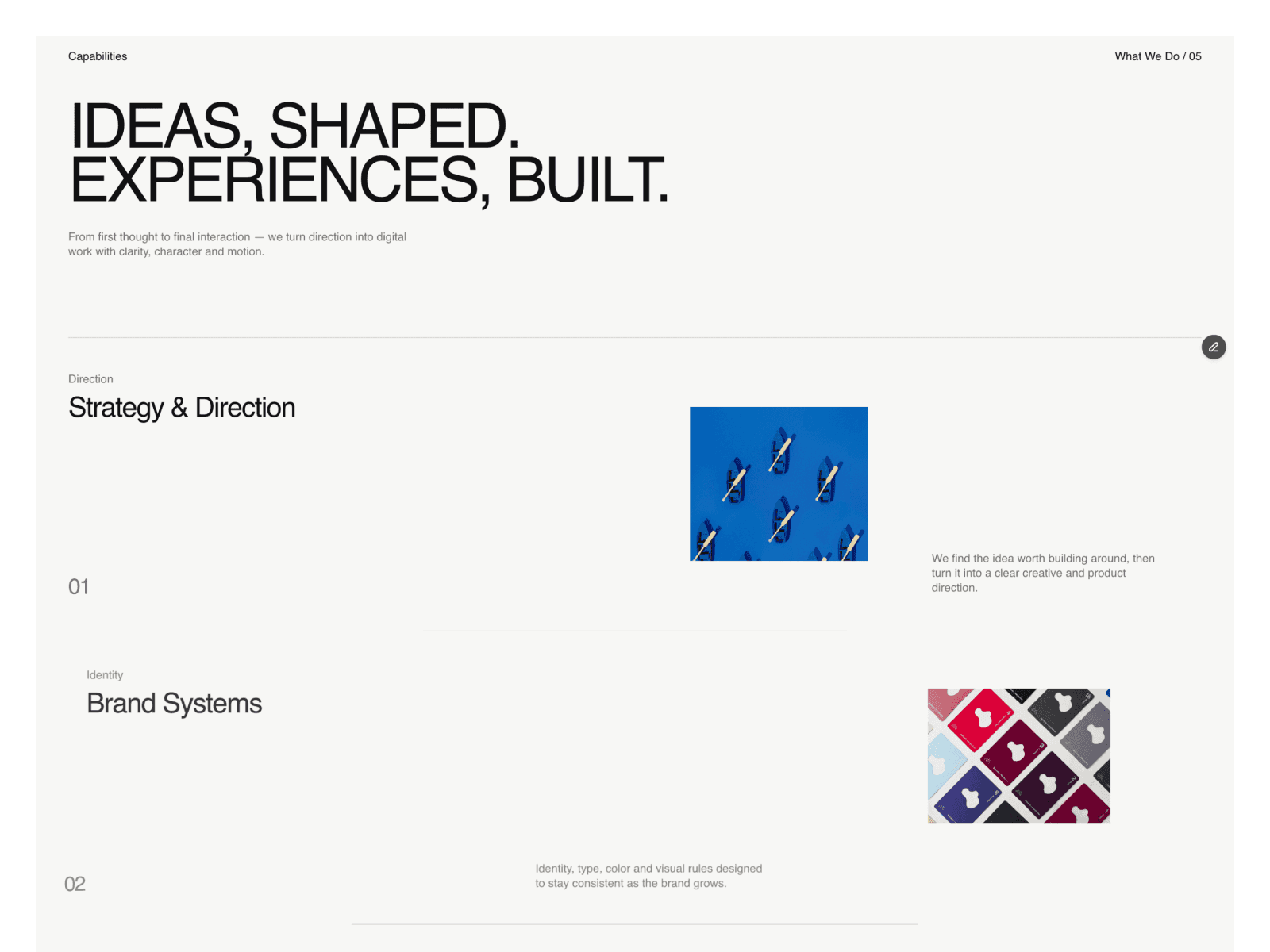
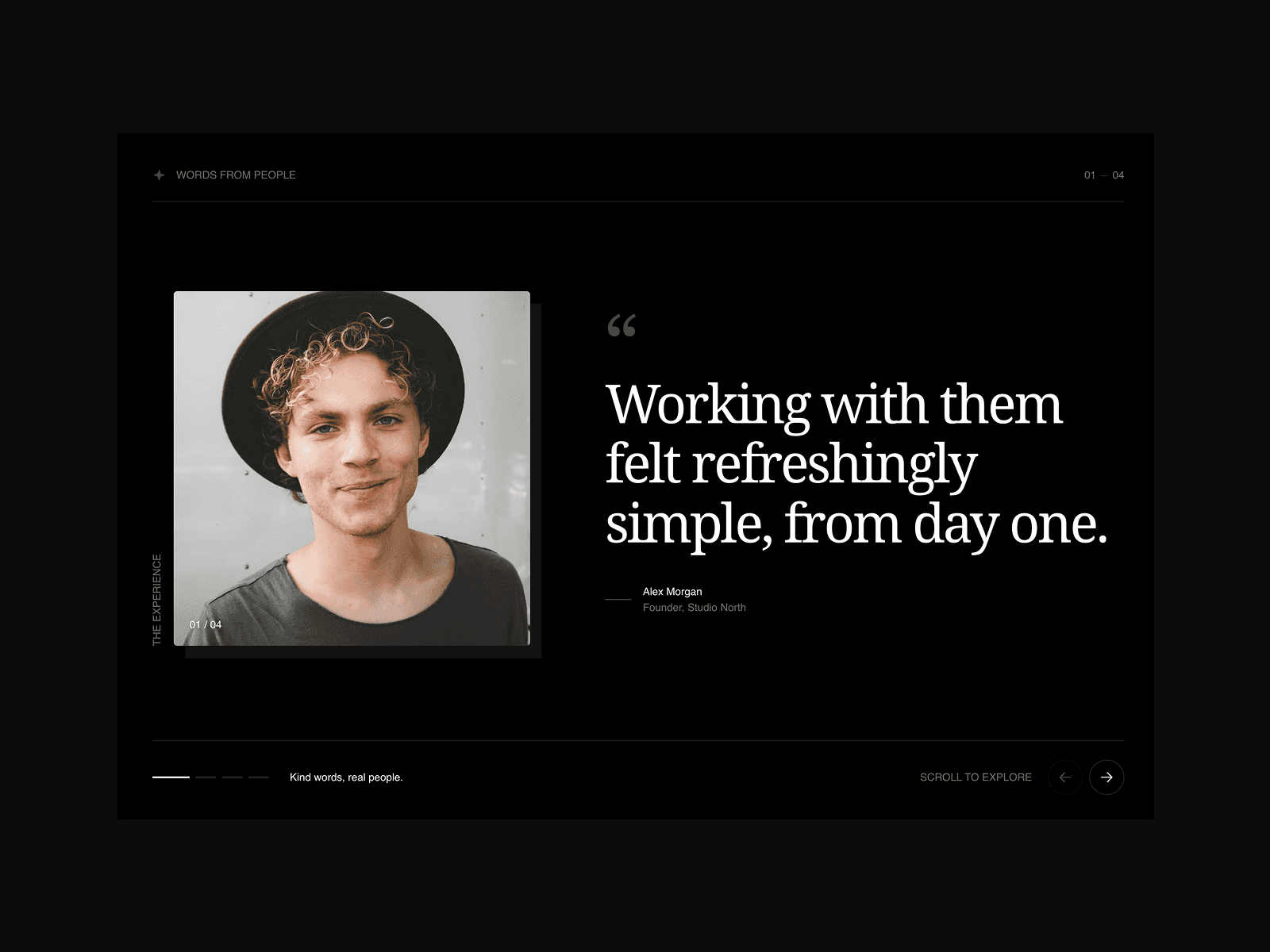
A cinematic, scroll-driven section designed to keep one visual in focus while the rest of the story moves around it.
Designed to draw attention
A central image remains fixed throughout the experience.
Supporting cards move through the scene one by one.
Images arrive with a soft pixelated blur.
Each card becomes perfectly clear near the focal point.
Cards gently pixelate again as they leave the frame.
Made to be yours
Replace every image directly in Framer.
Adjust each card’s size, position, rotation, timing, and movement.
Control corner radius, padding, borders, shadows, blur, and pixel intensity.
Place cards in front of or behind the central visual.
Show or hide names, roles, captions, and numbering.
Flexible typography
Show or hide the complete text area.
Choose from multiple text positions or create a custom placement.
Edit the eyebrow, headline, and description independently.
Control font, size, weight, color, alignment, width, spacing, and line height.
Built for different stories
Use it as a:
Team introduction
Portfolio showcase
Editorial gallery
Project archive
Photography collection
Creative studio section
Crafted for Framer
Fully responsive, editable from the properties panel, and built with a static-render-safe fallback for a smooth experience across the Framer Canvas, previews, and published websites.